
Empowering You with DIY Tech Knowledge
Practical WordPress, hosting and server guides. Clear troubleshooting, security updates and maintenance advice for the systems you run.

WordPress support
Plugin problems, WooCommerce maintenance and practical help for everyday WordPress issues.
Hosting & servers
Control panels, PHP, Linux and the checks that keep a hosting environment understandable.
Proxmox guides
Virtual machines, migrations, networking and backup planning for your Proxmox environment.
Security & updates
Source-checked advisories, repair boundaries and ordinary post-update verification.
Articles
TinyMCE Media Plugin Security Update Guide for 7.x and 8.x
Review TinyMCE media-plugin affected releases, update to 7.9.4 or 8.9.3 and later, and verify normal editor behavior.
Learn More
EPICS Base CVE-2026-114595: Coordinating the 7.0.11 Security Update
Plan the EPICS Base 7.0.11 security update for CVE-2026-114595 with compatibility, recovery and operational checks.
Learn More
Consul-k8s ACL Maintenance: Update to Supported Fixed Releases
Review Consul-k8s ACL maintenance, select a supported fixed release with HashiCorp, and verify the update safely.
Learn More
WatchGuard Fireware OS Maintenance for Access Portal and FireCluster
Plan WatchGuard Fireware OS updates for Access Portal and FireCluster, confirm the applicable fixed release, and verify ordinary appliance health.
Learn More
Veeam Backup & Replication maintenance for CVE-2026-108142
Review Veeam Backup & Replication CVE-2026-108142, identify applicable CDP deployments, and plan the vendor-supported fixed build.
Learn More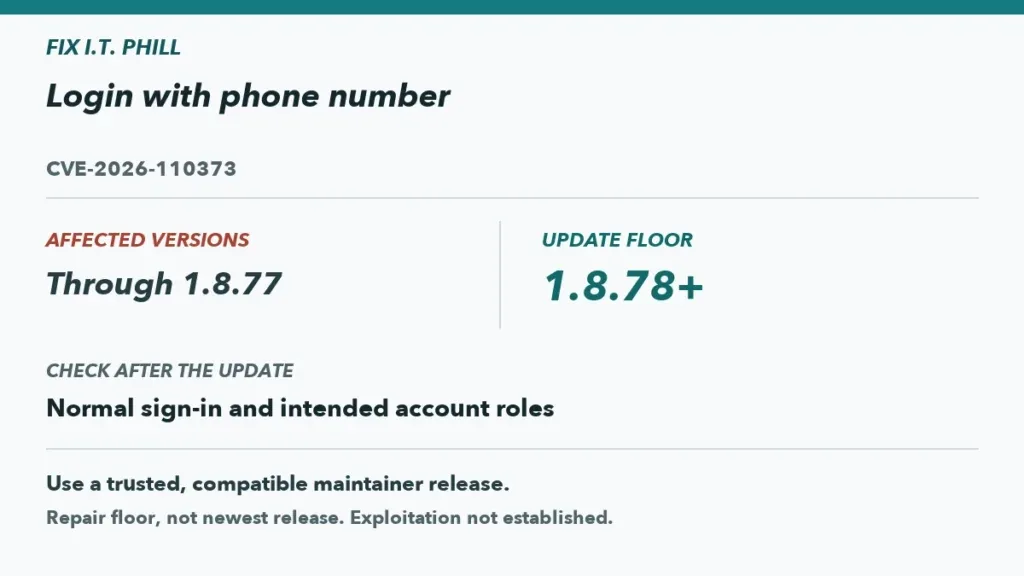
Update Login with phone number to 1.8.78 for CVE-2026-110373
Maintain the official Login with phone number plugin by updating versions through 1.8.77 to 1.8.78 or later and safely checking normal sign-in behavior.
Learn More