


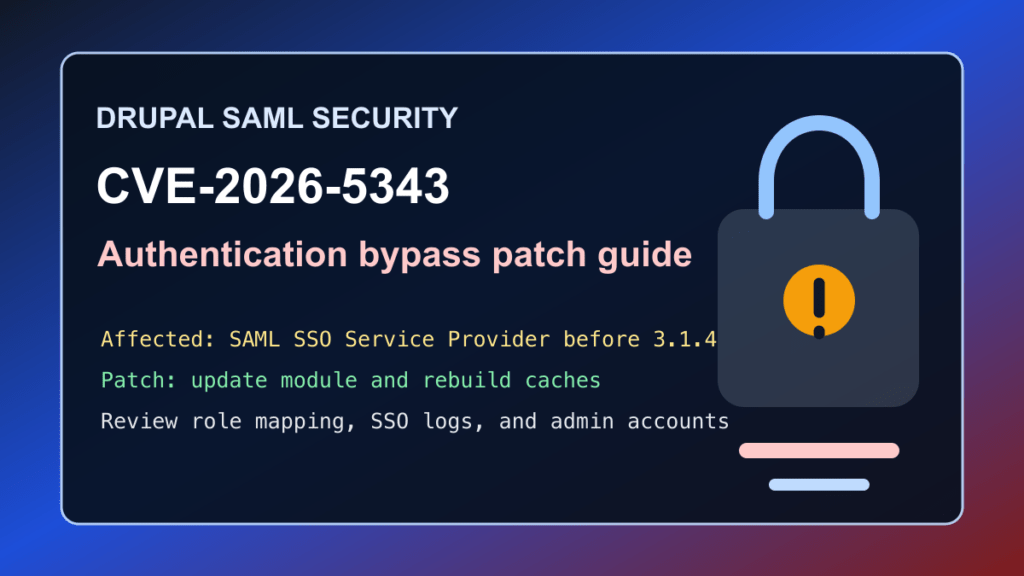
Drupal sites using the SAML SSO – Service Provider module should update for CVE-2026-5343. Drupal published SA-CONTRIB-2026-031 for a critical authentication bypass issue in the miniOrange SAML SSO Service Provider module. Affected versions are before 3.1.4.
This is a protect-only guide. Fix I.T. Phill is not publishing login bypass steps, request details, or testing recipes. The useful defender work is to identify Drupal SSO installs, update to the fixed module release, review authentication logs, and make sure customer portals and administrator accounts were not exposed through stale SAML configuration.
Who is affected
Check Drupal sites that use the SAML SSO – Service Provider module, especially customer portals, intranets, staff sites, membership platforms, campus or nonprofit portals, support desks, B2B sites, and any Drupal site where SAML controls administrator, editor, or customer access.
| Software | Affected versions | Fixed version | Risk |
|---|---|---|---|
| Drupal SAML SSO – Service Provider module | Versions before 3.1.4 | 3.1.4 or newer | Critical authentication bypass |
Drupal rates the advisory critical at 19/25. The advisory scoring says no Drupal account is required, confidentiality and integrity impact are both all, and all module configurations are considered exploitable by Drupal’s target-distribution scoring.
Plain-English impact
SAML SSO is supposed to be the front door between Drupal and an identity provider. If the service-provider module does not block access correctly, authentication logic can fail in a way that lets access happen when it should not. That is why this class of bug is more serious than a normal content-display issue.
Sites that use SAML for staff, customers, editors, or administrators should treat this as a login-boundary patch. The patch should be followed by a review of account activity, SAML settings, Drupal sessions, and recent privilege-sensitive changes.
What to update
Update the SAML SSO – Service Provider module to 3.1.4 or newer. Use your normal Drupal Composer workflow where possible, then run database updates and rebuild caches.
composer show drupal/miniorange_saml
composer update drupal/miniorange_saml --with-dependencies
drush updatedb
drush cache:rebuild
If the site is managed by a hosting control panel, agency maintenance tool, or deployment pipeline, update the dependency in the source of truth first. Otherwise the old SAML module can be redeployed later and quietly reopen the same risk.
Safe verification checklist
- Confirm whether
drupal/miniorange_samlis installed and enabled. - Confirm the installed module version is 3.1.4 or newer.
- Confirm SAML login still works for normal users after the update.
- Confirm local administrator fallback access still works for the site owner.
- Review SAML role mapping, administrator roles, user provisioning, and account creation settings.
- Clear caches and test editor, customer, and administrator workflows.
composer show drupal/miniorange_saml
drush pm:list --status=enabled | grep miniorange_saml
drush cache:rebuild
If you cannot patch immediately
The correct fix is the module update. Temporary mitigation should be short-lived and approved by the site owner because SAML login is often business-critical.
- Restrict Drupal administrative paths to trusted networks where possible.
- Require identity-provider MFA for privileged groups.
- Review SAML role mappings and remove unnecessary automatic administrator assignment.
- Use CDN/WAF challenge or allowlist controls for administrative and customer-login workflows only after confirming the customer impact.
- Schedule an emergency maintenance window for portals where SAML protects staff, customer, or administrator access.
What logs and settings to review
Review Drupal user logs, SAML module logs if enabled, identity-provider sign-in logs, administrator account changes, new account creation, role changes, session anomalies, and unexpected access to customer or staff-only pages. Pay special attention to privileged roles, recently created accounts, and accounts that bypassed the expected identity-provider flow.
Keep notes sanitized. Do not paste SAML assertions, tokens, cookies, personal data, or customer records into tickets unless your incident process specifically requires it.
Hosting and agency guidance
For Drupal fleets, search Composer lock files, deployment manifests, maintenance inventories, and control-panel installs for drupal/miniorange_saml. Prioritize public portals, administrator-heavy sites, customer login portals, employee intranets, school or nonprofit portals, and any site where SSO controls privileged Drupal roles.
Customer communication can be simple: a critical security update is available for the Drupal SAML SSO Service Provider module. The site should be updated to 3.1.4 or newer, SAML login should be tested, and recent login or role-change activity should be reviewed.
CDN and virtual patching note
Virtual patching can reduce exposure during a maintenance window, but it does not replace fixing the SAML module. For Help4 CDN-managed customers, the useful action is to identify Drupal SSO portals, raise protection around approved login and administrator workflows, and remove temporary restrictions after the module update and login tests are complete.
Bottom line
If a Drupal site uses SAML SSO – Service Provider, update it to 3.1.4 or newer. Then verify SAML login, administrator fallback access, role mapping, and recent account activity.