


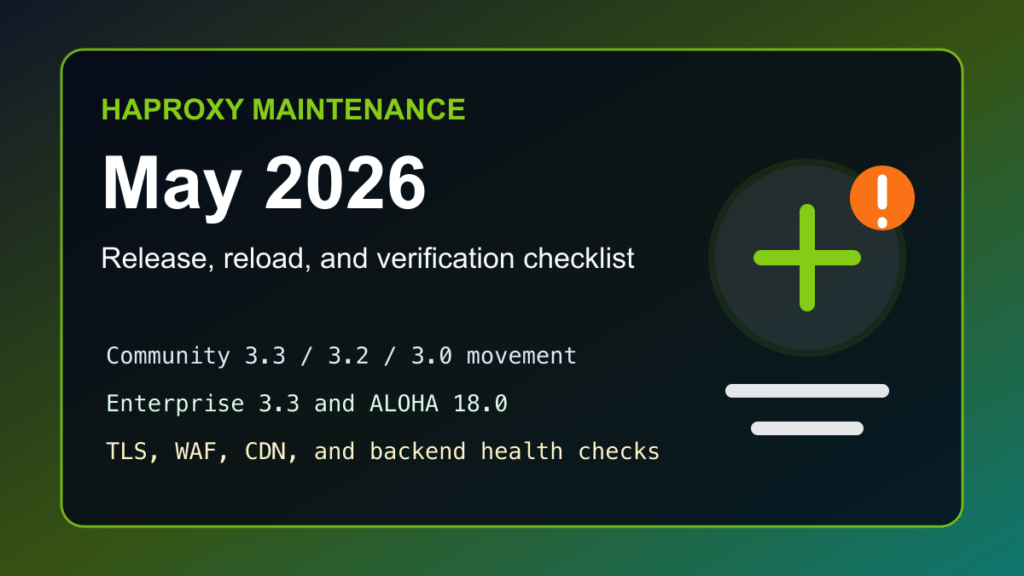
HAProxy moved again in May 2026, and this is a good time to check both community and enterprise deployments. The HAProxy project currently lists fresh May 2026 builds across active branches, and HAProxy Technologies recently announced HAProxy Enterprise 3.3 and HAProxy ALOHA 18.0 with security and traffic-management improvements.
This is not a panic post. It is a maintenance post. Load balancers sit directly in the request path, so small version gaps can become reliability, TLS, HTTP/2, HTTP/3, logging, or WAF behavior gaps over time. If HAProxy is part of your CDN edge, reverse proxy, Proxmox HA design, Kubernetes ingress path, or hosting stack, it deserves the same update rhythm as the web servers behind it.
Current HAProxy Signals
- HAProxy Community lists May 2026 updates for active stable and LTS branches, including 3.3, 3.2, and 3.0.
- HAProxy 3.2 remains an LTS line, which matters for production environments that prefer longer maintenance windows.
- HAProxy Enterprise 3.3 and HAProxy ALOHA 18.0 were announced with improvements around enterprise WAF and bot-management workflows.
- Older HAProxy QUIC CVE fixes from earlier in 2026 are still worth checking if your packages, containers, or appliances lag behind upstream or vendor backports.
Where This Fits With Fix I.T. Phill
If you read the older load-balancing or Proxmox HA material here, treat this as the 2026 HAProxy maintenance layer: check the branch, understand whether you are on community, distro-packaged, enterprise, ALOHA, or ingress-controller HAProxy, and then plan the reload without dropping customer traffic.
For Proxmox environments, this also pairs naturally with the existing ProxLB and Proxmox HA load-balancer guide. ProxLB and HAProxy are not the same project, but the operational lesson is shared: high availability depends on version discipline, health checks, backend draining, and rollback planning.
Safe HAProxy Update Checklist
First, identify which HAProxy you actually run. Distro package names, vendor appliances, containers, and enterprise repositories do not always move at the same speed.
haproxy -v
systemctl status haproxy --no-pager
haproxy -c -f /etc/haproxy/haproxy.cfg
Before changing packages, capture the current configuration, confirm where logs go, and verify that you have a rollback package or snapshot path. For clustered load balancers, drain or fail traffic away from one node at a time.
cp -a /etc/haproxy /root/haproxy-config-backup-$(date +%F)
haproxy -c -f /etc/haproxy/haproxy.cfg
After updating through your vendor-supported path, validate the config again before reload. A clean config check is not optional on production load balancers.
haproxy -c -f /etc/haproxy/haproxy.cfg
systemctl reload haproxy
systemctl status haproxy --no-pager
What To Watch After The Reload
- Frontend bind status and certificate loading.
- Backend server health checks and drain behavior.
- HTTP/2, HTTP/3, QUIC, and TLS behavior if those are enabled.
- WAF, bot, rate-limit, or stick-table behavior if using Enterprise features or custom protections.
- CDN or reverse-proxy chains where headers and client IP handling matter.
- Ingress-controller behavior if HAProxy is running inside Kubernetes.
- Error-rate and latency changes after reload.
Customer Communication
Tell customers this is a load-balancer maintenance update, not a website redesign or application change. If you are changing only HAProxy packages, the expected customer impact should be a short reload or node-by-node failover window. If TLS, HTTP/2, HTTP/3, or WAF behavior is changing, document that separately and keep a rollback path ready.
Sources
- HAProxy community release matrix
- HAProxy Enterprise 3.3 and HAProxy ALOHA 18.0 announcement
- HAProxy CVE archive
- Debian HAProxy security update reference
Related HAProxy HTTP/2 security update
Also review the current HAProxy CVE-2026-49975 HTTP/2 Bomb defense checklist before changing load-balancer policy, backend patch windows, or safe-reload procedures.