


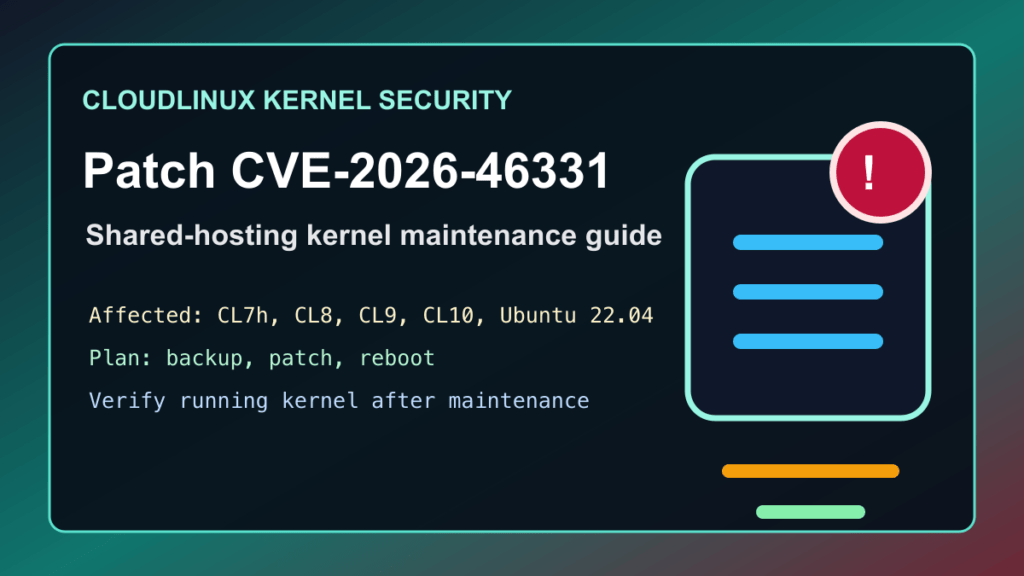
CloudLinux admins should treat CVE-2026-46331 as a shared-hosting kernel maintenance item, not as ordinary background noise. The issue is a Linux kernel local privilege-escalation flaw affecting the traffic-control subsystem. CloudLinux published hosting-specific guidance on June 26, 2026, after public attack demonstration material appeared for the bug.
For a single-user server this is still serious. For cPanel, Plesk, reseller, agency, and shared-hosting systems, the risk is higher because ordinary local users, jailed-shell users, compromised website accounts, or untrusted workloads can exist on the same host as customer data and service daemons.
Who needs to act
CloudLinux says the affected CloudLinux streams are:
- CloudLinux 7h: affected, patched through CloudLinux kernel updates.
- CloudLinux 8: affected, patched through CloudLinux kernel updates.
- CloudLinux 9: affected, patched through the AlmaLinux kernel stream.
- CloudLinux 10: affected, patched through the AlmaLinux kernel stream.
- CloudLinux for Ubuntu 22.04 LTS: affected, dependent on the Ubuntu kernel update path plus CloudLinux livepatch status.
CloudLinux 7 is listed by CloudLinux as not affected. Do not use that as a reason to delay checking mixed fleets; many hosting providers still have a blend of CL7h, CL8, CL9, and newer nodes.
Fixed-kernel targets from CloudLinux
As of CloudLinux's June 26 status note, CloudLinux 9 and CloudLinux 10 had stable patched kernels available, while CloudLinux 7h and CloudLinux 8 had beta-channel kernels rolling toward stable. KernelCare livepatches were still in build and test.
- CL7h:
kernel-4.18.0-553.137.1.lve.el7hor newer. - CL8:
kernel-4.18.0-553.137.1.lve.el8or newer. - CL9 / AlmaLinux 9:
kernel-5.14.0-687.17.1.el9_8or newer. - CL10 / AlmaLinux 10:
kernel-6.12.0-211.26.1.el10_2or newer.
The practical check is the running kernel after maintenance, not just whether an updated kernel package exists on disk. If you update the kernel without rebooting, the host is still running the old kernel unless a supported livepatch has been applied and verified.
Hosting maintenance plan
For hosting providers and agencies, handle this as a short-notice host maintenance task:
- Inventory the CloudLinux stream on every node. Separate CL7h/CL8 systems from CL9/CL10 systems because the release channels and urgency differ.
- Prioritize shared-hosting and reseller nodes first. Systems with local customer accounts, jailed shell access, cron-heavy workloads, or recently compromised sites should move to the front of the line.
- Back up before touching kernels. Confirm account backups, database backups, and restore visibility before scheduling reboots.
- Choose patch path by stream. Use stable kernels where available. If you choose a beta kernel for CL7h or CL8, document why the risk tradeoff is justified and test representative workloads first.
- Use KernelCare only after the relevant livepatch is available and verified. CloudLinux had livepatches in active build/test as of its June 26 notice, so do not assume rebootless coverage until your fleet reports the fix.
- Plan customer impact. cPanel, Plesk, mail, database, PHP-FPM, LiteSpeed/Apache/Nginx, backup, and monitoring checks should be part of the post-reboot runbook.
Temporary mitigation cautions
CloudLinux lists temporary mitigation options for systems that cannot be patched immediately. Treat those as change-controlled mitigations, not copy-paste fixes. One mitigation can affect traffic-control configurations that depend on the affected kernel action. Another can affect rootless containers, developer sandboxes, and CI workloads that depend on unprivileged user namespaces.
For typical shared-hosting web servers that do not rely on those features, a temporary mitigation may be reasonable while waiting for a reboot window or livepatch. For container-heavy, developer, edge-routing, or custom networking hosts, test first or you can create a separate outage while trying to reduce risk.
After patching
After the maintenance window, confirm the running kernel meets the CloudLinux target for that stream, confirm customer sites are responding, and check that control-panel services, DNS, mail, databases, backups, and scheduled tasks came back cleanly.
If you suspect the host was targeted before mitigation or patching, treat that as a compromise investigation. A kernel fix prevents the known path going forward, but it does not remove persistence or undo changes made after an attacker gained root. In that case, isolate the host, preserve evidence, restore from known-good backups or rebuild, rotate credentials, and review customer account integrity before returning the server to normal service.
Fix I.T. Phill guidance
For small businesses and agencies, the important question is not whether you personally manage the kernel. Ask your host or server admin whether your CloudLinux systems are CL7h, CL8, CL9, CL10, or CloudLinux for Ubuntu, whether CVE-2026-46331 has been patched or livepatched, and whether the running kernel was verified after the update.
If you manage hosting servers yourself, keep this separate from unrelated control-panel upgrades unless you intentionally combine the maintenance window. Kernel maintenance, control-panel updates, CMS updates, and customer-site cleanup each have different rollback and verification steps.
Sources
- CloudLinux: pedit COW (CVE-2026-46331) mitigation and kernel update
- CVE.org record for CVE-2026-46331
- NVD API record for CVE-2026-46331
- Ubuntu CVE tracker for CVE-2026-46331
- Red Hat CVE record for CVE-2026-46331
Fix I.T. Phill note: this article intentionally omits public attack demonstration links, reproduction steps, payload detail, and copy-paste mitigation commands. Use the vendor guidance through your normal change-control process.

