


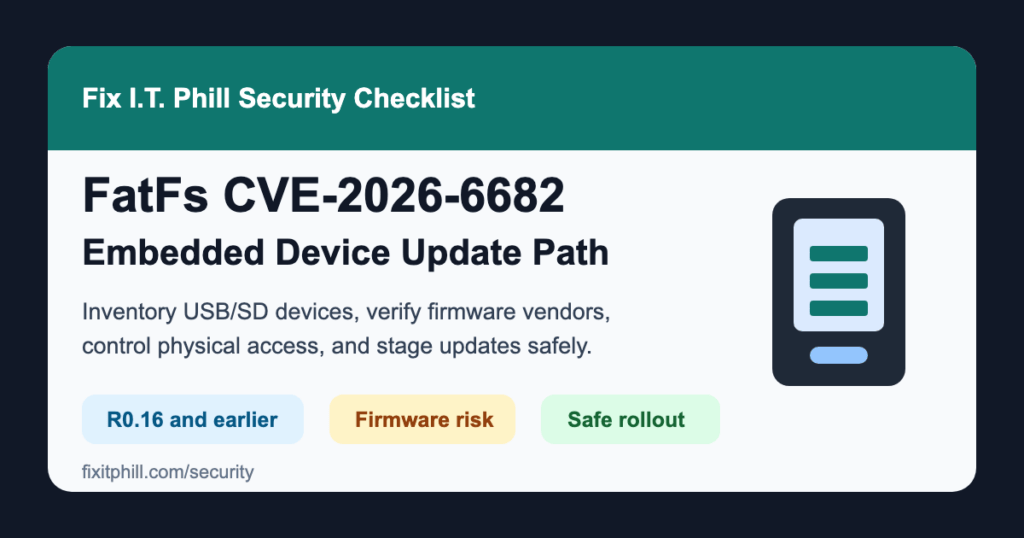
July 3, 2026 update: FatFs CVE-2026-6682 is the headline item in a seven-CVE FatFs disclosure affecting embedded and firmware-driven devices that use FatFs to read FAT, exFAT, or GPT-formatted storage. The other high-severity issues include CVE-2026-6687 and CVE-2026-6688.
Plain-English impact: this is not a normal WordPress, cPanel, Plesk, or web-server patch. It is a device and firmware supply-chain issue. If a camera, kiosk, point-of-sale terminal, industrial controller, drone, hardware wallet, appliance, lab tool, or update process uses FatFs to read removable media or firmware images, untrusted storage content may reach memory-safety bugs inside that device.
Who should care first
- Small businesses with public kiosks, signage players, badge systems, cameras, door controllers, point-of-sale gear, or USB/SD update workflows.
- MSPs, agencies, and local IT teams that manage client hardware, not just websites and laptops.
- Hosting providers and office IT teams with physical access areas, security cameras, embedded console gear, lab tools, or appliance firmware update processes.
- Product teams shipping firmware that includes FatFs directly or through an RTOS, SDK, board-support package, or vendor middleware bundle.
Affected component summary
The CVE Program records list FatFs R0.16 and earlier for CVE-2026-6682, CVE-2026-6683, CVE-2026-6685, CVE-2026-6686, CVE-2026-6687, and CVE-2026-6688. CVE-2026-6684 affects FatFs versions before R0.16 where GPT scanning is enabled in the affected configuration.
runZero notes that FatFs is widely copied into downstream firmware trees, which means the practical fix is usually a vendor firmware update or a validated local backport, not a single package update on a web server.
What to do now
- Inventory devices with removable media or firmware-image workflows. Start with devices that read USB drives, SD cards, update bundles, camera storage, logs, or imported configuration files.
- Ask vendors specifically about FatFs. Generic “latest firmware” language is not enough. Ask whether their product includes FatFs, which version or vendor branch they use, and whether CVE-2026-6682 through CVE-2026-6688 are fixed or not applicable.
- Disable unused media paths. If a device does not need USB import, SD recording, file import, or offline firmware updates, turn those features off where the product allows it.
- Control physical access. Treat USB and SD slots on public or shared devices as security-sensitive. Lock cabinets, restrict front-panel ports, and document who can insert media.
- Use trusted update channels. Prefer signed vendor updates delivered through the normal management path. Avoid ad-hoc removable media updates unless the vendor requires them and the source is trusted.
- Stage firmware updates before broad rollout. Back up device configuration, update a non-critical unit first when possible, confirm the device boots cleanly, and verify recording, logging, and network management after the update.
Temporary mitigation
Until vendors ship or confirm fixes, reduce exposure instead of guessing. Keep untrusted USB drives and SD cards away from affected devices, limit who can perform firmware updates, remove public access to media slots, and keep device management interfaces off guest or public networks.
Virtual patching and compensating controls
A website WAF will not protect a camera, kiosk, or controller from unsafe removable media parsing. The practical compensating controls are physical access control, network isolation, vendor firmware validation, strict update handling, and monitoring for device reboots, lost recordings, failed updates, or configuration resets.
Long-term fix path
For owned hardware, install vendor firmware that explicitly addresses these CVEs or confirms the product is not affected. For unsupported hardware that still accepts removable media or firmware images, plan replacement. For products you build, review FatFs integrations, update the vendored component where safe, and add length, bounds, and failure-state checks around file names, labels, update images, logging paths, and media-mount routines.
Safe verification checklist
- Device inventory includes model, firmware version, removable-media features, and update method.
- Vendor response explicitly mentions FatFs or the CVE IDs, not just a vague security update.
- Configuration backups are saved before firmware changes.
- Updated devices boot, record or log as expected, and remain reachable from the management network.
- Public-facing devices have ports covered, locked, disabled, or supervised.
- Unsupported devices with exposed media slots have a replacement or isolation plan.
Business impact
For a web shop, local business, agency, or hosting office, the risk is usually not the website itself. The risk is the surrounding hardware: cameras, kiosks, access systems, payment devices, signage, customer-facing workstations, update appliances, and field devices that people forget to patch. A single compromised or unstable embedded device can create downtime, data loss, failed video retention, bad access-control behavior, or a support incident that is hard to explain later.
Sources
- runZero: Seven FatFs bugs, one very large blast radius
- runZero advisory for CVE-2026-6682
- CVE Program record for CVE-2026-6682
- CVE Program record for CVE-2026-6687
- NVD entry for CVE-2026-6682
- NVD entry for CVE-2026-6687
- The Hacker News coverage of the FatFs disclosure
Need help turning this into a device inventory or firmware tracking list? Fix I.T. Phill can help small businesses and agencies identify exposed devices, document vendor responses, and plan low-downtime firmware updates.