


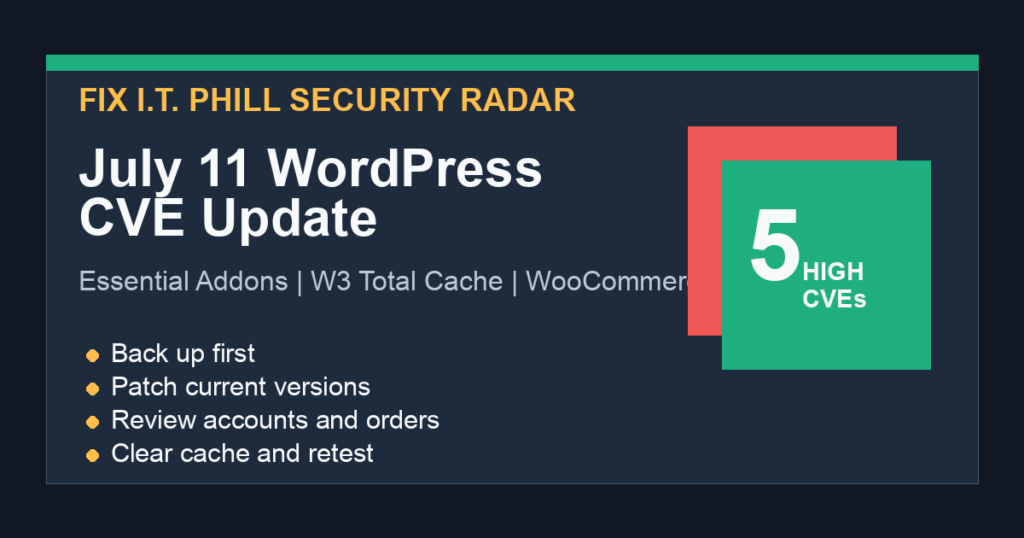
Fix I.T. Phill radar note: NVD published another July 11 WordPress plugin CVE cluster at 07:16 UTC. This batch matters because it includes account takeover risk in a very widely installed Elementor add-on, file-read risk in a major cache plugin, a contributor-level code execution issue, and two unauthenticated database or stored-script risks affecting lead-generation and payment workflows.
The safest move is the boring one: back up first, update affected plugins, clear caches, and review account, content, payment, and database activity after the update. If you cannot patch immediately, temporarily disable or restrict the affected feature until you can confirm the fixed version.
What Changed On July 11
- CVE-2025-6784 – Code Engine: affected through 0.3.5. WordPress.org currently lists 0.5.3. Treat this as a contributor-level code execution risk and update before allowing lower-privilege content authors to use snippet or automation features.
- CVE-2026-15155 – Essential Addons for Elementor: affected through 6.6.10. WordPress.org currently lists 6.6.11. Treat this as an authenticated account-takeover risk for sites using Elementor login or registration widgets.
- CVE-2026-4661 – WP CTA: affected through 2.2.2. WordPress.org currently lists 2.3.0 under the maintained WP CTA listing. Treat this as an unauthenticated SQL injection risk and update before relying on lead-capture widgets.
- CVE-2026-6939 – CorvusPay WooCommerce Payment Gateway: affected through 2.7.4. WordPress.org currently lists 2.7.5. Treat this as an unauthenticated stored-script risk around payment return handling and review recent order notes or payment metadata after patching.
- CVE-2026-9282 – W3 Total Cache: affected through 2.9.4. WordPress.org currently lists 2.10.1. Treat this as a file-read risk, especially on sites using manual minify configuration.
Who Should Move First
Prioritize ecommerce, membership, agency, publisher, school, nonprofit, and local-service sites where customers can log in, contributors can draft content, Elementor widgets handle account flows, cache/minify features are customized, or WooCommerce payment data is business-critical.
The biggest operational exposure in this batch is Essential Addons for Elementor because of its install base. The most sensitive server-side exposure is W3 Total Cache because file-read bugs can expose secrets when a site is configured in the risky way. The most urgent site-owner workflow is still the same: snapshot, patch, review, clear cache, and verify.
Backup-First Patch Checklist
- Create a database backup and a file backup before updating plugins.
- Update Code Engine to 0.5.3 or newer if installed.
- Update Essential Addons for Elementor to 6.6.11 or newer if installed.
- Update WP CTA to 2.3.0 or newer if installed.
- Update CorvusPay WooCommerce Payment Gateway to 2.7.5 or newer if installed.
- Update W3 Total Cache to 2.10.1 or newer if installed.
- Clear page cache, object cache, CDN cache, and browser cache for affected account, checkout, and form pages.
- Retest login, registration, checkout, call-to-action forms, cache/minify output, and editor workflows.
What To Review After Updating
- Administrator and shop-manager users created or changed during the exposure window.
- Recent password reset activity and unexpected account email changes.
- Contributor, author, editor, and agency-user activity on pages using Elementor widgets or snippet tools.
- WooCommerce orders, order notes, failed payment attempts, and payment-gateway settings.
- Lead-capture form submissions and unexpected database errors around call-to-action tools.
- Cache/minify settings, generated cache files, and any unexpected readable sensitive files.
If You Cannot Patch Immediately
Disable the affected plugin or restrict the risky feature while you schedule a maintenance window. For WooCommerce stores, avoid breaking checkout without a replacement plan; put the store in maintenance mode only if payment handling cannot be trusted. For Elementor-heavy sites, restrict contributor access until Essential Addons is patched and tested. For W3 Total Cache, turn off custom minify workflows until the update is installed and verified.
Safe Verification
Use the WordPress dashboard, WordPress.org plugin page, or your hosting control panel to confirm the installed version. Do not run public testing code against live sites. After patching, confirm the site still loads, checkout still works, login and registration flows behave normally, and scheduled cache jobs are not failing.