


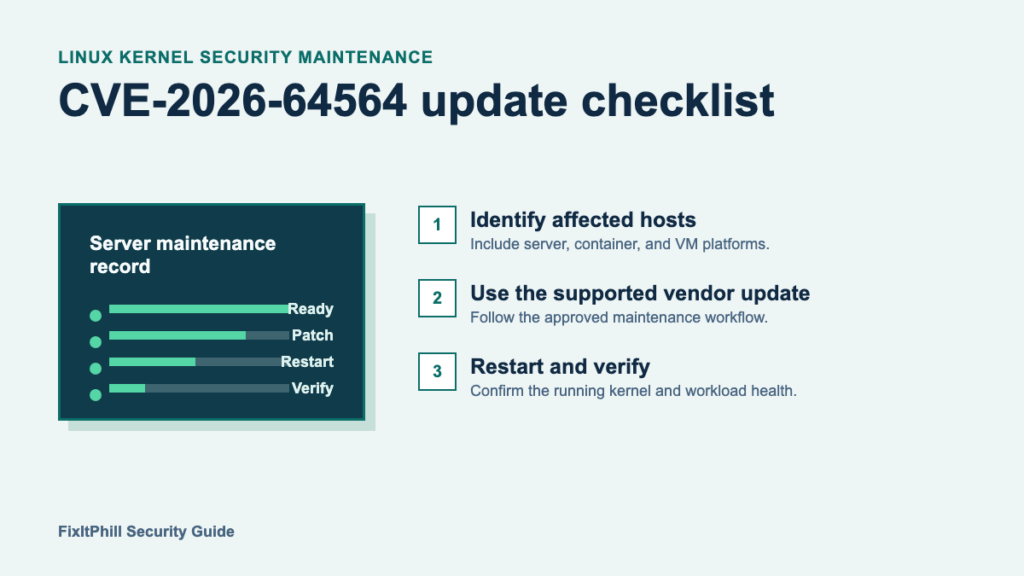
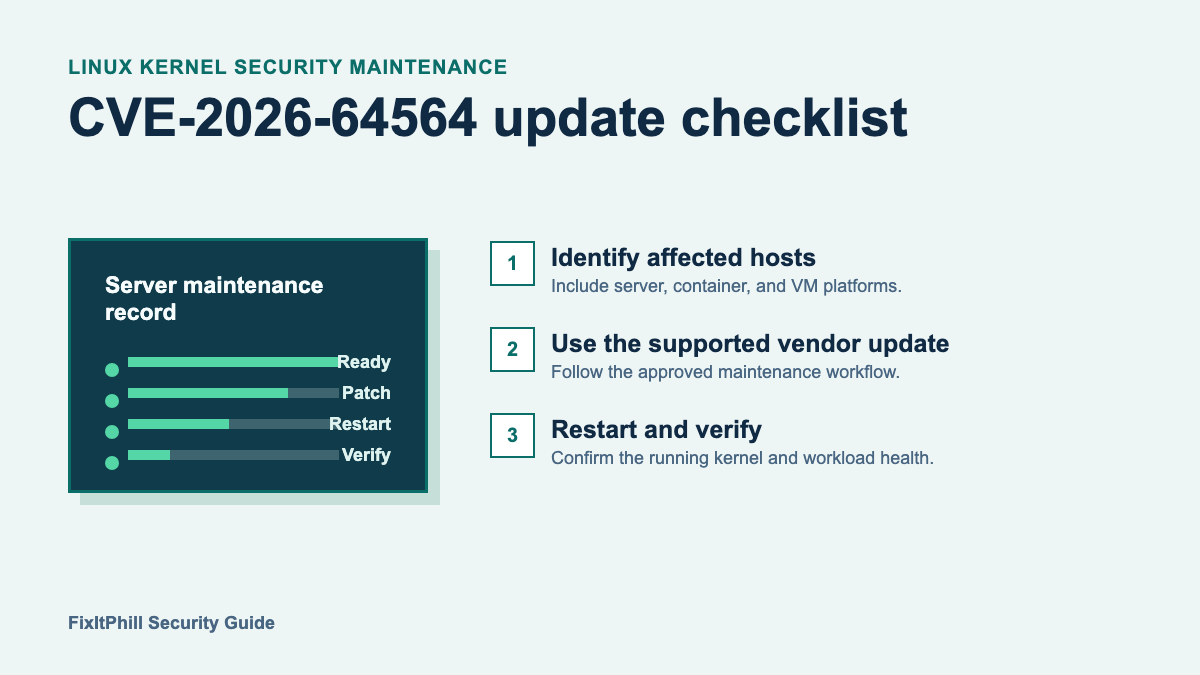

CVE-2026-64564 is a Linux kernel security issue in SCTP handling. The Linux CVE record lists fixed upstream versions including 6.6.148, 6.12.101, 6.18.42, 7.1.6, and 7.2-rc5. For production systems, the right response is a controlled kernel-maintenance cycle through the distribution or platform vendor that supports the host, followed by a real restart and post-restart verification.
This guide is for Linux server, virtual-machine, container-host, and appliance administrators. It does not test the vulnerability or provide attack instructions. It helps teams turn a newly published kernel CVE into an accountable update record.
What to prioritize
Start with internet-facing Linux systems, hosts that run containers or virtual machines, systems using SCTP-dependent services, and shared hosting or management nodes. Also include staging, recovery, and standby systems: an update is incomplete when an older copy comes online later.
The official record identifies affected upstream Linux versions from 2.6.25 up to the applicable fixed releases. Distribution vendors may backport a fix without matching an upstream version string exactly, so a package advisory, vendor tracker, or supported-kernel bulletin is more reliable than comparing a version number in isolation.
Plan the maintenance change
- Record the host role, installed kernel package, owning team, maintenance window, and recovery contact.
- Confirm a usable rollback or restore path appropriate for that host. For a clustered platform, confirm the capacity and workload-migration plan before taking a node down.
- Use the supported distribution, cloud, appliance, or hosting-panel update channel to obtain its current security kernel. Avoid an unrelated major operating-system upgrade during an urgent security change unless the vendor specifically requires it.
- Coordinate application owners when the host runs databases, mail, e-commerce, WordPress, containers, or virtual machines. A kernel package is not active until the host has restarted into it.
Apply the supported kernel update
Install the current vendor-provided security kernel through the platform’s normal maintenance workflow, then restart the host during the approved window. Do not assume a package installation alone is sufficient. Record the kernel that is running after the restart, as well as the package or advisory used to establish coverage.
For a hypervisor or container host, evacuate or stop workloads according to the platform runbook, patch one host at a time where capacity permits, and return it to service only after the host is healthy. The Proxmox VE security patch checklist is a useful companion for clusters that need staged node maintenance.
Verify after the restart
- Confirm that the host booted into the approved vendor kernel and that its normal monitoring, backup, and management connections have returned.
- Check the primary services for the host role: application health, storage, network reachability, scheduled jobs, and any container or virtual-machine workloads.
- Update the maintenance record with the advisory or vendor confirmation, running kernel, restart time, verification result, and any deferred systems.
- Set a follow-up for exceptions rather than leaving unavailable systems as an informal hold. Use compensating controls only with the system owner and document the review date.
Keep the scope separate
This is a host-kernel update, not a WordPress core or plugin update. Sites running on an affected Linux server still need their usual application maintenance and backup checks. For the application side, use the WordPress support hub, the WordPress backup restore test guide, and the Linux kernel patch guide for hosting systems.
Authoritative references
- Linux CVE record for CVE-2026-64564
- Linux stable kernel fix reference
- CISA Known Exploited Vulnerabilities Catalog
Bottom line: identify the Linux hosts that can use SCTP, apply the current supported kernel security update through the vendor channel, restart into it, and verify the host and its workloads before closing the change.