


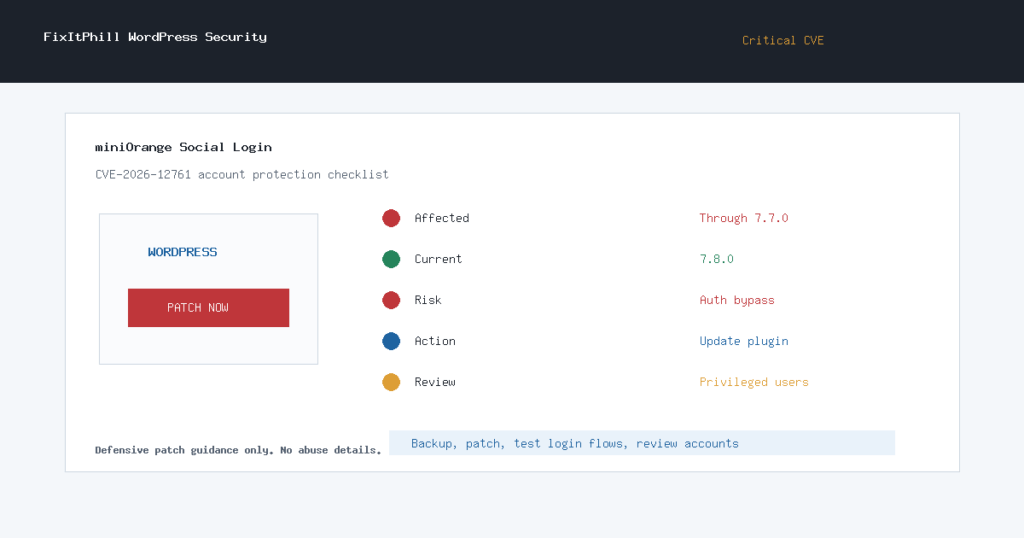
Update for July 10, 2026 at 22:00 UTC: NVD published CVE-2026-12761, a critical authentication-bypass issue affecting the miniOrange Social Login and Register WordPress plugin in versions up to and including 7.7.0.
This is a WordPress account-protection issue. If a site uses the miniOrange social login plugin for Google, Discord, Twitter/X, LinkedIn, or other identity-provider sign-ins, the site owner should update the plugin and review administrator accounts the same day.
Who Is Affected
- WordPress sites running miniOrange Social Login and Register through version 7.7.0.
- Sites that allow social login or registration for customers, members, students, staff, or administrators.
- WooCommerce, membership, LMS, support portal, agency, and client-dashboard sites where account ownership matters.
WordPress.org lists the plugin slug as miniorange-login-openid. During this pass, WordPress.org reported the current plugin version as 7.8.0 with roughly 10,000+ active installs.
What To Do Now
- Take a full site backup before changing authentication plugins.
- Update miniOrange Social Login and Register to the current WordPress.org version, currently 7.8.0.
- If the site cannot update immediately, disable social login temporarily and require standard WordPress login until maintenance is complete.
- Check administrator, editor, shop manager, membership, and customer-support accounts for unexpected additions or role changes.
- Ask high-privilege users to reset passwords and re-check two-factor settings after the plugin update.
- Test customer login, checkout, membership access, password reset, and any SSO-dependent workflow after caches are cleared.
Hosting And Agency Checklist
- Search managed WordPress sites for the miniorange-login-openid plugin slug.
- Prioritize sites that allow open registration, customer accounts, subscriptions, LMS access, private downloads, or admin-facing portals.
- Patch staging first when the site has custom login redirects, role mapping, membership rules, or WooCommerce account customizations.
- After patching, review recent users, role changes, login logs, password resets, and unfamiliar connected-provider settings.
- Notify affected site owners that social login was updated for account-takeover risk and that privileged account review is recommended.
Exploitation Status
CISA KEV did not add this CVE during the 22:00 UTC pass. NVD rates it critical, and the source is Wordfence. That is enough to treat the issue as urgent for sites using the plugin, even without a KEV entry.
FixItPhill Guidance
Do not wait for a normal monthly plugin maintenance window on this one. Authentication-bypass flaws in login plugins can turn into account takeover and customer-data exposure quickly. Back up, patch, clear caches, test login flows, and review high-privilege accounts before marking the site clean.
If a site no longer needs social login, this is also a good time to remove the plugin entirely after confirming no customer workflow depends on it.