


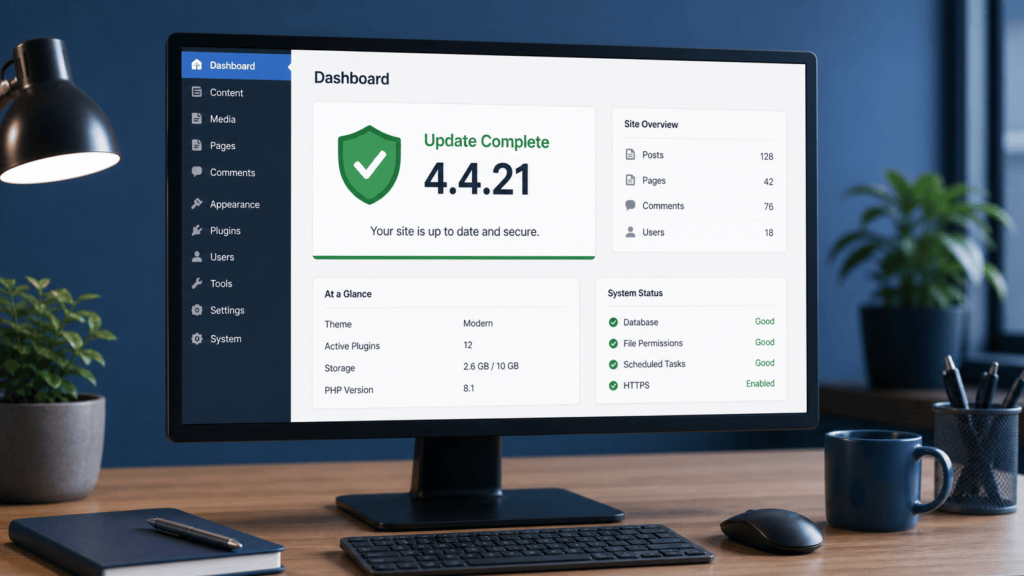
SPIP sites should be updated to version 4.4.21 as an urgent security task. SPIP’s official security announcement says this release corrects CVE-2026-77806, a critical pre-authentication remote code execution issue affecting earlier releases. The project also reports that exploitation attempts have already been observed.
What to do now
- Confirm the installed SPIP version. Record the result in the normal maintenance ticket. Treat releases before 4.4.21 as requiring attention.
- Schedule the vendor update immediately. Use the established maintenance and recovery process for the site, then apply the official SPIP 4.4.21 update. Where the project publishes a newer supported security release for the same branch, use that current vendor guidance.
- Verify the essential site paths after maintenance. Check priority public pages, contact or transaction forms, media, templates, scheduled functions, and administrator sign-in. Clear only the site’s normal page cache when a change is not visible.
- Review privileged access. Disable unused administrator and editor accounts, confirm that active users have individual accounts, and reduce permissions to the minimum needed for their work.
- Escalate unexpected findings through the normal incident process. If you find unrecognized account changes or site behavior, preserve the approved operational record and involve the site owner or hosting provider. Do not investigate by testing the issue against a production site.
Who is affected
This applies to sites running SPIP before 4.4.21. The official project announcement describes the issue as a critical pre-authentication remote-code-execution flaw and says exploitation attempts have already been observed. That makes prompt update and an access review more important than a routine maintenance cycle.
Keep the change controlled
Use the site’s normal approval, recovery, and maintenance process. This guide does not create a full-account backup, webroot snapshot, uploads archive, database export, or change to a customer backup schedule. If a production update cannot proceed promptly, use the site’s established maintenance or service-restriction process while the responsible team works with the hosting provider on a safe remediation plan.
Related site-support checks
Organizations that administer several CMS platforms can apply the same update, account-review, and verification discipline to WordPress through Fix I.T. Phill WordPress Support. For ongoing site maintenance, also review the latest posts in our security guidance.