


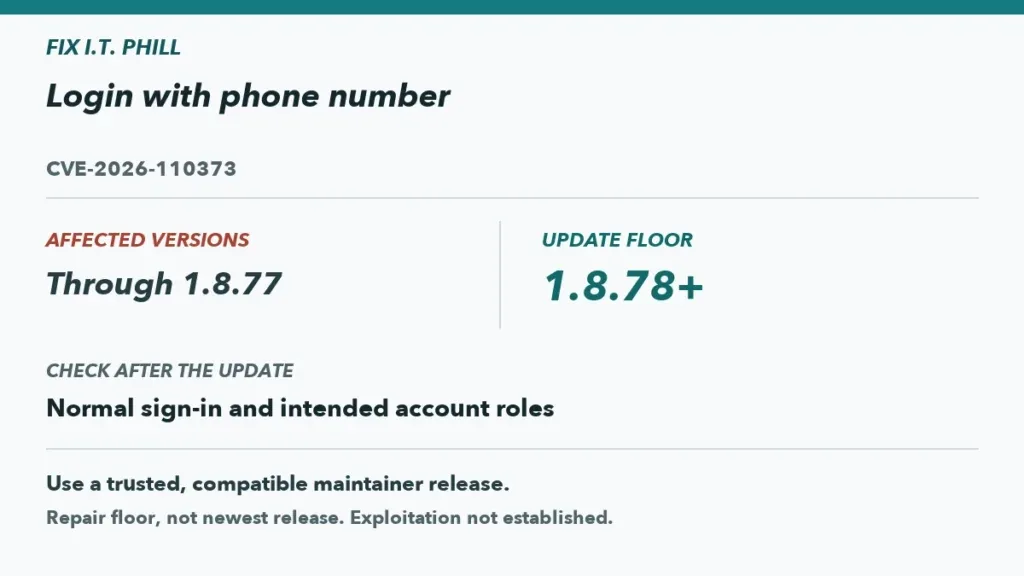
CVE-2026-110373 affects the Login with phone number plugin through version 1.8.77. The repair floor is 1.8.78. Incorrect privilege assignment can enable privilege escalation. Active exploitation is not established. Confirm the product identity carefully: this guidance is for Login with phone number, not another phone-login plugin with a similar name.
Identify the plugin and protect access
Confirm the installed plugin’s exact identity and version before acting. Record whether it is active, its WordPress and PHP versions, the login methods it changes, connected messaging providers, user-registration settings, and administrator recovery path. Maintain a separate administrator access route during the update so a login regression does not lock out the maintenance team.
Back up the site according to its normal recovery procedure and test staging with fictional user accounts and non-routable or otherwise safe test contact details. Do not use customer phone numbers or alter live authentication settings solely for testing. This preparation does not establish that the affected version is installed or that any account was exposed.
- Affected range: through 1.8.77.
- Fixed floor: 1.8.78.
- Reported condition: incorrect privilege assignment that can enable privilege escalation.
- Reported exploitation: not established.
Update using WordPress maintenance controls
Install version 1.8.78 or a later compatible release through the ordinary WordPress plugin update process. Check the plugin’s documented compatibility requirements and verify any relevant messaging-provider connection settings remain intact. Do not substitute a similarly named login plugin without a planned migration, because authentication changes can affect real users.
After updating, confirm the intended Login with phone number plugin remains active and records version 1.8.78 or later. If recovery requires restoring an older backup, document the affected-version implication and prioritize a corrected compatible update. A rollback can recover service but is not a lasting security resolution.
Check legitimate sign-in flows
In staging, use synthetic accounts to verify the site’s intended login flow, account recovery route, ordinary logout, and administrator access. Where the site legitimately uses phone-based login or verification, use only approved non-production test arrangements. Confirm that normal users see the expected outcomes and that authorized administrators retain access without changing unrelated role assignments.
Review WordPress and hosting logs for update errors, failed background work, or provider-integration problems. Record the test accounts, time window, installed version, and results. Avoid security probing, bypass attempts, or attempts to recreate the reported issue.
Assess historical signals with evidence
There is no evidence here that active exploitation occurred, so do not promise that no attacks happened. Review available user registrations, password or account-recovery events, administrator and role changes, authentication logs, plugin configuration changes, and provider alerts for unexplained activity during the period an affected version may have been present.
Preserve credible evidence and follow the site’s incident-response process if anomalies warrant it. Updating to 1.8.78 addresses the reported version range; it cannot independently validate every prior login or account state.