


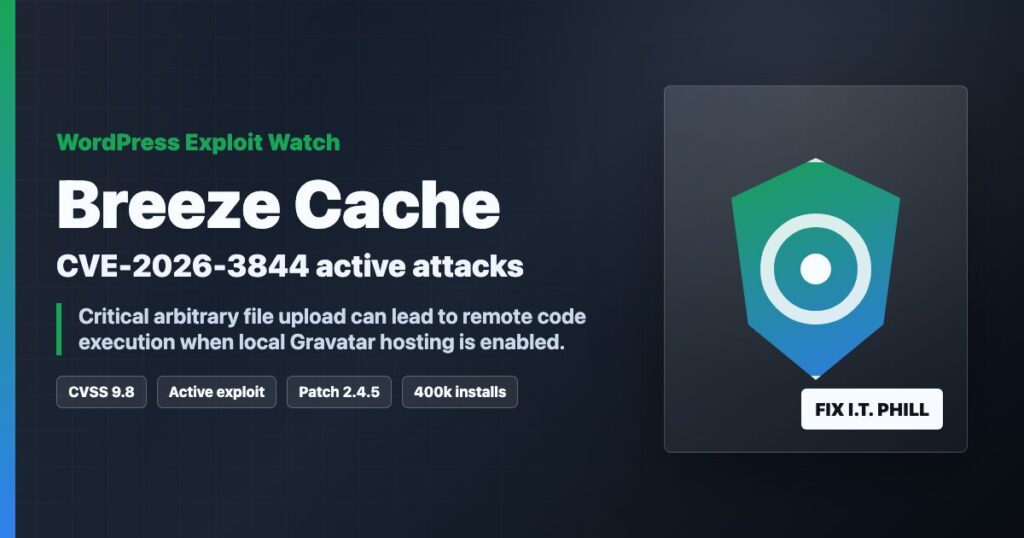
Impact statement: CVE-2026-3844 is a critical Breeze Cache vulnerability for WordPress that can let an unauthenticated attacker upload arbitrary files when the vulnerable Gravatar local-hosting path is exposed. If the uploaded file is executable by the web server, that can become remote code execution on the affected WordPress site.
This is not theoretical. Wordfence reported active exploitation attempts against Breeze Cache sites and lists the issue at CVSS 9.8 Critical. Breeze Cache also has a large install base, so agencies and hosting providers should check every managed WordPress site, not only the loud ones.
Who Is Affected
- WordPress sites running Breeze Cache up to and including 2.4.4.
- Sites where the vulnerable local Gravatar hosting feature path is reachable.
- Managed WordPress fleets where plugin versions are not centrally enforced.
- Shared hosting customers where a single compromised site can become a wider cleanup problem.
Wordfence notes that the vulnerable feature is disabled by default, but that does not make this safe to ignore. A feature that is off on one site may be on across a client fleet, a staging copy, or a server image that has been cloned for years.
Patch First
Update Breeze Cache to 2.4.5 or newer. The current WordPress.org plugin page shows later builds available, so the practical target is simply the latest Breeze release.
wp plugin status breeze
wp plugin update breeze
wp plugin list --name=breeze
If you cannot patch immediately, deactivate Breeze Cache until the site can be updated and reviewed.
wp plugin deactivate breeze
Check For Webshells And Recent Uploads
After patching, look for recently created executable files in upload and cache paths. These commands are a starting point, not a complete incident response.
find wp-content/uploads -type f ( -name "*.php" -o -name "*.phtml" -o -name "*.phar" ) -mtime -14 -ls
find wp-content/cache -type f ( -name "*.php" -o -name "*.phtml" -o -name "*.phar" ) -mtime -14 -ls
find wp-content -type f -mtime -14 ( -name "*.php" -o -name "*.phtml" -o -name "*.phar" ) -ls
Also check for unexpected administrator accounts, modified theme files, suspicious cron entries, and unfamiliar must-use plugins.
wp user list --role=administrator
wp plugin list --status=must-use
wp cron event list --fields=hook,next_run_relative,recurrence
find wp-content/themes wp-content/mu-plugins -type f -mtime -14 -ls
Hosting Provider Checklist
- Search every account for the Breeze plugin, including suspended and staging sites.
- Patch Breeze or temporarily disable it where customer approval is required.
- Scan upload/cache paths for executable files created around the disclosure and exploitation window.
- Review web logs for unusual requests hitting Breeze, Gravatar, cache, and upload endpoints.
- Notify affected customers plainly if exploitation indicators are found.
Source Links
- Wordfence report on active Breeze Cache exploitation
- Wordfence Intelligence entry for CVE-2026-3844
- Breeze Cache plugin page and changelog on WordPress.org
Bottom Line
If a WordPress site runs Breeze Cache, patch it now. If the site had local Gravatar hosting enabled or you see suspicious uploads, treat it as a possible compromise and start cleanup instead of only clicking update.