


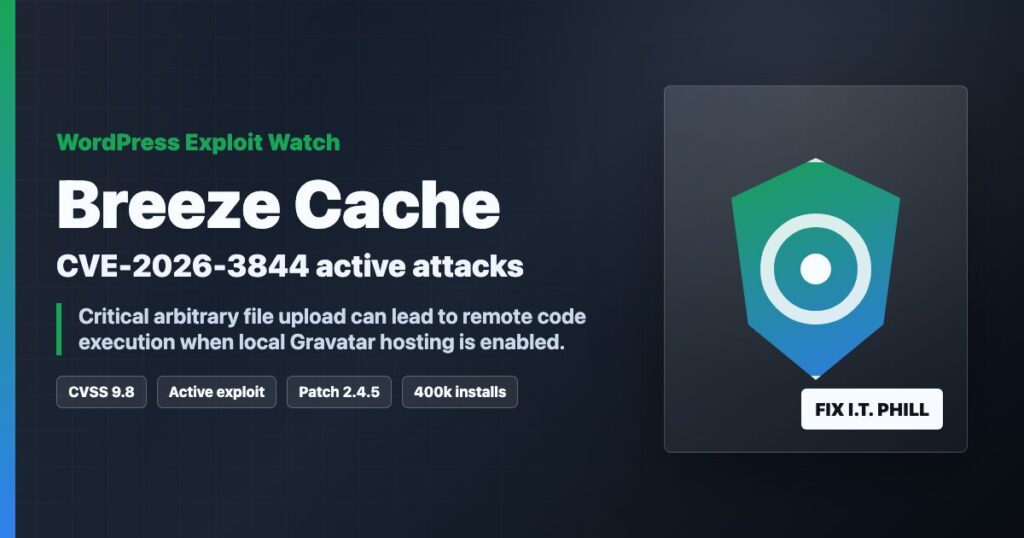
Impact statement: CVE-2026-3844 is a critical Breeze Cache vulnerability affecting WordPress sites that ran vulnerable Breeze versions. For site owners and hosting providers, the defensive priority is simple: update Breeze, verify the installed version, review recent file changes, and treat suspicious files or accounts as an incident.
This post intentionally stays on the protection side. It does not include request recipes, scanner strings, or instructions that help someone test strangers’ websites. The useful work for defenders is patching, review, cleanup, and customer communication.
Who Needs To Act
- WordPress sites running Breeze Cache up to and including 2.4.4.
- Agencies or hosting providers managing many WordPress installations.
- Sites where plugin updates are manual, delayed, or controlled by a staging workflow.
- Shared hosting environments where one compromised WordPress account can create a broader cleanup problem.
Patch First
Update Breeze Cache to 2.4.5 or newer. If WordPress.org shows a newer Breeze release, use the newest available stable version. After the update, confirm the plugin version from the WordPress dashboard, WP-CLI, or your hosting control panel inventory.
wp plugin status breeze
wp plugin update breeze
wp plugin list --name=breeze
If you manage many sites, do not rely on memory. Export a plugin inventory, sort by Breeze version, and chase down any site that did not update cleanly.
Safe Review Checklist
- Review upload, cache, plugin, theme, and must-use plugin directories for unexpected executable files.
- Check administrator users and remove accounts you cannot verify.
- Review recent file modification times around the suspected exposure window.
- Check scheduled tasks, hosting account cron jobs, and unfamiliar plugin additions.
- Review security plugin alerts and hosting logs for unusual file-change or login activity.
- Preserve suspicious files for investigation before deleting them.
Hosting Provider Notes
For shared hosting and agency fleets, the right response is not just “update the plugin.” Build a list of affected accounts, verify patch status, review file changes, and prepare a plain customer notice if indicators are found. If one customer site looks compromised, rotate that site’s WordPress admin passwords, SFTP/FTP credentials, database password, application salts, and any exposed API keys.
When To Treat It As An Incident
Treat the site as an incident if you find unexpected executable files, unknown admin users, unfamiliar cron jobs, modified plugin/theme files, strange redirects, spam pages, outbound mail abuse, or login activity you cannot explain. Patch the plugin first, then preserve evidence, clean from a known-good baseline, and rotate credentials.