


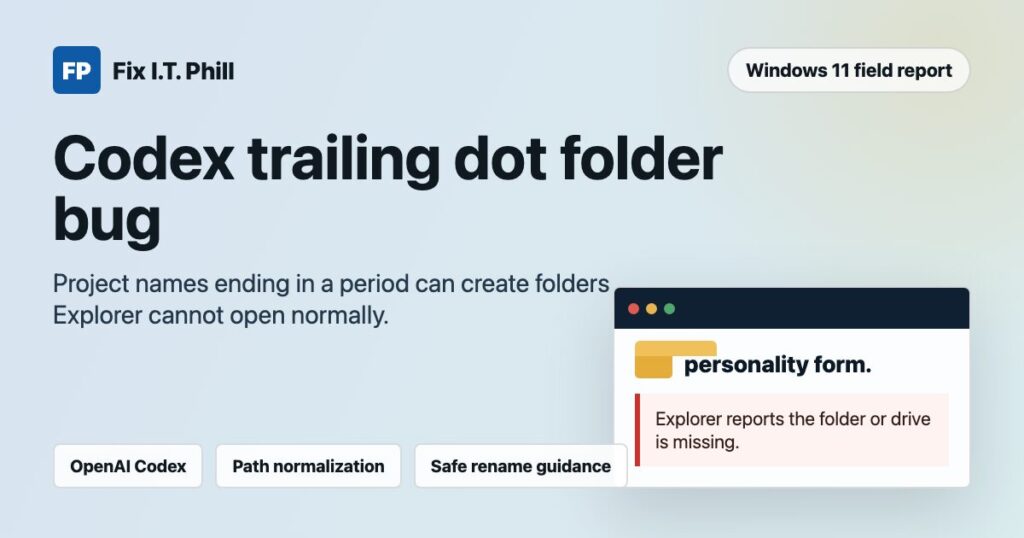
June 24, 2026 field report: Fix I.T. Phill received a repeatable Windows 11 report involving OpenAI Codex project names that end in a period. The reported project name was personality form.. After Codex created the project folder, Windows Explorer reported that the drive or folder was missing when the folder was accessed normally.
This is being published as a product reliability bug report, not as an OpenAI-confirmed advisory and not as a security vulnerability. I do not have an independent Windows 11 test machine in this publishing environment, so the observed behavior below is based on the user-reproduced report plus Microsoft’s documented Windows path behavior.
Plain-English impact
A project display name should not be used directly as a Windows filesystem folder name if it ends with a period or space. Windows has long-standing path-normalization behavior around trailing periods and spaces. When a tool creates a real folder that normal Windows paths later normalize differently, users can see broken Explorer behavior, failed file-open dialogs, backup confusion, sync trouble, and a reasonable fear that the project files are gone.
For Codex users, the practical risk is workflow disruption: the project may still exist on disk, but the normal Windows Explorer route can fail or point at the normalized name instead of the actual directory.
Expected behavior
- Codex should accept a friendly project display name such as
personality form.if it wants to, but it should store that display name separately from the folder name. - The generated Windows folder should be a safe slug such as
personality-formorpersonality-form-project. - If a project name contains a Windows-problematic ending, Codex should warn the user or sanitize the folder name before creation.
Observed behavior from the user report
- Windows version: Windows 11.
- Tool involved: OpenAI Codex creating a local project folder.
- Project name tested:
personality form. - Reported result: the generated folder cannot be opened normally in Windows Explorer, which reports that the folder or drive is missing.
- Repeatability: the user reports reproducing the behavior multiple times on the same Windows 11 machine.
Why this happens on Windows
Microsoft’s Windows path-format documentation explains that normal Windows path handling performs normalization. It evaluates special path segments like . and .., and it also removes trailing periods and spaces in normal path handling. Microsoft also documents the ? device path prefix, which can bypass normal path normalization for some tools.
That means a folder can exist with a trailing period when created through a path that bypasses normal Win32 cleanup, but many Windows tools and user-facing file dialogs will not handle it the way users expect. Explorer and normal app paths may look for the normalized name instead.
Likely root cause
The most likely product issue is that Codex is allowing the project display name to become the raw Windows directory name without a Windows-safe slugging step. A safe implementation should treat the user-facing name and the filesystem path as separate data.
Who should care
- Codex users running native Windows 11 workflows.
- Teams using Codex with OneDrive, Dropbox, Google Drive, or other sync-backed project directories.
- Developers who create project names from tickets, forms, customer names, or prompts that may end with punctuation.
- Support teams investigating “missing folder” or “project not found” reports after project creation.
Safe workaround for Codex users
- Avoid project names that end with a period or space on Windows.
- Use a simple folder-safe name such as
personality-form,personality-form-project, orpersonality-form-2026. - If the folder already exists and Explorer cannot open it, stop Codex and pause any cloud sync tool before repair attempts.
- Back up the parent folder before renaming anything.
- Use Windows Terminal or PowerShell with the extended path form only after replacing the example path with your real path:
Rename-Item -LiteralPath "\\?\C:\path\to\personality form." -NewName "personality form"If the project is inside a synced folder, confirm the rename locally and then re-enable sync only after the folder opens normally. If the folder contains important customer or production work, take a disk image or full copy first and get hands-on help before trying repair commands.
What OpenAI Codex should fix
- Validate project names before creating local folders on Windows.
- Trim or replace trailing periods and spaces in the generated folder name.
- Reject or rewrite reserved Windows names such as
CON,PRN,AUX,NUL,COM1throughCOM9, andLPT1throughLPT9. - Store the pretty project name separately from the filesystem slug.
- Add Windows path-normalization tests for project creation, open-in-Explorer, rename, delete, sync-backed folders, and recovery flows.
- Add a repair banner if Codex detects an existing workspace path ending in a period or space.
Fix I.T. Phill reporting note
I am tagging this for the OpenAI and OpenAI Codex teams because the failure mode is confusing and avoidable. The right fix is not for users to learn obscure Windows path rules. The product should prevent unsafe folder names before they are written to disk.
Sources
- Microsoft Learn: File path formats on Windows systems
- OpenAI Developers: Codex CLI
- OpenAI Developers: Codex web
Need help recovering a Windows project folder or cleaning up a broken developer workspace? Fix I.T. Phill can help document the failure, preserve the files, rename the folder safely, and rebuild the project path without making the situation worse.