


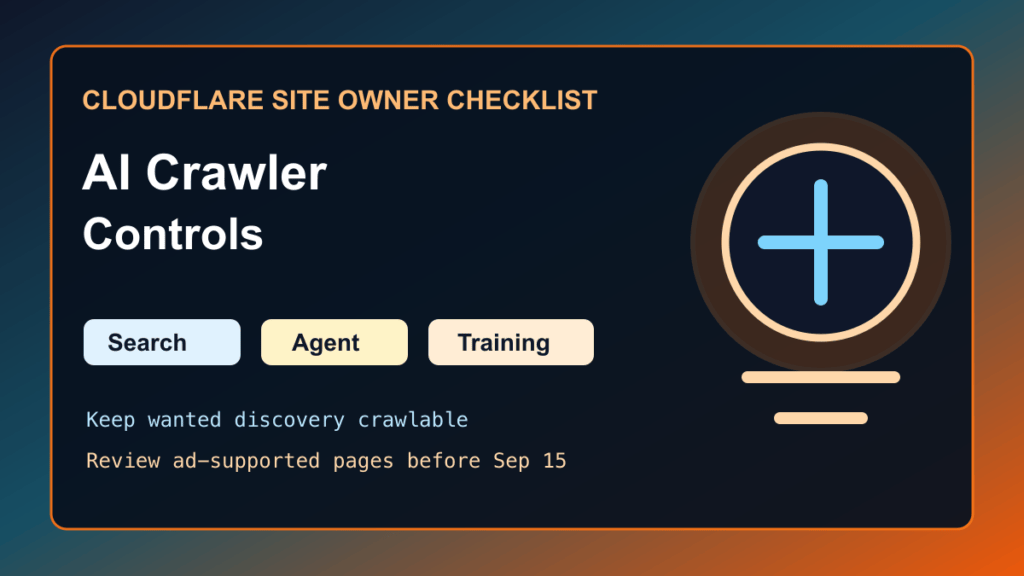
Cloudflare AI crawler controls now let site owners separate AI traffic into Search, Agent, and Training behavior instead of treating every AI crawler the same way.
That matters for business websites, publishers, agencies, and ecommerce teams. Some automated traffic helps people find your site. Some fetches pages for a real user. Some takes content for model training without sending useful referral traffic back. Cloudflare’s July 1, 2026 update gives all customers, including Free plan sites, more control over those categories.
What Changed
Cloudflare says AI traffic can now be managed by behavior:
- Search: crawlers that index content so people can find answers later.
- Agent: automated activity acting on behalf of a person, such as assistant or browser-use fetches.
- Training: crawlers taking content for model training or fine tuning.
Cloudflare also says that starting September 15, 2026, newly onboarded domains will receive updated defaults: Training and Agent bots are blocked on pages that display ads, while Search remains allowed. Existing site owners should review the setting before that date if they want a different policy.
Who Should Review This
- Business sites that depend on search visibility, local leads, quotes, bookings, or calls.
- Publishers and bloggers that want AI search visibility but not unrestricted training traffic.
- WooCommerce and membership sites where bots can affect cache, analytics, and checkout performance.
- Agencies managing Cloudflare zones for multiple clients.
- Ad-supported sites that need to understand the September 2026 default behavior for new Cloudflare domains.
Before You Change Bot Rules
- Write down the current Cloudflare bot, WAF, cache, and rate-limit settings.
- Confirm whether the site uses ads, subscriptions, ecommerce, gated content, or public lead-generation pages.
- Check Search Console, Bing Webmaster Tools, analytics, server logs, and Cloudflare traffic graphs for current crawler behavior.
- Make sure important SEO files are public:
robots.txt,sitemap_index.xml,post-sitemap.xml, and any intentionalllms.txtfile. - Decide which AI traffic you actually want: discovery, user-agent fetches, training access, or none of the above.
Recommended Policy For Most Small Business Sites
For many local business and service websites, the safest starting point is conservative but not invisible:
- Allow normal search crawlers that send users back to the site.
- Keep DuckDuckBot, Bingbot, Googlebot, and other desired search crawlers allowed unless there is a specific abuse issue.
- Consider blocking or limiting Training behavior if the site does not want content reused without a clear business return.
- Be careful with Agent behavior. Blocking every assistant-style fetch may reduce visibility in newer answer and browser-agent workflows.
- Review ad-supported pages separately, especially before September 15, 2026.
How To Review The Setting
- Open the Cloudflare dashboard for the zone.
- Review the bot and AI crawler controls available for the plan.
- Compare Cloudflare’s Search, Agent, and Training categories with the site’s business goals.
- Apply the smallest rule change first.
- Clear cache only where needed, then monitor traffic and referrals for several days.
- For client sites, document what changed and why.
SEO And DuckDuckGo Notes
Cloudflare controls do not replace normal crawl signals. Keep the site crawlable where you want discovery:
- Use
robots.txtto clearly allow or disallow important crawler families. - Keep XML sitemaps reachable and current.
- Use IndexNow/Bing submission where appropriate.
- Use
llms.txtas an optional discovery aid, not as a security boundary. - Do not block Search behavior just because you are blocking Training behavior.
Verification Checklist
- Public homepage returns 200.
- Important service, product, article, and contact pages return 200.
robots.txtis public and contains the intended crawler rules.- Sitemaps are public and include the pages you want discovered.
- Cloudflare analytics still shows expected search crawlers after the change.
- Search Console and Bing Webmaster Tools do not show a sudden crawl or indexing problem.
- Server logs do not show bots hammering expensive pages after the change.
Rollback Plan
If organic traffic, AI search visibility, or normal crawler access drops after the change, revert the Cloudflare bot setting you changed most recently, purge only affected cache, and re-check public pages, robots rules, and sitemaps. For ecommerce and lead sites, also test forms, cart, checkout, appointment booking, and contact flows.
Fix I.T. Phill Recommendation
Do not use one giant block rule for every AI crawler. Separate discovery traffic from training traffic, keep sitemaps and robots rules clean, and review the policy per site. A local service site, ad-supported blog, WooCommerce store, private membership site, and documentation portal do not all need the same AI crawler policy.