


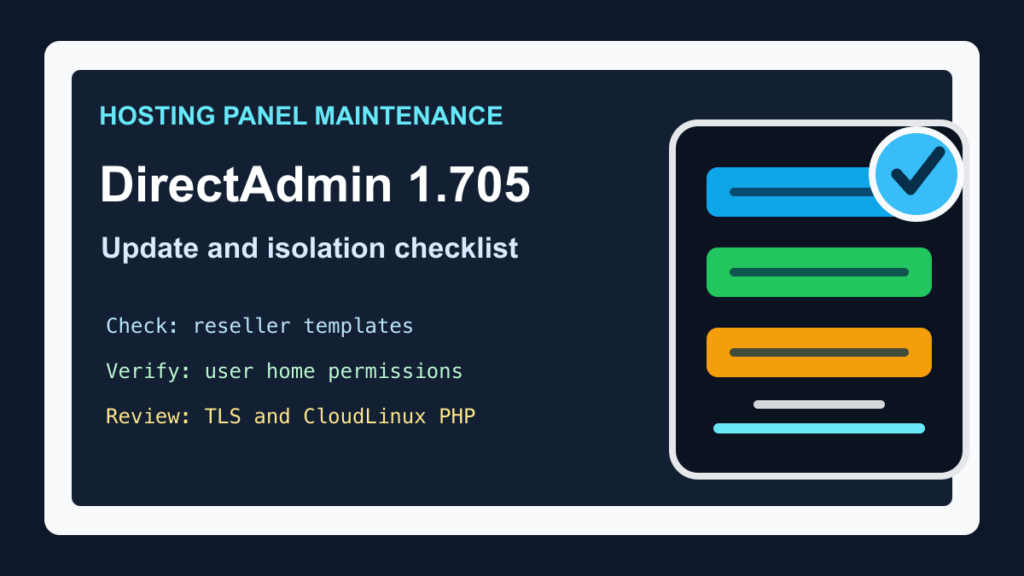
DirectAdmin 1.705 was released on June 22, 2026 with several hosting-admin changes that are worth checking before your next control-panel maintenance window. This is not a CVE emergency post. It is an operations checklist for DirectAdmin servers, reseller hosting environments, and CloudLinux-backed shared hosting stacks.
The main reasons to pay attention are isolation and maintenance behavior. DirectAdmin removed the old cross_user_ssl_cert option, adjusted reseller-template directory permissions, updated how the permissions repair script handles user home ownership, changed how the secure_php CustomBuild option interacts with CloudLinux, and added clearer plugin/update indicators in the Evolution interface.
Plain-English Impact
If you manage DirectAdmin for customer sites, this update is mostly about avoiding surprises. A server may continue to run normally after the update, but administrators should confirm that customer TLS certificates are not being shared across account boundaries, reseller account creation still works as expected, user home permissions match the current secure access group model, and CloudLinux PHP Selector behavior is still what the hosting team expects.
For small businesses and agencies, the practical takeaway is simple: ask your host whether DirectAdmin has been updated, whether reseller and user permissions were checked afterward, and whether any CloudLinux PHP hardening settings changed during maintenance.
Affected Systems
- DirectAdmin servers updating to or through version 1.705.
- Shared-hosting and reseller-hosting systems that rely on DirectAdmin account isolation.
- DirectAdmin systems using CloudLinux and CustomBuild PHP hardening options.
- Servers where reseller templates, customer home permissions, or customer TLS certificate behavior are part of the hosting boundary.
Exploitation Or Attack Status
This is not being treated as an active-exploitation advisory. I did not find a new CISA KEV entry, CVE emergency, or vendor notice saying DirectAdmin 1.705 is being exploited in the wild. The reason to handle it now is operational: some of the changes touch security boundaries and maintenance checks that hosting providers should not leave unverified.
What Changed In DirectAdmin 1.705
DirectAdmin says version 1.705 adds a plugin-update count in the Plugin Manager menu, adds administrator settings for purging old tickets and messages, refreshes the available-update indicator automatically, improves some long-running task queue actions, updates bundled software versions, and fixes permission behavior around reseller templates and user home directories.
The release also removes the cross_user_ssl_cert configuration option from directadmin.conf. DirectAdmin says that option previously allowed TLS certificate sharing between multiple users implicitly, and removing it improves user-data isolation.
Upgrade Planning
Use your normal DirectAdmin update process during a planned maintenance window. Before updating a production hosting server, confirm that you have a current server backup, customer account backups for high-value sites, and a rollback plan that does not depend on the same panel services you are about to update.
For reseller servers, pick at least one test reseller account and one normal customer account for post-update checks. If the server uses CloudLinux, include one site that relies on PHP Selector or custom PHP settings so you can verify that the expected PHP configuration is still in place after the update.
Post-Update Checks
- Confirm the DirectAdmin version shown in the panel after maintenance.
- Open the Plugin Manager and review the new update count instead of assuming plugins are current.
- Create or test a reseller workflow in a safe account to confirm template file access still works.
- Check a normal customer account and confirm home directory ownership and access behavior remain correct.
- Review any account that previously depended on shared TLS certificate behavior and make sure each site still has the expected certificate assigned.
- For CloudLinux systems, confirm PHP Selector and global PHP behavior still match your hosting policy.
- Check the new ticket and message purge settings before enabling aggressive cleanup on a production support queue.
CloudLinux And PHP Notes
One important DirectAdmin 1.705 change is that the CustomBuild secure_php option no longer updates CloudLinux configuration in /etc/cl.selector/global_php.ini. That does not mean PHP hardening is gone. It means DirectAdmin and CloudLinux behavior should be reviewed as separate controls instead of assuming one update path changes both.
For hosting providers, this is a good time to document who owns PHP hardening decisions: DirectAdmin CustomBuild, CloudLinux Selector policy, Imunify or other server security tooling, or a separate configuration management workflow.
Customer Communication
If you operate managed hosting, the customer-facing note can stay short. Tell customers that the control panel was updated, reseller and user permissions were checked, plugin updates were reviewed, and TLS certificate isolation was verified. Customers do not need the internal maintenance details, but they do need confidence that account boundaries and checkout/business sites were not disturbed.
If you are planning broader hosting maintenance, also check disk and inode pressure before a panel update. Fix I.T. Phill has a related cPanel/WHM disk and inode reporting guide here: Help4 Disk Usage for cPanel, WHM, and WHMCS.
Fix I.T. Phill Guidance
For DirectAdmin 1.705, treat the update as a controlled maintenance item. Back up first, update during a quiet window, verify reseller and customer account boundaries, review CloudLinux PHP behavior if applicable, and check panel/plugin update visibility before closing the ticket.
If you are a business owner and your host runs DirectAdmin, ask for a plain confirmation that your site, certificate, backups, and PHP version were checked after the panel update.