


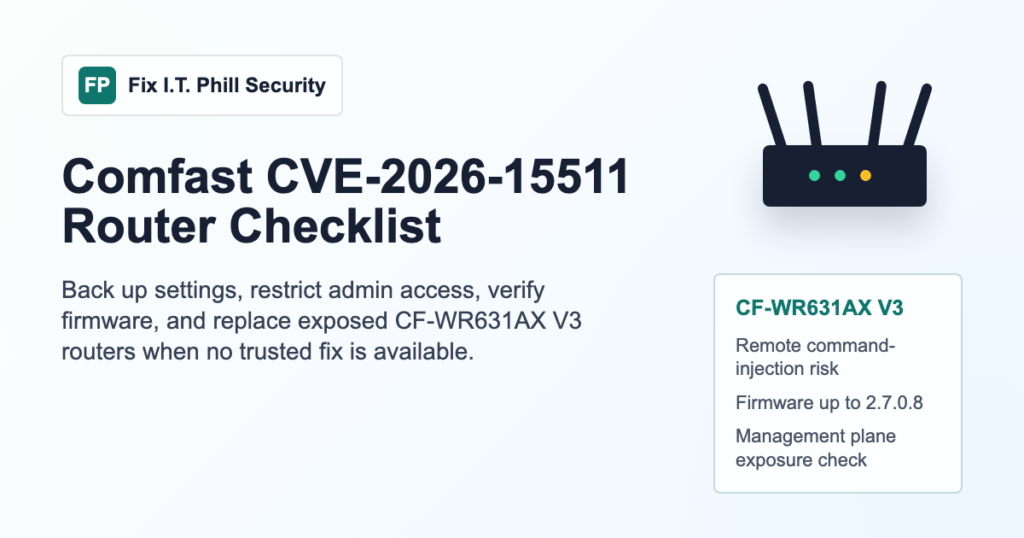
Comfast CVE-2026-15511 needs a fast exposure check if you manage a CF-WR631AX V3 router. The current CVE records describe a remote operating-system command injection issue affecting Comfast CF-WR631AX V3 firmware up to 2.7.0.8. Treat this as a router management-plane risk, especially anywhere the admin interface is reachable from the internet, a shared office network, guest Wi-Fi, or an unmanaged customer site.
As of this Fix I.T. Phill radar pass, this CVE is not listed in CISA KEV, but public technical details are available and the vendor response was not confirmed in the records reviewed. Do not wait for search traffic or scanner noise to tell you there is a problem. Inventory the router, restrict management access, and plan replacement or isolation if a trusted fixed firmware is not available.
Who Should Check This
- Homes, offices, shops, churches, clinics, and small businesses using a Comfast CF-WR631AX V3 router.
- Managed service providers, web hosts, and field techs who maintain customer internet gateways.
- Anyone who has reused the same router admin password across customer locations.
- Sites where router administration is exposed through port forwarding, cloud remote management, weak VPN rules, or a flat LAN.
What To Verify First
- Confirm the exact hardware model from the label, admin dashboard, purchase records, or managed-device inventory.
- Record the current firmware version before making changes.
- Check Comfast support or your distributor for firmware that clearly matches CF-WR631AX V3 and is newer than the affected range.
- Confirm whether remote administration, UPnP, port forwarding, or management from guest Wi-Fi is enabled.
- Check whether the device is a primary gateway for payment terminals, cameras, point-of-sale systems, workstations, or business Wi-Fi.
Immediate Containment Checklist
- Disable internet-facing router administration unless there is a documented business reason and a protected management path.
- Limit administration to a trusted wired management device or a restricted management VLAN.
- Change the router admin password if the device has been exposed or if the password was reused.
- Disable guest-to-admin access and keep guest Wi-Fi separated from business devices.
- Back up the router configuration before any firmware change, then store that backup somewhere not reachable from the router UI.
- Review DHCP leases, DNS settings, forwarding rules, remote-management settings, and any unknown administrative accounts.
- If no trustworthy fixed firmware is available, replace the router or move it behind a properly managed firewall until replacement is complete.
Patch Or Replace Decision
If Comfast or your distributor provides a verified fixed firmware for your exact CF-WR631AX V3 hardware revision, back up the configuration, apply the update during a maintenance window, and verify internet access, Wi-Fi, DHCP, DNS, and VPN behavior afterward. Do not install firmware for a nearby model name unless the vendor documentation clearly says it is correct for your hardware revision.
If you cannot verify a fixed firmware path, the safer business decision is replacement. A router is the front door for the network. Leaving a public command-injection issue on the gateway can turn a low-cost device into the highest-risk system in the building.
Post-Change Verification
- Verify the firmware version shown in the router dashboard after reboot.
- Confirm remote administration is still disabled after the update or replacement.
- Confirm port forwarding rules are expected and documented.
- Confirm DNS settings point to your intended resolver and were not changed unexpectedly.
- Walk through Wi-Fi coverage, business devices, printers, cameras, payment systems, and VPN users before closing the maintenance window.
- Update the customer or internal asset record with model, firmware, install date, and the next review date.
Fix I.T. Phill Recommendation
For a one-off home network, the minimum safe path is to disable remote administration, update only from a verified vendor source, and replace the router if no fixed firmware is available. For a business or managed customer site, treat this as a maintenance ticket: document exposure, back up the configuration, restrict management access, verify DNS and forwarding rules, then either update or replace the device.
If this router sits in front of a WordPress site, point-of-sale network, camera system, or office file server, do not treat it as a separate problem. Router compromise can affect every service behind it. Start with the gateway, then review your WordPress support and maintenance plan, network patch process, and business-domain hygiene.