


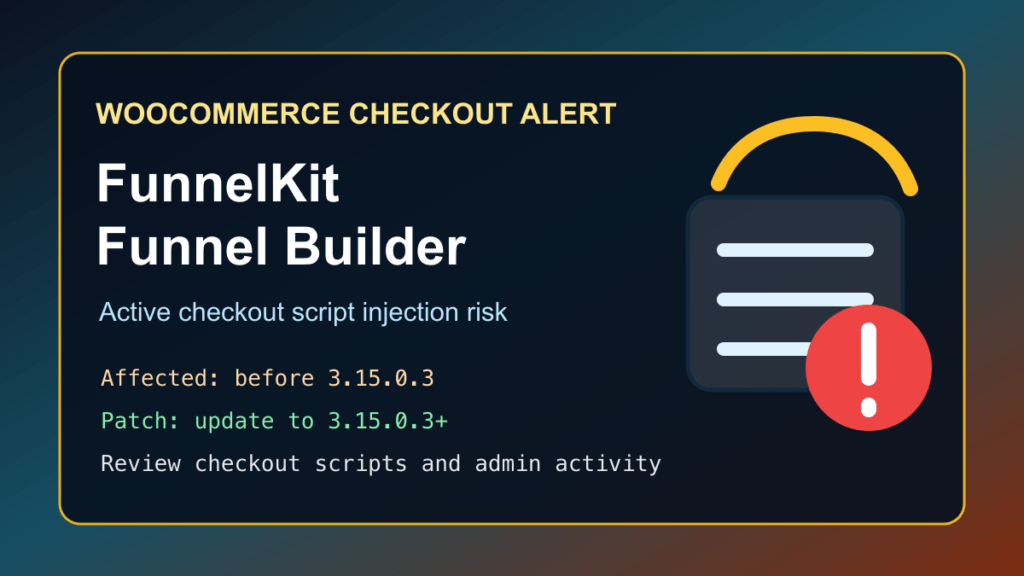
Update FunnelKit - Funnel Builder for WooCommerce Checkout to version 3.15.0.3 or newer immediately. Sansec reported active attacks against older Funnel Builder releases, and BleepingComputer confirmed that attackers were using the bug to place malicious checkout scripts on WooCommerce stores.
This issue did not have a public CVE identifier at the time this post was prepared. Do not confuse it with the earlier FunnelKit SQL injection issue, CVE-2026-42381, which was fixed in 3.15.0.2. Store owners should be on 3.15.0.3 or newer because this newer fix protects the checkout-script injection path that is being abused in the wild.
Plain-English Impact
FunnelKit Funnel Builder is commonly used to customize WooCommerce checkout pages, funnels, order bumps, and thank-you pages. In vulnerable versions, an unauthenticated attacker could change the plugin's checkout script settings and cause unauthorized JavaScript to run on checkout pages.
For a WooCommerce store, that is a serious payment-security problem. If a malicious script runs during checkout, customers may be exposed to payment-card skimming, billing-data theft, redirect abuse, fake analytics scripts, or other checkout tampering. The first priority is patching. The second priority is reviewing the checkout scripts and logs to make sure the store was not already changed.
Who Is Affected
According to the WordPress.org plugin directory, FunnelKit - Funnel Builder for WooCommerce Checkout has more than 40,000 active installs. Sansec reports that all versions before 3.15.0.3 are affected by the actively exploited checkout-script issue.
- Affected plugin: FunnelKit - Funnel Builder for WooCommerce Checkout, also shown as Funnel Builder by FunnelKit.
- Affected versions: versions before 3.15.0.3 for the active checkout-script issue.
- Fixed version: 3.15.0.3 or newer.
- Important note: 3.15.0.2 fixed the separate CVE-2026-42381 SQL injection issue, but 3.15.0.3 is the version to target for this active checkout tampering report.
Patch First
If you manage a WooCommerce store using FunnelKit, update the plugin from the WordPress dashboard now. If you manage sites by command line, you can use WP-CLI safely from the WordPress document root:
wp plugin list --status=active | grep funnel-builder
wp plugin update funnel-builder
wp plugin get funnel-builder --field=version
The final version check should show 3.15.0.3 or newer. If the update cannot be applied today, temporarily disable FunnelKit on the store, replace the affected funnel/checkout flow with a clean WooCommerce checkout path, and keep a WAF or CDN shield in front of checkout while you schedule the permanent fix.
Review Checkout Script Settings
After patching, review FunnelKit's checkout and tracking/script settings. The vendor guidance reported by Sansec and BleepingComputer specifically calls out reviewing the checkout script area for anything unfamiliar. Look for scripts that pretend to be analytics, tag-manager, tracking, or marketing code but were not added by your team.
- Open the WordPress admin area and check FunnelKit checkout settings for unexpected scripts.
- Compare the current script list with your known Google Analytics, Google Tag Manager, Meta Pixel, TikTok Pixel, or other marketing tags.
- Remove any script that the site owner, developer, or marketing team cannot identify.
- Check whether the checkout page source still contains unknown third-party JavaScript after cache purges.
- Review recent administrator activity and plugin setting changes around the date you first saw suspicious checkout behavior.
Safe Checks For Store Owners
These checks are defensive and safe to run on your own WordPress site. They do not validate the vulnerability against other sites.
wp plugin get funnel-builder --fields=name,version,status
wp user list --role=administrator --fields=ID,user_login,user_email,user_registered
wp plugin list --status=active
wp theme list --status=active
If you have file integrity monitoring, compare recent plugin, theme, and upload-directory changes with the maintenance window when you updated FunnelKit. On cPanel or WHM hosting, also review recent access logs, ModSecurity logs, file-manager changes, FTP/SFTP logins, and unexpected PHP files in writable directories.
Temporary Mitigation And Virtual Patching
Virtual patching is not a replacement for updating FunnelKit, but it can reduce exposure while you patch customer sites. A CDN or WAF team should prioritize checkout-related traffic for this plugin, block suspicious unauthenticated attempts to change checkout settings, and alert on sudden additions of unknown third-party scripts on WooCommerce checkout pages.
- Patch to FunnelKit 3.15.0.3 or newer first.
- Temporarily disable FunnelKit if you cannot patch today.
- Use CDN/WAF rules to shield checkout administration behavior while updates roll out.
- Monitor checkout pages for unexpected JavaScript and unfamiliar analytics-like domains.
- Keep payment forms, payment gateways, WooCommerce, WordPress core, and all checkout add-ons current.
Replacement And Migration Options
If FunnelKit is patched and still fits the store, updating is the clean path. If the store cannot update cleanly, the vendor response is not enough for your risk model, or the site has a pile of overlapping builder plugins, plan a staged replacement instead of leaving a vulnerable checkout stack in place.
- For immediate continuity, fall back to native WooCommerce checkout or another maintained WooCommerce checkout solution that is current and actively supported.
- For broader page-builder consolidation, consider moving landing pages, opt-in pages, and non-payment funnel pages into a smaller maintained builder stack such as Help4 Builder Suite / Help4 Theme Builder when it fits the site design workflow.
- For high-risk stores, add an e-commerce-aware WAF or malware monitoring service such as Sucuri, Sansec, Patchstack, Wordfence Care/Response, or a comparable managed service that can watch checkout pages and third-party scripts.
- Do not swap checkout software directly on production without a staging test. Confirm payment gateways, tax, shipping, coupons, subscriptions, order bumps, and abandoned-cart workflows before changing the live checkout.
What To Tell Customers
For most sites, the first customer-facing message should be calm and factual: you updated the checkout plugin, reviewed payment-page scripts, checked for unauthorized admin changes, and are continuing to monitor the store. If you confirm that unauthorized checkout code actually ran on your store, involve your payment processor, legal/compliance contact, and incident-response partner before making customer-impact statements.

