


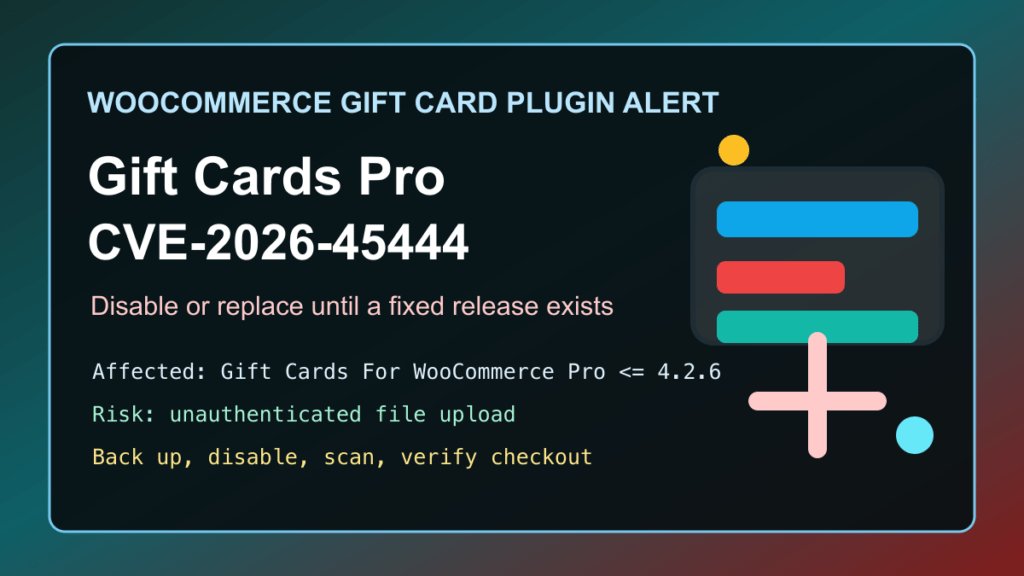
Impact statement: CVE-2026-45444 is a critical unrestricted file upload vulnerability in the Gift Cards For WooCommerce Pro WordPress plugin from WP Swings. NVD lists the issue as CVSS 10.0, and Patchstack lists it as a high-priority, unauthenticated arbitrary file upload affecting versions up to and including 4.2.6.
This is a protect-only guide. We are not publishing attack mechanics, request details, scanner checks, or anything that helps someone test random stores. The useful answer for WordPress and WooCommerce admins is to find the plugin, disable it if no fixed build is available, review the site for unexpected executable files, and migrate gift-card workflows carefully if the store depends on them.
Who Is Affected
- WooCommerce stores running Gift Cards For WooCommerce Pro from WP Swings.
- Any site running version 4.2.6 or older.
- Stores that use gift cards, gift certificates, shareable gift links, QR or barcode redemption, offline gift cards, or imported gift-card codes.
- Agencies and hosting providers that manage WooCommerce sites where premium plugins are updated outside the normal WordPress.org update flow.
As of this pass on May 25, 2026, the WP Swings product page and public changelog still showed 4.2.6 as the current public version, released March 24, 2026. Patchstack lists the patched version as “No official patch available.” Treat that as a temporary disable-or-replace situation until the vendor publishes a clearly fixed release.
Exploitation Status
Patchstack’s vulnerability page marks this as known to be exploited, and Patchstack’s WordPress statistics page lists it under recently exploited vulnerabilities. CISA’s Known Exploited Vulnerabilities catalog version 2026.05.22 did not include CVE-2026-45444 during this pass, so do not confuse Patchstack’s exploitation signal with a CISA KEV entry.
The practical risk is severe for ecommerce sites: an unauthenticated file upload issue can lead to malware cleanup, changed checkout behavior, gift-card balance abuse, data exposure, or a full WordPress recovery project. If the plugin is present, treat it as urgent.
Immediate Admin Checklist
- Check whether Gift Cards For WooCommerce Pro is installed on the site.
- If the installed version is 4.2.6 or older, make a full file and database backup before changing anything.
- If no vendor-fixed version newer than 4.2.6 is available, deactivate the plugin.
- Put the store into a controlled maintenance window if gift-card checkout, redemption, or scheduled delivery depends on the plugin.
- Review administrator users, WooCommerce manager users, recent plugin changes, and recently modified files.
- Review uploads, plugin, theme, cache, and temporary directories for unexpected executable files.
- Run a trusted malware scanner or ask the host/security provider to scan the account.
- Clear page cache, object cache, browser cache, and CDN cache after mitigation.
- Test checkout, gift-card redemption, refunds, order emails, coupons, and store-credit reporting before reopening normal operations.
cPanel, Plesk, and Hosting Notes
For cPanel sites, use WordPress Toolkit or the WordPress admin area to inventory plugins, then disable Gift Cards For WooCommerce Pro if it is still at 4.2.6 or older and no fixed vendor release is available. If the dashboard is not reachable, use a controlled file-manager or phpMyAdmin method instead of guessing at live changes. Fix I.T. Phill has a separate guide for disabling WordPress plugins with phpMyAdmin.
For Plesk sites, check WordPress Toolkit for vulnerable components, run extension updates, then review web server and PHP logs for unusual file changes around the time the plugin was active. Do not rely only on the WordPress dashboard if you suspect compromise; review the hosting account files and backups too.
For managed hosting and agency fleets, search for both the product name and the plugin folder used by the installed package. Premium WooCommerce plugins are often installed manually, so they may not appear in normal auto-update reporting the same way a WordPress.org plugin does.
If You Need Gift Cards Today
If the store depends on gift cards, do not swap plugins directly on production. Export active gift cards, coupon balances, order references, email templates, scheduled sends, and redemption rules first. Then test a replacement on staging with real checkout flows.
Replacement options to evaluate include maintained WordPress.org-listed gift-card plugins such as PW WooCommerce Gift Cards or YITH WooCommerce Gift Cards, depending on feature fit. These are not guaranteed drop-in replacements. Confirm imports, balances, tax behavior, email design, refunds, and reporting before moving customers.
If you cannot migrate immediately, pause gift-card sales, preserve existing balances, communicate clearly with customers, and keep redemption support manual until the site has a safe path forward.
Customer Communication
Tell store owners and staff the operational impact plainly: gift-card purchasing or redemption may be paused while the vulnerable plugin is disabled, and support may need to manually verify outstanding balances. If suspicious activity is found, preserve logs and backups before cleanup, then communicate only confirmed customer impact.
Post-Mitigation Verification
- Confirm Gift Cards For WooCommerce Pro is disabled or updated to a vendor-fixed version newer than 4.2.6 when one exists.
- Confirm checkout works without the vulnerable gift-card workflow enabled.
- Confirm no unknown administrator or WooCommerce manager users were added.
- Confirm no unexpected executable files remain in writable web directories.
- Confirm order emails, refund emails, and customer account pages still work.
- Confirm cache/CDN purges completed and the public store shows the expected behavior.
If you need help triaging a WooCommerce store after this kind of plugin issue, start with the Fix I.T. Phill Help4 WordPress support checklist so you know what logs, backups, and access details to collect before asking for help.