


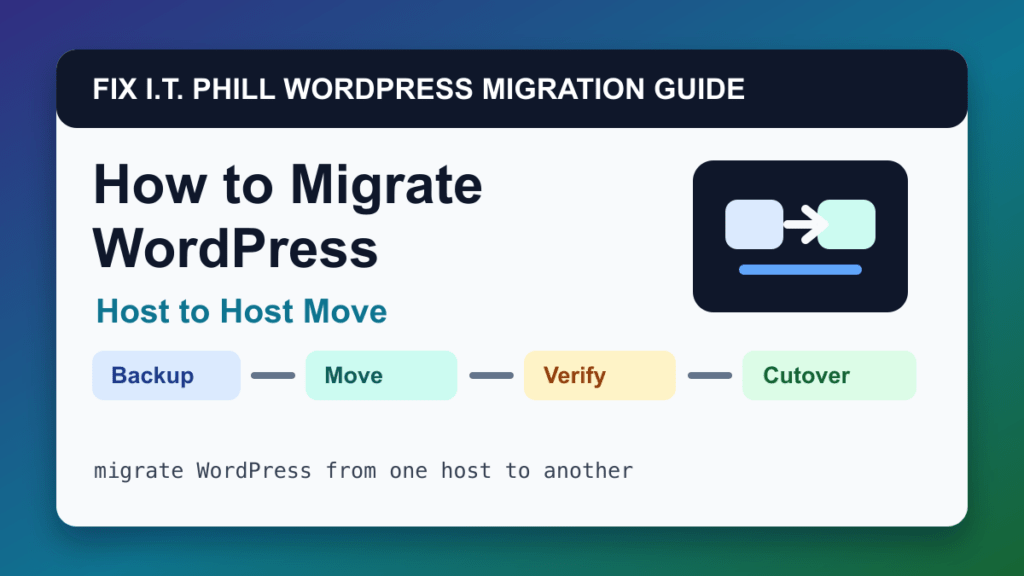
host-to-host WordPress migration can move WordPress safely when it matches the source, destination, and risk level. This method is best for deciding whether to use panel transfer, managed-host migration, plugin migration, WP-CLI, or manual migration.
Audience: business owners, agencies, IT teams, and site owners changing hosting providers. Before using this path, decide whether the move changes hosts, domains, DNS, email, PHP versions, database versions, cache layers, or business data. Those details matter more than the migration button itself.
Before migration
- List what must move: website files, database, email, DNS, cron jobs, SSL, redirects, staging, backups, and CDN rules.
- Choose the lowest-risk migration method available for the source and destination.
- Back up the source before the move.
- Plan cutover timing around store, booking, or lead volume.
Migration steps
- Prepare the destination hosting account.
- Move the site using the selected method.
- Preview and repair the destination copy.
- Set up SSL, cache, backups, monitoring, and email routing.
- Lower-risk sites can cut over DNS after testing; dynamic sites need a final content freeze or sync.
- Keep old hosting active until logs and traffic confirm the move is stable.
Post-migration verification
Check DNS, SSL, wp-admin, important pages, media, forms, checkout, cron, email, redirects, performance, backups, restore points, and server logs.
Also check server logs, PHP errors, WordPress Site Health, cache behavior, CDN routing, redirects, robots/indexing state, cron jobs, and whether a new backup job exists on the destination.
Migration risks
- Assuming web hosting also moves email.
- Cancelling old hosting before backups and DNS are verified.
- Missing cron jobs, custom redirects, cache rules, or private files outside public_html.
Rollback and cutover planning
Keep the old site online until the new site is proven. For stores, memberships, bookings, LMS sites, directories, and lead-generation sites, plan a final data freeze or sync so records do not split between servers. Keep DNS rollback notes, old-host access, and a verified backup until traffic and logs are stable.
Fix I.T. Phill recommendation
Use host-to-host WordPress migration when it gives you the cleanest preview and rollback path. If the site makes money or stores customer records, treat the final cutover as a maintenance window, not a casual copy job.
Related Fix I.T. Phill Guides
- How to Migrate WordPress: Complete Hosting Move Guide
- How to Migrate WordPress by cPanel Full Account Backup
- How to Migrate WordPress by WHM Transfer Tool
- How to Migrate WordPress by Plesk Migrator
- How to Migrate WordPress by Plesk WP Toolkit Clone
- How to Migrate WordPress by Softaculous Clone or Import
- How to Migrate WordPress by Installatron Clone or Import
- How to Migrate WordPress by DirectAdmin Backup and Restore
- How to Back Up WordPress: Complete Methods Guide
- How to Restore WordPress: Complete Recovery Methods Guide
- How to Back Up WooCommerce Without Losing Orders
- How to Restore WooCommerce Without Losing Orders
- How to Test a WordPress Backup Restore Before an Emergency