


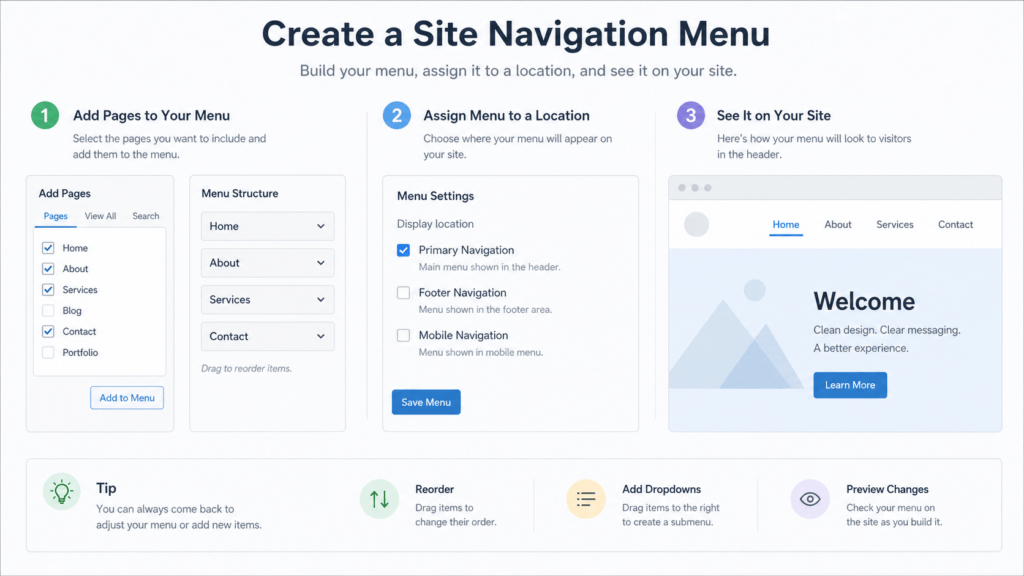
A clear navigation menu helps visitors reach the right page without hunting. WordPress themes and site editors label menu controls differently, but the safe workflow is the same: decide the pages that belong in navigation, assign the menu to the correct location, and test the public site on desktop and mobile.

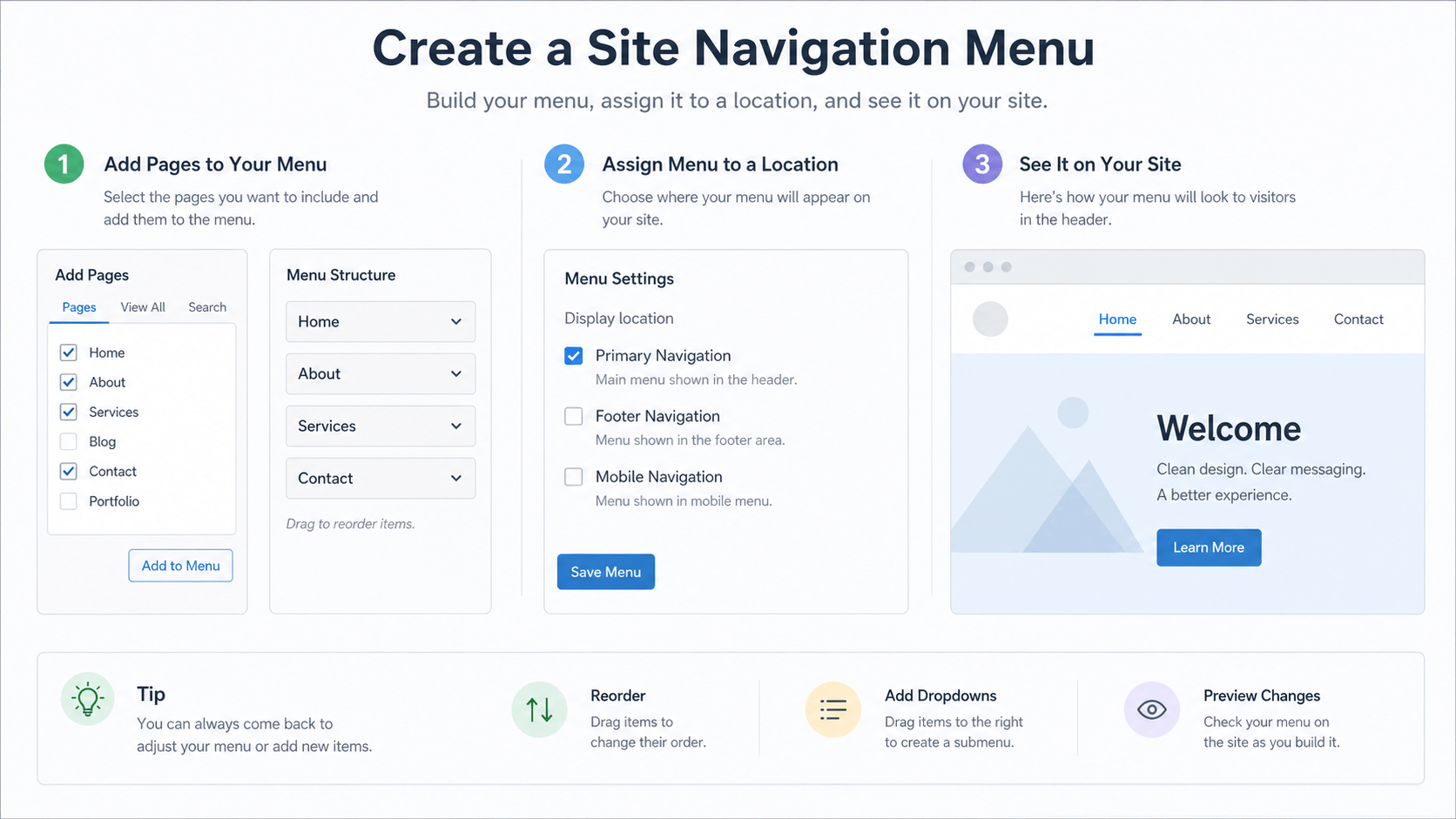
Plan the menu before editing
- Keep the primary navigation focused on the pages visitors need most.
- Use short labels that describe the destination.
- Confirm the pages are published and ready before linking to them.
Create or update the navigation
- Open the navigation or menu controls provided by the active WordPress theme or site editor.
- Add the relevant published pages, then place them in a logical order.
- Assign the menu to the primary or header location.
- Save the change.
Verify the public result
- Open the homepage in a signed-out browser window.
- Test each primary menu link and confirm it reaches the expected page.
- Check the mobile navigation so labels are visible and reachable.
- Clear the relevant cache if the prior menu still appears.
Use our WordPress homepage guide when the Home link needs a setting change, and our cache and CDN guide when an older menu remains public.
Keep navigation search-friendly
Menus help people and search engines understand which pages matter. They do not replace page-level titles, internal links, or indexability checks. Review those with our WordPress indexing and robots guide.
For WordPress’s underlying controls, see the official menu screen documentation. Need practical help with navigation, settings, and public verification? Visit our WordPress support hub.