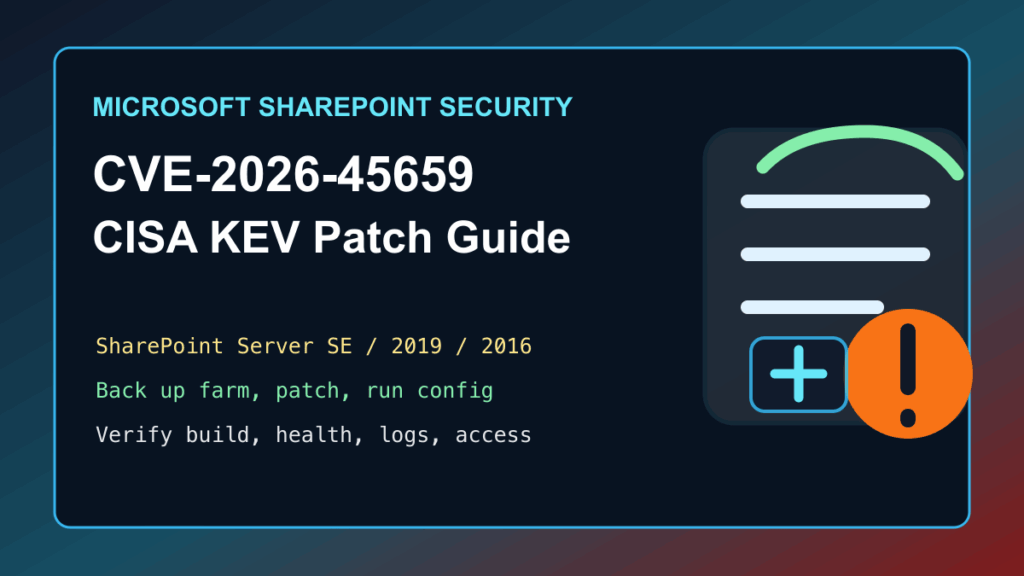
Update priority: CISA added Microsoft SharePoint CVE-2026-58644 to the Known Exploited Vulnerabilities Catalog on July 16, 2026. If your organization operates SharePoint, treat this as an urgent owner, backup, vendor-remediation, and post-change validation task.
What CISA added
CISA identifies CVE-2026-58644 as a Microsoft SharePoint issue that can allow an unauthorized attacker to execute code over a network. CISA assigns July 19, 2026 as the remediation due date for federal civilian executive branch agencies. That is not a private-sector legal deadline, but it is a strong signal to move SharePoint maintenance to the front of the queue.
Start with ownership and inventory
- Identify every supported SharePoint deployment, its business owner, hosting or infrastructure owner, and the Microsoft update channel used for it.
- Confirm which collaboration sites, document libraries, integrations, identity dependencies, backup jobs, and monitoring services need validation after maintenance.
- Record the maintenance window, change approver, rollback owner, recovery contact, and communications contact before applying changes.
Use a backup-first SharePoint maintenance plan
- Confirm that the current backup and recovery material for the affected SharePoint service is protected, recent, and usable by the recovery team.
- Review the Microsoft Security Update Guide for CVE-2026-58644 and determine the vendor-supported remediation that applies to your SharePoint deployment.
- Apply the Microsoft-supported security update or mitigation through approved change control. Do not substitute a generic web-edge control for the vendor remediation.
- Keep administrative access limited to authorized personnel during the work and preserve normal monitoring, backup, and recovery access.
- Document the exact deployment, owner, completion time, and any exception that requires a separate risk decision.
Validate normal collaboration after the change
Use a small, approved test plan that matches the service’s real purpose. Confirm that authorized users can access the expected collaboration sites, that document workflows and connected applications behave normally, that identity integration remains healthy, and that monitoring and backup jobs report as expected. Record only the outcome and exception owner in the change record.
If maintenance must wait
Escalate the delay to the SharePoint service owner and security owner. Use broad, documented exposure reduction that preserves authorized business use while the approved vendor remediation is scheduled. Review the asset’s internet exposure, keep administrative access restricted, and make sure the recovery plan is still ready. Temporary controls can reduce exposure, but they do not replace the Microsoft-supported remediation.
Review and communicate carefully
Use your normal incident and change-management process to review unexpected service, identity, or configuration changes around the exposure window. Do not state that an incident occurred unless your organization has confirmed one. For users, a short maintenance notice with the expected service impact, timing, and support contact is usually enough.
Related Fix I.T. Phill guidance
- Fix I.T. Phill Security hub
- WordPress support and maintenance guidance for teams that also operate WordPress integrations or public sites.
- How to check WordPress backups and restore points