

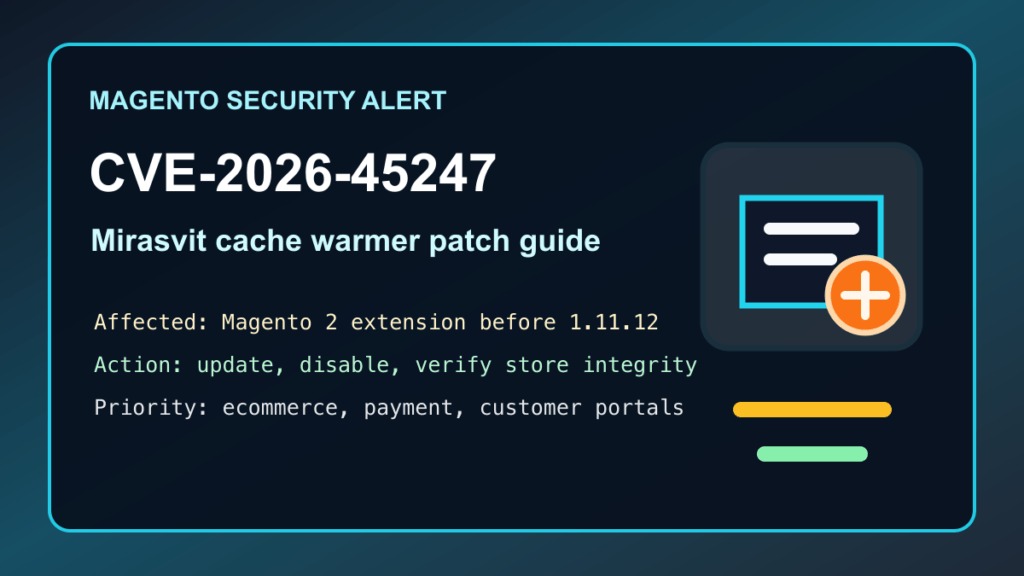
June 3, 2026 update: CISA added CVE-2026-45247 in Mirasvit Full Page Cache Warmer for Magento 2 to the Known Exploited Vulnerabilities catalog. If your Magento or Adobe Commerce store uses this extension, treat it as an urgent patch item.
Plain-English impact: NVD rates this issue CVSS 9.8 Critical. The vulnerable versions expose an unsafe deserialization path that can allow an unauthenticated attacker to execute code on the Magento server. CISA lists the issue as known exploited and sets a June 6, 2026 action date for covered agencies.
Affected stores
NVD lists Mirasvit Full Page Cache Warmer for Magento 2 before version 1.11.12 as affected. If you run Magento 2 or Adobe Commerce and this module is installed below 1.11.12, update immediately or disable the module until the fixed version is installed and tested.
What Magento admins should do now
- Confirm whether the extension is installed. Check your Magento extension inventory, composer package list, deployment notes, and any inherited vendor modules.
- Update to Mirasvit Full Page Cache Warmer 1.11.12 or newer. Use the supported Mirasvit/Composer update path for your store and environment.
- Back up before changing production. Capture database, media, code, environment configuration, and deployment artifacts before the maintenance window.
- Use maintenance mode or a staging rollout when possible. Warm-cache behavior touches performance-sensitive store paths, so test checkout, search, category pages, product pages, and admin workflows after the update.
- If you cannot update quickly, disable the module temporarily. A slower store is better than a compromised store. Keep the disablement documented so it does not become forgotten technical debt.
- Review for compromise. Look for unexpected admin users, changed integration tokens, modified code, unfamiliar cron jobs, changed payment settings, unusual outbound traffic, and suspicious files under writable web paths.
- Tell store owners what changed. Ecommerce teams should know whether there was patch-only maintenance or whether a deeper incident review is required.
Hosting-provider notes
Hosts and agencies should search customer inventories for Mirasvit Full Page Cache Warmer. Magento stores often live on VPS or dedicated accounts where the host does not automatically know which Composer modules are installed. This is especially important for stores with card-payment integrations, ERP connectors, shipping integrations, or customer account portals.
If a WAF or CDN rule is available, use it as temporary risk reduction while the store is patched. Do not treat virtual patching as the final fix. The extension still needs to be updated, disabled, or removed.
Safe verification checklist
- Confirm Mirasvit Full Page Cache Warmer is 1.11.12 or newer, or confirm the module is disabled.
- Confirm Magento cache, generated code, static content, and page-warm behavior are healthy after the update.
- Verify checkout, payment, shipping, search, category, and product pages after the maintenance window.
- Review admin users, API integrations, payment configuration, cron schedules, and recent file changes.
- Review web server, Magento, PHP-FPM, and WAF/CDN logs for unusual store behavior around the suspected exposure window.
- If compromise is suspected, rotate Magento admin credentials, integration tokens, deployment keys, and related service credentials after cleanup.
Sources
- CISA Known Exploited Vulnerabilities catalog
- CISA KEV JSON feed
- NVD entry for CVE-2026-45247
- Mirasvit Full Page Cache Warmer changelog
- Sansec advisory for CVE-2026-45247
- VulnCheck advisory for CVE-2026-45247
Need help patching a Magento store or checking whether an ecommerce site was exposed? Fix I.T. Phill can help plan the update, review store integrity, and coordinate a safe maintenance window.