


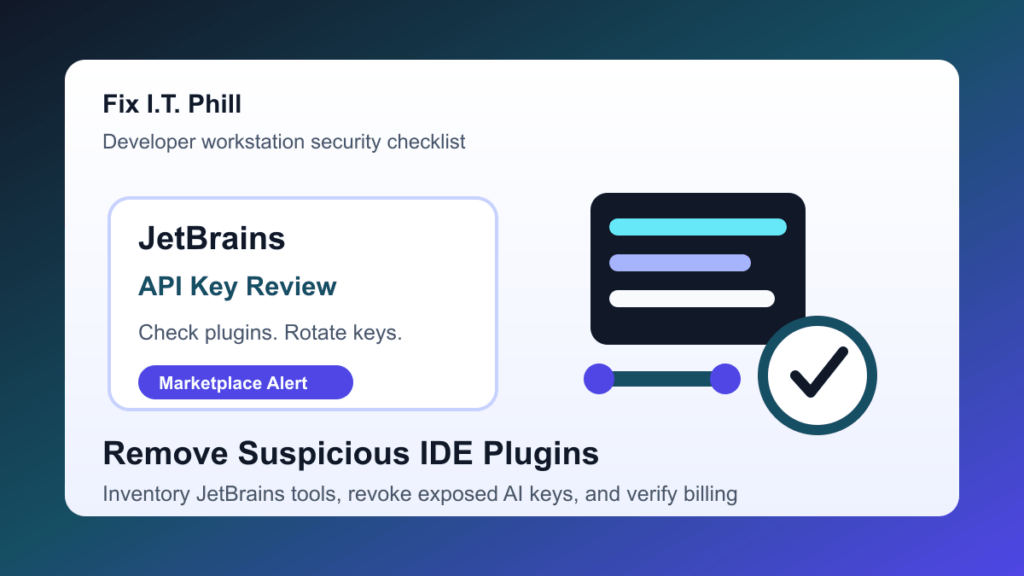
Aikido Security reports a coordinated JetBrains Marketplace campaign involving AI-style IDE plugins that copied developer AI API keys from plugin settings. BleepingComputer says it independently confirmed the credential-theft behavior in one of the reported plugins. If your team uses IntelliJ IDEA, PyCharm, WebStorm, PhpStorm, Rider, or another JetBrains IDE with third-party AI helper plugins, treat this as a developer-workstation security check.
This is especially relevant for agencies, SaaS teams, ecommerce teams, WordPress developers, and hosting providers because developer machines often hold source code, cloud access, deployment credentials, billing-enabled AI keys, and customer project files.
This is a protect-only checklist. It does not republish code snippets, network indicators, server addresses, plugin IDs, request details, or abuse mechanics from the research report.
Who should check now
- Developers who installed JetBrains Marketplace plugins that act as AI coding assistants, code review tools, Git helpers, commit-message generators, bug finders, or unit-test helpers.
- Teams that pasted OpenAI, DeepSeek, SiliconFlow, Google, Anthropic, or other AI provider keys into third-party IDE plugin settings.
- Agencies and managed-service teams where one developer workstation can touch many customer sites or repositories.
- Teams with shared AI-provider billing accounts, shared project keys, or long-lived API keys stored in IDE settings.
- Companies that allow developers to install Marketplace plugins without review.
Why this matters
An IDE plugin runs inside a trusted developer tool. If the plugin is unsafe, it may see secrets that are never meant to leave the workstation. AI-provider keys can also create a billing problem: a copied key may let someone else spend against your account until you revoke or rotate it.
The safer assumption is simple: if an affected or suspicious JetBrains AI plugin had one of your AI keys saved in its settings, rotate that key. Removing the plugin is not enough if the key may already be outside your control.
What to do first
- Inventory installed JetBrains plugins. Check each IDE on developer workstations, not just the IDE you use most often. Include old laptops, contractor machines, and build or demo workstations.
- Look closely at AI helper plugins. Review third-party AI chat, code review, commit-message, bug-finding, and unit-test plugins, especially tools from unfamiliar vendors or tools installed only for a quick experiment.
- Compare against the source research. Use the Aikido article linked below to check the reported affected plugin names. Do not rely only on memory or marketplace ratings.
- Remove suspicious plugins. Disable and uninstall any affected or untrusted plugin before continuing normal work.
- Rotate exposed AI keys. Revoke old provider keys and create new scoped keys. Rotate keys even if the plugin has already been removed.
- Review billing and usage. Check AI-provider dashboards for unexpected usage, unfamiliar projects, unusual traffic, or spending spikes.
- Check related secrets. Review IDE settings, environment files, password managers, local shell profiles, CI secrets, deployment keys, and Git credentials if the workstation looks suspicious.
- Scan the workstation. Run endpoint security checks and look for other suspicious developer tools or browser extensions installed around the same time.
Agency and hosting notes
For agencies and hosts, the customer risk is not limited to AI billing. A developer workstation may have SFTP profiles, SSH keys, WordPress administrator sessions, database exports, staging URLs, and deployment scripts for many sites. If a workstation had an affected plugin installed, review which customer projects that developer touched during the exposure window.
Start with shared keys and high-value accounts. Rotate shared AI-provider keys, review customer deployment credentials where needed, and document what was changed so future incident review does not depend on one person's memory.
Safer JetBrains plugin policy
- Allow only approved IDE plugins for production and customer-facing work.
- Prefer vendor-backed plugins with clear support, privacy, and security documentation.
- Avoid pasting long-lived AI, cloud, or deployment keys into third-party plugins.
- Use scoped project keys with spending limits where the provider supports them.
- Review installed plugins during onboarding, offboarding, laptop replacement, and incident response.
- Keep a small internal list of approved AI coding tools and required configuration steps.
Post-cleanup verification checklist
- Affected or suspicious JetBrains Marketplace plugins are removed from every checked IDE.
- AI-provider keys saved in those plugin settings have been revoked and replaced.
- New keys are scoped, named, documented, and limited where possible.
- AI-provider billing and usage logs show no unexpected activity after rotation.
- Developer workstation security scans have completed.
- Customer deployment credentials were reviewed if the workstation had broad access.
- Internal plugin-install rules were updated so this does not become a repeat cleanup job.
Related Fix I.T. Phill reading
- How to check WordPress plugin vulnerabilities before updating
- How to rotate API keys after a security incident
- How to check WordPress backups and restore points
Sources
- Aikido Security research on malicious JetBrains IDE plugins
- BleepingComputer coverage and independent confirmation
- JetBrains Marketplace approval guidelines
Need help checking whether developer workstations, WordPress maintenance machines, or agency build machines are carrying risky IDE plugins or exposed API keys? Fix I.T. Phill can help inventory the tools, rotate credentials, review logs, and tighten the plugin-install policy.

