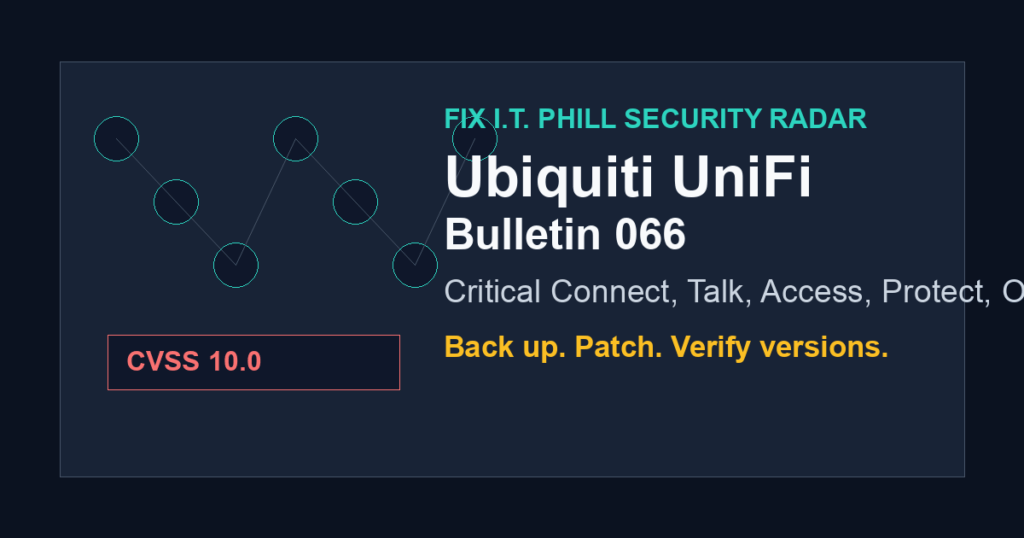
Admin action: Ubiquiti Security Advisory Bulletin 066 needs patch scheduling now if you manage UniFi Connect, UniFi Talk, UniFi Access, UniFi Protect, UniFi OS Server, Cloud Gateways, routers, storage, or surveillance devices.
The highest-priority item is CVE-2026-50746 in UniFi Connect Application. CVE.org lists it as CVSS 10.0 CRITICAL, affecting UniFi Connect Application versions before 3.4.20. The same advisory set also covers other critical issues across UniFi Talk, UniFi Access, UniFi Protect, and UniFi OS.
This is not a reason to panic-patch blindly. It is a reason to inventory UniFi applications and consoles today, export current settings, schedule a maintenance window, and verify that management access is not exposed more broadly than necessary.
What To Update
- CVE-2026-50746: update UniFi Connect Application to 3.4.20 or later.
- CVE-2026-50747: update UniFi Talk Application to 5.2.2 or later.
- CVE-2026-50748 and CVE-2026-54400: update UniFi Access Application to 4.2.29 or later.
- CVE-2026-54402 and CVE-2026-55116: update affected UniFi OS devices to 5.1.19 or later where applicable.
- CVE-2026-55115: update UniFi Protect Application to 7.1.83 or later.
Why Hosting And MSP Teams Should Care
UniFi devices often sit at the edge of small business networks, client offices, studios, warehouses, churches, schools, and remote managed locations. A critical UniFi advisory can become an operational problem even when the device is not part of a traditional web stack.
If you manage customer networks, treat this as an account and device inventory task. Confirm which customers have UniFi consoles, which applications are installed, which devices are remotely reachable, and who is responsible for approving the update window.
Backup First
- Export current UniFi console and application settings before applying updates.
- Record current application and UniFi OS versions before the maintenance window.
- Confirm you have console access that does not depend on the device being updated.
- Warn customers that cameras, access control, phones, lighting, or gateway features may briefly restart during maintenance.
After The Update
- Verify the fixed versions in the UniFi console, not just that an update completed.
- Review admin accounts, API users, remote access settings, and unnecessary port exposure.
- Check recent UniFi admin activity for unexpected changes.
- Keep UniFi management behind VPN, trusted admin networks, or vendor-supported remote access controls.
Safe Summary
The safe public version is simple: Ubiquiti has critical UniFi updates out, the fixed versions are available, and admins should patch after taking a configuration backup. This post intentionally avoids exploit mechanics and only gives defensive update guidance.