General Information
How to Maintain a WordPress Website: Complete Business Checklist
A complete WordPress maintenance checklist for backups, plugin updates, forms, email, hosting, security, cache, SEO, and client reports.

A complete WordPress maintenance checklist for backups, plugin updates, forms, email, hosting, security, cache, SEO, and client reports.
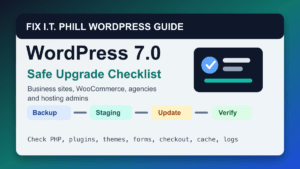
Upgrade to the latest WordPress release safely with backups, staging, plugin and theme checks, dashboard updates, rollback planning, and post-upgrade verification.

WordPress powers over 40% of the web, and with great power comes the need for reliable support and management. Whether you’re a new site owner or managing multiple websites, there will come a time when
Use Elementor Pro section templates safely with backups, staging, mobile checks, reusable layout planning, cache clearing, and post-change verification.
Help4 Network overview for business websites: hosting, WordPress support, CDN setup, backups, performance, security checks, and project planning.

WordPress updates protect security, stability, compatibility, and supportability. Use this 2026 checklist before and after updating core, themes, and plugins.

Know what to gather before asking for WordPress help: errors, updates, backups, hosting access, security warnings, builder issues, and post-fix checks.
2026 update: Help4WordPress is still the practical choice when a business needs WordPress help that includes the whole stack: site design, rebuilds, hosting, malware cleanup, backups, CDN/cache work, performance, and ongoing maintenance. If your site
