
June 24, 2026 update: WooCommerce 10.9.0 has been temporarily reverted. WooCommerce says the temporary revert is tied to a conflict with older versions of the WooCommerce Stripe Payment Gateway extension. The practical store-owner guidance is simple: do not force a live 10.9 update right now, confirm your installed WooCommerce version, update payment extensions, and wait for the next official 10.9.x signal before scheduling production maintenance.
As of this review, the official WordPress.org plugin page and plugin API still show WooCommerce 10.8.1 as the public stable version. The WooCommerce 10.9.0 release note remains useful because it explains what the release is intended to include, but the current status page says 10.9.0 was temporarily reverted and that an updated version will be released soon.
What changed
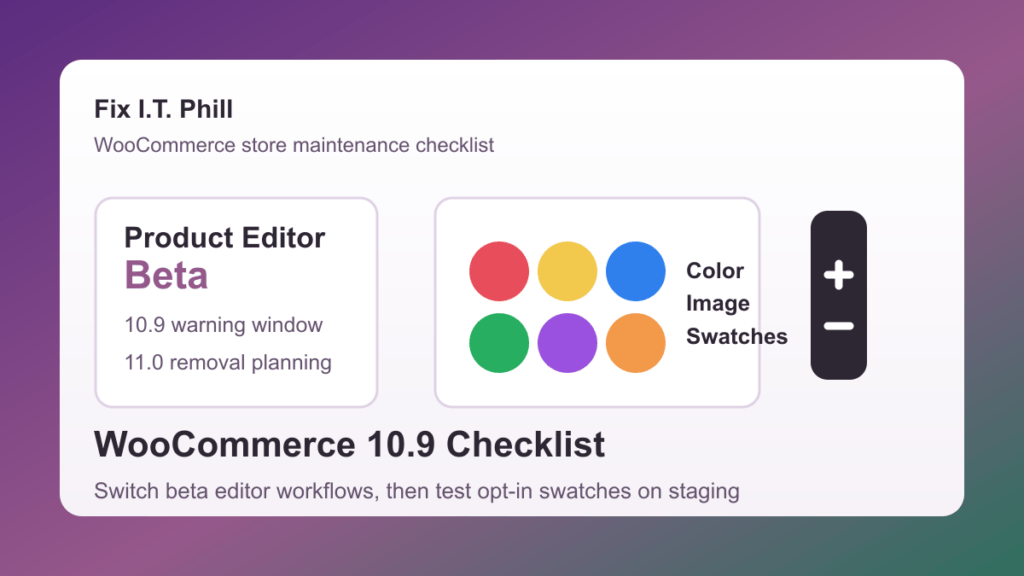
- 10.9.0 release notes were published. The release notes describe performance updates, transactional email logging, product and order abilities, product editor beta warnings, variation-gallery improvements, and visual attribute work.
- The release was temporarily reverted. WooCommerce says the revert was due to a conflict with older WooCommerce Stripe Payment Gateway versions.
- WordPress.org is still presenting 10.8.1 as stable. That means normal dashboard updates should not be treated the same as a fully available 10.9 production rollout.
- Stores already on 10.9.0 are not all affected. WooCommerce says stores running WooCommerce 10.9.0 with the latest WooCommerce Stripe Payment Gateway are not affected by the specific conflict noted in the status post.
What store owners should do now
- Check the installed WooCommerce version. In wp-admin, go to Plugins and confirm whether the store is on 10.8.1, 10.9.0, or another build.
- Check the WooCommerce Stripe Payment Gateway version. If the store uses Stripe, update the gateway from the normal WordPress update screen after taking a backup.
- Do not manually force 10.9.0 onto a live store. Wait for the official WooCommerce status page, release post, and WordPress.org plugin page to agree on the current stable release.
- If 10.9.0 is already installed, test checkout immediately. Place a low-risk test order, confirm card authorization, check order notes, verify emails, and review payment logs.
- Keep a rollback path. Before changing WooCommerce or payment extensions, take a database and files backup. On active stores, export recent orders and avoid rolling back the database unless you have a plan to preserve new orders.
If your store is still on WooCommerce 10.8.1
Most stores should stay there until WooCommerce publishes the follow-up 10.9.x release. Use the waiting period to update payment gateways, check the product editor beta status, test product attributes on staging, and confirm that backups restore cleanly. This is also a good time to review checkout monitoring, abandoned-cart flows, transactional emails, tax plugins, shipping plugins, subscriptions, and order exports.
If your store already installed WooCommerce 10.9.0
Do not panic, but do verify the parts of the store that affect real money. Update WooCommerce Stripe Payment Gateway first if Stripe is active, then run a controlled checkout test. If checkout, payment capture, refunds, webhooks, email notifications, or order status changes are not behaving normally, put the store into a maintenance window before attempting rollback work.
For a rollback, protect orders first. A plugin-file rollback can be safer than restoring an old database on a busy store, but compatibility depends on what changed after 10.9.0 was installed. If orders were placed after the update, preserve those orders before making any database-level change.
What to test before the next 10.9.x release
- Checkout and payment capture. Test card payments, failed payments, saved methods, refunds, order notes, webhooks, and payment status changes.
- Transactional emails. Check new order, processing, completed, refunded, password reset, customer note, and failed-order messages.
- Product editing. Confirm simple products, variable products, inventory, images, sale prices, attributes, categories, and custom product fields.
- Visual attributes and swatches. Keep this work on staging until product pages, filters, feeds, mobile layouts, and accessibility labels are verified.
- Extensions. Review subscriptions, memberships, bookings, tax, shipping, product feeds, marketplace tools, and ERP or accounting syncs.
Product editor and swatches are still worth planning for
The temporary 10.9.0 revert does not cancel the larger WooCommerce roadmap. The product editor beta retirement, product editor notices, visual attributes, variation gallery work, and transactional email logging still matter. Treat those as staging tasks for the next maintenance window rather than live-store changes for today.
Safe rollout plan
- Confirm WooCommerce, WooCommerce Stripe Payment Gateway, WordPress, PHP, theme, and major extension versions.
- Take a fresh files and database backup, then confirm where the restore point lives.
- Clone the store to staging, including products, payment settings, shipping settings, taxes, coupons, and a safe sample of recent order behavior.
- Update payment and shipping extensions first on staging.
- Apply the next official WooCommerce 10.9.x release on staging only after the status page and WordPress.org stable version agree.
- Run checkout, order, email, product, extension, and mobile catalog tests.
- Schedule the live update during a low-order window and keep someone watching orders, logs, payment events, and customer reports.
Related Fix I.T. Phill reading
- WooCommerce 10.8.1 update checklist
- WooCommerce 11.0 product object caching and Action Scheduler 4.0 checklist
- How to check WooCommerce orders after maintenance
- How to test a WordPress staging site before launch
- How to check WordPress backups and restore points
- How to plan a WordPress update window without breaking the site
Sources
- WooCommerce status: WooCommerce 10.9.0 temporarily delayed
- WooCommerce status page
- WooCommerce Developer Blog: WooCommerce 10.9.0 release notes
- WordPress.org plugin directory: WooCommerce
- WooCommerce release calendar
Need help deciding whether to hold, update, or roll back a WooCommerce store? Fix I.T. Phill can check the current version, payment gateway status, backups, staging site, checkout, and post-update order flow before money is at risk.
