
WooCommerce is asking developers, agencies, and store builders to test its new Shopper Lists features before they move toward a wider rollout. This is not a security alert. It is a WooCommerce store-operations item for teams that maintain ecommerce sites and want to validate Save for Later and Wishlists safely.
The June 26, 2026 WooCommerce Developer Blog post says WooCommerce 10.9 introduced two experimental shopper-list features for logged-in shoppers: Save for Later and Wishlists. Both are opt-in and off by default. WooCommerce recommends testing on a staging or local site running WooCommerce 10.9.1 or newer.
What Changed
- Save for Later is available for testing. Logged-in shoppers can move products out of the cart without losing them completely.
- Wishlists are available for testing. Logged-in shoppers can keep products for later and review them from the account area.
- The features are experimental. They must be enabled intentionally and should not be switched on first in a busy production store.
- Block-based stores are the main testing target. WooCommerce is looking for feedback from real store builds, especially customized block templates and extension-heavy sites.
Who Should Test This
This is most useful for WooCommerce agencies, store owners with a staging workflow, plugin developers, theme builders, and ecommerce teams that already use the Cart block, product templates, or block-based shopping flows.
If your store is still mostly shortcode-based, heavily customized, or depends on older checkout/cart customizations, treat this as a lab item first. The point is to learn whether the feature fits your store before it reaches a broader release path.
Before You Enable It
- Use staging or local only. Clone the store or use a safe test environment before enabling the features.
- Confirm the WooCommerce version. Use WooCommerce 10.9.1 or newer for this testing path.
- Back up the test site. Capture the database and files before changing feature flags or block templates.
- Use realistic products. Include at least one simple product and one variable product with selectable attributes.
- Use a real customer-style test account. These flows are meant for logged-in shoppers, so anonymous browsing alone is not enough.
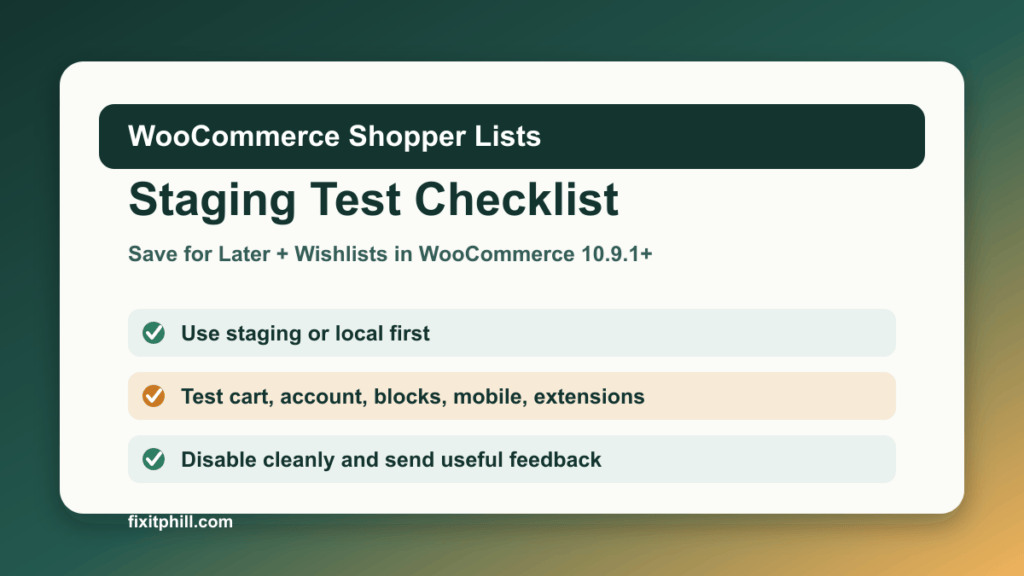
Staging Test Checklist
- Enable the experimental features. In WooCommerce settings, enable Save for Later in Cart and Wishlists under the advanced feature settings.
- Test cart behavior. Add products to the cart, move them to Save for Later, move them back, remove them, and refresh the session.
- Test wishlist behavior. Add simple and variable products to a wishlist, confirm they appear in the customer account area, then move them to the cart and remove them.
- Test block templates. Check the Cart block, product templates, account pages, and any page where you add a wishlist block.
- Check mobile layout. Run the flow on desktop and mobile widths so the buttons, account area, cart, and product pages do not overlap or disappear.
- Check extensions. Watch for conflicts with product add-ons, memberships, subscriptions, coupons, caching, translation, currency, checkout, and account-management plugins.
- Disable the features again. Confirm the shopper-list UI disappears cleanly and the cart, product pages, and account area still work.
What To Watch For
Pay close attention to cart totals, product variations, logged-in account behavior, cache behavior, template output, and checkout stability. A feature can look fine on a simple product page and still fail when a store uses product add-ons, custom account tabs, object caching, multilingual content, or a custom block theme.
Do not treat this as a production conversion-rate feature yet. Treat it as a controlled compatibility test. If it works well in staging, document the exact WooCommerce version, theme, active plugins, block templates, and test flows before deciding whether to keep watching the feature.
Rollback Plan
- Disable Save for Later and Wishlists in the WooCommerce feature settings.
- Remove any test wishlist block or test page you created for validation.
- Clear staging cache and object cache after disabling the features.
- Re-test cart, account, product, and checkout flows after rollback.
- Keep the backup until the testing notes are complete.
Send Useful Feedback
WooCommerce is asking testers to share what they tested, what worked, what broke, and what they expected to happen instead. Good feedback includes the WooCommerce version, theme, block setup, relevant extensions, product types tested, and whether the issue happened after enabling, using, or disabling the features.
