


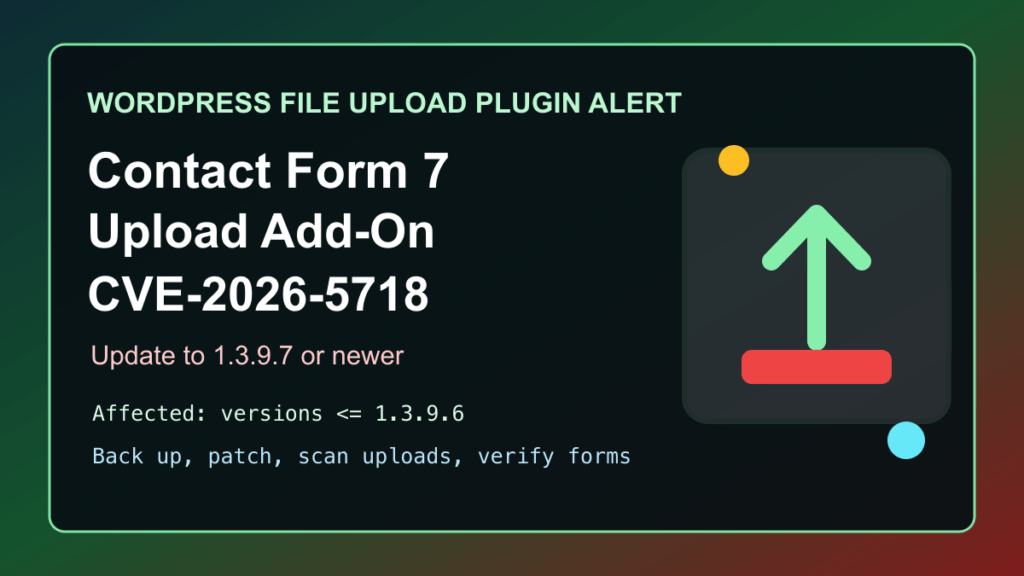
Sites using Drag and Drop Multiple File Upload for Contact Form 7 should update to version 1.3.9.9 or later. The WordPress Plugin Directory lists 1.3.9.9 as the current release, and a current vulnerability record identifies a serious risk in older versions. Update the plugin, review forms that accept attachments, and verify ordinary form handling after maintenance.
This refresh replaces the earlier patch guidance for this plugin. It is defensive maintenance guidance and intentionally does not reproduce technical attack detail. Use the official WordPress Plugin Directory listing and current vulnerability record to confirm the version applicable to each site.
Who Should Act
- WordPress owners using Contact Form 7 forms with the add-on's attachment or file-upload features.
- Agencies and hosting teams that maintain multiple WordPress sites or form workflows.
- Site owners who rely on uploaded documents, job applications, support files, or other form attachments.
Update The Plugin Safely
- Identify every site that uses the add-on and note the owner of each public form with an upload field.
- Use the normal WordPress update workflow to install version 1.3.9.9 or a later release supplied by the official directory.
- Use established change control and an approved recovery path for important forms. Do not create or alter a backup schedule solely for this update.
- Where a staging site is available, confirm the update there before the production window for business-critical forms.
- Keep Contact Form 7, WordPress core, and other active form extensions within their supported update paths.
Verify Normal Form Handling
- Confirm the intended plugin version appears in the WordPress administration area.
- Use an approved, non-sensitive test submission to confirm the form, validation messages, notifications, and intended attachment handling still work.
- Review the site's normal form and mail error reporting for post-update problems without copying visitor submissions or private attachments into support notes.
- Confirm that upload fields are present only where they are genuinely needed and that form-management access remains limited to approved users.
If You Cannot Update Immediately
Temporarily remove or disable nonessential attachment fields, restrict administrator access to the form configuration, and schedule the earliest practical update window. A reduced upload surface can lower exposure while the team prepares the update, but it does not replace installing the corrected release.
Related FixItPhill Guidance
Use the WordPress support hub for routine site-maintenance and verification guidance. The FixItPhill security library has additional WordPress update and hardening checklists.

