


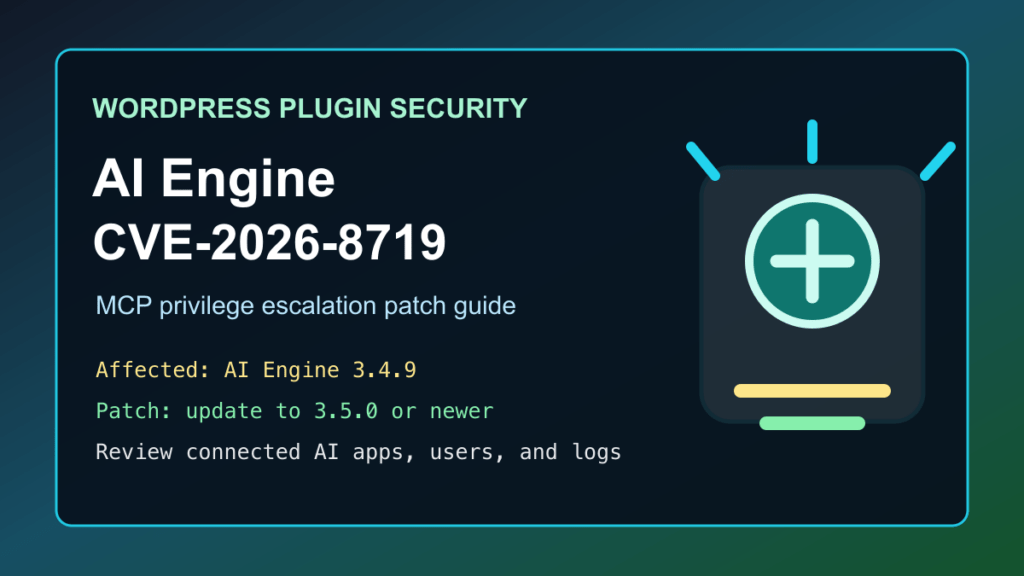
WordPress site owners using AI Engine should update to version 3.5.0 or newer for CVE-2026-8719. Wordfence lists AI Engine 3.4.9 as affected by a high-severity authenticated privilege escalation issue tied to MCP OAuth authorization. WordPress.org shows AI Engine has 100,000+ active installs, and the 3.5.0 changelog says MCP OAuth authorization and token validation now require administrator capability.
This is a protect-only guide. Fix I.T. Phill is not publishing request details, token handling internals, scanner checks, or steps that would help someone test strangers' sites. The practical defender work is to update the plugin, confirm who can use AI Engine and MCP features, review connected applications, and check for unexpected administrator or content changes.
Who Should Check
- WordPress sites running AI Engine - The Chatbot, AI Framework & MCP for WordPress.
- Sites that enabled MCP, OAuth-based AI agent connections, chatbot automation, function calling, WooCommerce actions, media management, or content editing through AI Engine.
- Customer portals, membership sites, WooCommerce sites, LMS sites, and agency-managed WordPress installs where subscriber accounts exist.
- Hosting providers and support teams responsible for many WordPress installations.
Affected Versions And Fix
| Plugin | CVE | Risk | Affected version noted by Wordfence | Fixed version |
|---|---|---|---|---|
| AI Engine | CVE-2026-8719 | High authenticated privilege escalation | 3.4.9 | 3.5.0 or newer |
If your installed version is older than 3.5.0, update. Even when a specific advisory names one version, older AI Engine releases have had other security fixes over time, so staying below the current patched branch is not a safe long-term position.
Plain-English Impact
AI Engine can expose powerful WordPress actions to AI-assisted workflows. Depending on configuration, those workflows may interact with posts, media, plugins, users, WooCommerce data, SEO tooling, and other site functions. That makes authorization checks especially important.
Wordfence rates CVE-2026-8719 at 8.8 high and describes it as an authenticated subscriber-level privilege escalation issue. In practical terms, any site that allows low-privilege users should treat vulnerable AI Engine MCP/OAuth configurations as urgent, because a weak authorization boundary can turn a normal account into a site-admin problem.
Safe Version Checks
From the WordPress dashboard, open Plugins, search for AI Engine, and confirm the installed version is 3.5.0 or newer.
For normal WP-CLI inventory on your own server, use:
wp plugin get ai-engine --field=version
wp plugin update ai-engine
Those commands only check and update the installed plugin. They do not validate the vulnerability against a live site.
Patch Checklist
- Take a fresh file and database backup.
- Update AI Engine to 3.5.0 or newer.
- Clear WordPress cache, object cache, page cache, and CDN cache.
- Review AI Engine MCP, OAuth, chatbot, function-calling, WooCommerce, media, and content automation settings.
- Remove or revoke AI agent connections that are not actively needed.
- Confirm only trusted administrators can approve or manage high-impact AI Engine capabilities.
- Retest normal chatbot, content, media, and WooCommerce workflows after the update.
If You Cannot Patch Immediately
The correct fix is to update AI Engine. If a maintenance window is required, reduce risk until the update is complete:
- Disable MCP and OAuth-style AI agent connections if the site does not need them right now.
- Limit WordPress logins to trusted users, trusted networks, VPN access, or a temporary WAF challenge where that fits the customer workflow.
- Temporarily turn off AI Engine features that can edit content, manage media, interact with WooCommerce, or expose administrative functions.
- Require multi-factor authentication for administrators and support users.
- Schedule the plugin update as the permanent remediation, not as optional cleanup.
What To Review After Patching
- New administrator users, changed administrator emails, password reset activity, and unusual role changes.
- Connected AI applications, approved OAuth clients, app passwords, API keys, and revoked connections.
- Recently modified posts, pages, media library items, snippets, theme files, plugin files, and mu-plugins.
- WooCommerce products, orders, coupons, customer records, and payment/shipping settings if AI Engine had WooCommerce actions enabled.
- Web server logs, WordPress activity logs, security plugin logs, CDN logs, and WAF logs for unusual authenticated activity around the disclosure window.
Replacement And Hardening Guidance
AI Engine is actively maintained and has a patch, so replacement is not the first recommendation if the site depends on it. Update first, then review whether production really needs agent-level access to WordPress.
- If AI Engine is only used for occasional content generation, move that workflow to a staging site or an external editorial process instead of giving production WordPress broad AI actions.
- If a site has accumulated multiple builders, content automation plugins, shortcode tools, and layout helpers, consider consolidating the builder side with Help4 Builder Suite or another maintained builder stack. That is not a direct AI Engine replacement; it is a way to reduce plugin sprawl where layout and content tooling overlap.
- For security monitoring and virtual patching, pair WordPress-side protections with maintained WAF and malware response options such as Wordfence, Sucuri, host-level malware scanning/removal, and CDN/WAF rules.
- For any AI tool that can change WordPress content or settings, require least-privilege access, explicit administrator approval, logging, and a rollback plan.
Customer Communication
Keep the customer message direct: AI Engine published a security update, the site was checked for the affected plugin, and the plugin was updated or scheduled for update. If the site used AI agent connections, tell the customer you are also reviewing connected apps, administrator users, content changes, and logs.
Do not send customers technical attack details. Send them the patch status, whether a review found anything unusual, and whether password resets or key rotation are recommended.
Fix I.T. Phill CDN/WAF Note
For Help4 CDN-managed WordPress sites, this is a good time to review generic controls around WordPress authenticated privilege changes, AI tool access, automation connections, and unusual content or plugin-management behavior. Virtual patching can reduce risk while sites patch, but it does not replace updating AI Engine to 3.5.0 or newer.

