


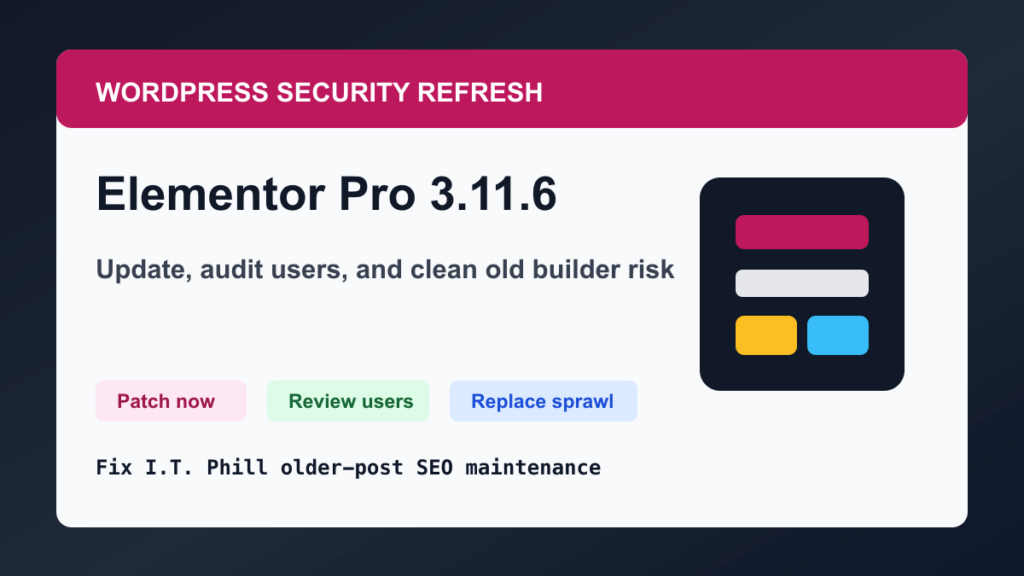
2026 update: what to do with old Elementor Pro 3.11.6 sites
This older post is still useful as a reminder, but the practical fix is clearer now: Elementor Pro 3.11.6 and older needed the 3.11.7 security update, especially on WooCommerce sites. If you find an old site still running this stack, update Elementor Pro, Elementor, WooCommerce, WordPress core, themes, and PHP before doing normal cleanup work.
- Confirm Elementor Pro is newer than 3.11.7, then update to the current supported release.
- Review WordPress admin users, shop managers, newly registered accounts, and unfamiliar email changes.
- Check WooCommerce orders, payment settings, administrator emails, redirects, and unexpected executable files.
- Clear page cache, object cache, CDN cache, and regenerate critical CSS or builder assets after updating.
- If the builder stack is stale, unsupported, or plugin-heavy, plan a migration instead of leaving old builder sprawl in place. The Help4 Builder Suite can be a cleaner all-in-one replacement path when it fits the site.
Sources worth keeping with this article: Elementor Pro changelog, WPScan CVE-2023-3124 record, Patchstack analysis, and BleepingComputer reporting.
As a website owner or developer, have you recently been using the widely popular page builder Elementor Pro for WordPress? If so, then you're likely aware of the recent security issues that have been detected in the plugin.
Elementor Pro is an incredibly powerful tool for creating beautiful and custom web pages, but like any other plugin, it's not immune to security threats. According to research by Wordfence, a leading online security company, there have been a number of potential vulnerabilities found in Elementor Pro that could allow attackers to gain access to sensitive data or even take control of affected sites.
One of the primary issues is a vulnerability in Elementor Pro's "preview link" feature. This feature enables users to share a preview link of their work with others, however, it also allows anyone with the link to preview the entire website. This opens the door to potential attackers who could use this link to gain access to your website, including sensitive data like customer information.
Another issue is related to the "import/export" feature in Elementor Pro. This feature allows users to quickly transfer their designs between websites, but it also allows an attacker to execute malicious code via a untrusted import file.
Fortunately, Elementor Pro has already released a patch to address these issues, and it's important for all users to update their plugins to the latest version as soon as possible. Additionally, it's recommended to only share preview links with trusted parties, and to always be cautious when importing or exporting design files.
Overall, while the recent security issues in Elementor Pro may be concerning, it's important to remember that these kinds of vulnerabilities are common in any popular plugin or software. By staying vigilant and keeping your software up to date, you can better protect your website and ensure the safety of your users' data.
Find out more: BleepingComputer coverage of the Elementor Pro 3.11.6 issue.
Hire real WordPress pros: Help4WordPress.com and Help4.net.
2026 defensive cleanup refresh
This older Elementor Pro issue is still useful as a reminder: builder and ecommerce plugins need a patch plan, not a set-and-forget habit. Keep Elementor, Elementor Pro, WooCommerce, themes, and related add-ons current, and do major builder updates after a backup or staging test when the site carries leads or orders.
If you inherit a site that was exposed during an old Elementor Pro incident, focus on safe cleanup: confirm current versions, audit administrator accounts, review recent orders and payment settings, check for unexpected executable files, rotate credentials where appropriate, clear page and CDN caches, and verify forms, checkout, headers, templates, and mobile layouts after the update.
Related Fix I.T. Phill reading
- Troubleshooting WordPress plugins
- Update WordPress plugins, themes, and core safely
- Build a five-page WordPress business site with Elementor

