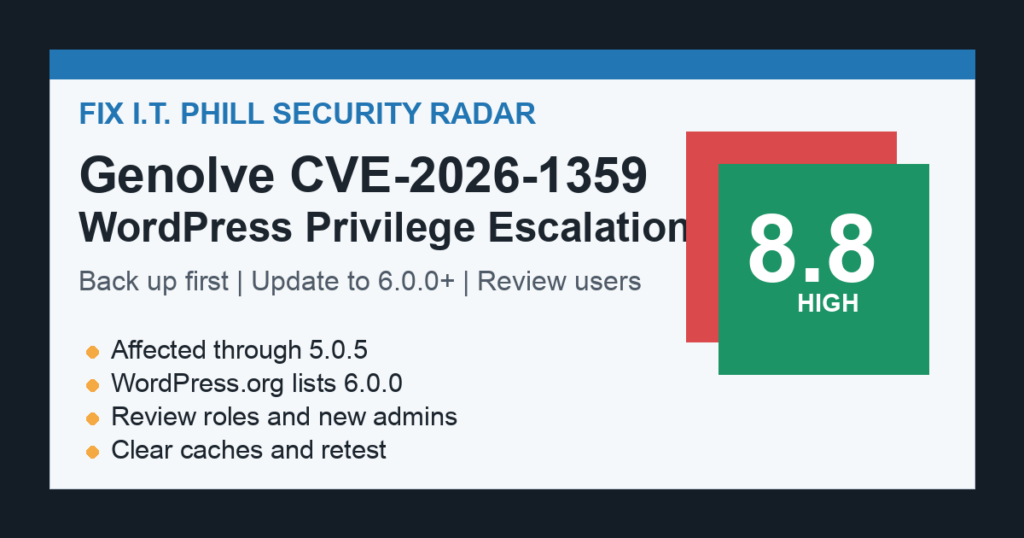
Fix I.T. Phill radar note: NVD published CVE-2026-1359 for the Genolve WordPress plugin on July 11, 2026. The issue is rated high severity and affects Genolve AI image/video generation plugin versions up to and including 5.0.5.
The practical risk is privilege escalation. On affected sites, a logged-in user with contributor-level access or higher could change sensitive WordPress options and create administrator-level exposure. WordPress.org currently lists Genolve 6.0.0, so site owners should back up first, update, and review user and site-option changes after patching.
Who Is Affected
- WordPress sites running Genolve through version 5.0.5.
- Sites that allow contributors, authors, editors, agency users, or other non-admin accounts to log in.
- Marketing, media, ecommerce, and local-business sites that used the plugin for AI graphics, AI images, or video-generation workflows.
What To Do Now
- Create a database backup and file backup before changing the site.
- Update Genolve to 6.0.0 or newer from the WordPress dashboard or your hosting control panel.
- If you cannot update immediately, disable the plugin until a maintenance window is available.
- Review administrator users, recently changed roles, new registrations, and site settings that control registration or default account behavior.
- Clear page cache, object cache, CDN cache, and any security-plugin cache after the update.
- Retest login, editing, media, and AI-generation workflows with a normal user account and an administrator account.
What To Review After Updating
- New administrator accounts or existing users promoted during the exposure window.
- Unexpected changes to registration, default role, membership, or login-related settings.
- Contributor, author, and editor activity that does not match normal publishing work.
- Security-plugin alerts, audit logs, and hosting-panel file-change notices from the same period.
- Unplanned plugin installs, theme edits, scheduled tasks, or administrator email changes.
Exploitation Status
During this pass, Fix I.T. Phill did not find CVE-2026-1359 listed in CISA’s Known Exploited Vulnerabilities catalog. That does not make the issue safe to ignore. Privilege escalation bugs in WordPress plugins should be patched quickly, especially when a site has multiple content users or customer-facing account features.
Safe Verification
Use the WordPress dashboard, WordPress.org plugin page, or your hosting control panel to confirm the installed Genolve version. Do not run public testing code against live websites. A safe verification pass is enough: confirm the version, confirm the site still loads, confirm login still works, and confirm the expected user roles remain in place.
Fix I.T. Phill Takeaway
This is a backup-first WordPress plugin update. Small install count does not remove the risk for sites that actually run the plugin. If a site has contributor accounts, agency users, writers, vendors, or temporary marketing users, patch first and review users second.