
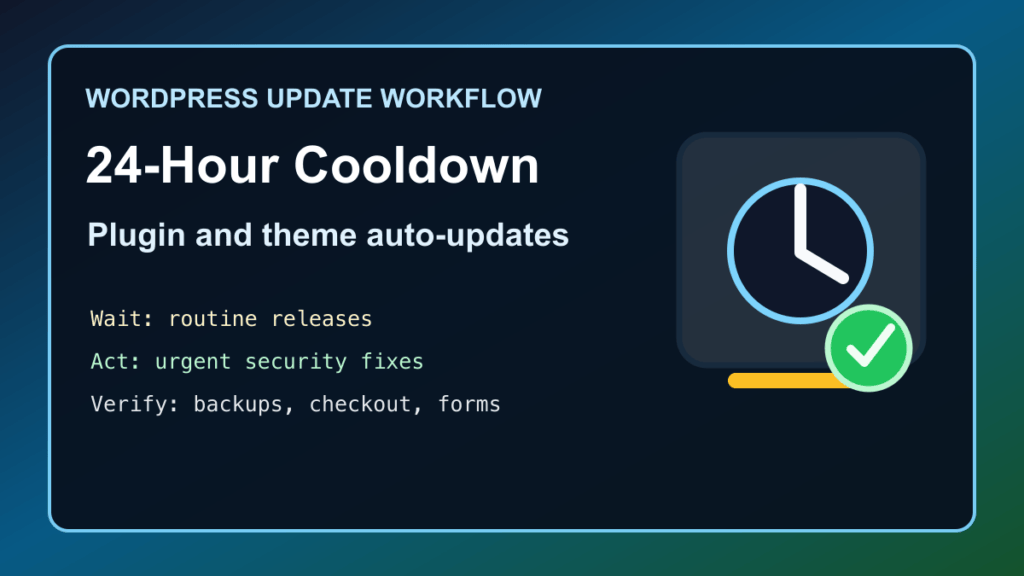
June 6, 2026 update: WordPress.org announced a temporary 24-hour cooldown period before new plugin and theme releases are distributed through auto-updates. If you manage a business site, WooCommerce store, agency fleet, or hosting account, this changes how you should think about automatic updates versus urgent manual patching.
The short version: auto-updates may wait, but site owners still need an active update plan. A short review window can help catch risky releases before they hit millions of sites, but it does not replace backups, staging, plugin inventory, security monitoring, or manual updates for confirmed urgent fixes.
What changed
On June 5, 2026, WordPress.org published the announcement titled Protect The Shire. The key operational detail is that, for now, each new plugin release will wait up to 24 hours before being distributed through auto-updates. The announcement frames this as a temporary safety measure for WordPress.org's plugin and theme ecosystem.
WordPress.org says the directory includes more than 78,000 plugins and themes, and the announcement points to a tension every admin already feels: updating quickly can protect a site, but distributing a bad update too quickly can also hurt a lot of sites. The cooldown is meant to give review systems and people a little time to catch dangerous releases.
What this does not mean
- It does not mean WordPress sites should stop updating.
- It does not mean every security patch should wait a full day.
- It does not replace staging, backups, update logs, or rollback planning.
- It does not necessarily control paid-plugin, bundled-theme, private-updater, or vendor-hosted update channels outside WordPress.org.
- It does not make abandoned plugins safe. If a plugin cannot be updated from a trusted source, plan a replacement.
What site owners should do
- Keep auto-updates enabled where they already make sense. For well-maintained, low-risk plugins and themes, auto-updates are still useful.
- Watch urgent advisories separately. If a vendor, Wordfence, Patchstack, WPScan, CISA, or your host confirms active exploitation, do not blindly wait for routine auto-update timing.
- Back up before manual updates. A manual security update still deserves a database and files backup, especially on WooCommerce, membership, LMS, booking, and business-critical sites.
- Use staging for risky changes. Page builders, checkout extensions, payment gateways, shipping plugins, caching plugins, and SEO plugins deserve a quick staging test when possible.
- Verify the result. After updates, check the public homepage, forms, checkout, login, search, key landing pages, and any plugin-specific workflow the site depends on.
- Document why you overrode the cooldown. If you manually update a plugin inside the first day, write down the advisory, fixed version, backup status, and pages tested.
Agency and hosting workflow
For agencies and hosts, the real change is triage. Your maintenance dashboard may show a newly released plugin version before WordPress.org auto-updates push it everywhere. That means your team should decide whether the update is routine, compatibility-sensitive, or security-urgent.
- Routine update: let the cooldown do its job, then apply during the next normal maintenance window.
- Compatibility-sensitive update: test on staging first, especially for WooCommerce, builders, membership, LMS, forms, cache, SEO, and payment plugins.
- Security-urgent update: confirm the affected version and fixed version from reputable sources, back up, update manually, purge caches, and verify the site.
- Suspicious update: pause, check vendor notes, review support chatter, and avoid pushing the release across a fleet until it is understood.
Managed WordPress, cPanel, and Plesk notes
Managed WordPress hosts, cPanel WordPress Toolkit, Plesk WordPress Toolkit, MainWP, ManageWP, InfiniteWP, Installatron, Softaculous, and similar tools may show update availability differently depending on how they query WordPress.org or vendor update servers. Check your tool's actual behavior instead of assuming every dashboard follows the same timing.
If you support customers, set expectations clearly: automatic updates are still useful, but urgent security work sometimes needs a manual maintenance window. The cooldown is a safety layer, not a substitute for responsible site ownership.
A simple decision checklist
- Is the update fixing a known security issue? If yes, confirm the fixed version and patch intentionally.
- Is the site ecommerce or lead-critical? If yes, back up and test checkout/forms after updating.
- Is the plugin abandoned or unknown? If yes, plan a replacement rather than trusting automatic updates forever.
- Is the update from WordPress.org or a private vendor channel? Know which system controls that plugin's updates.
- Did the update change front-end output? Purge caches and verify what customers actually see.
- Did something break? Roll back from a known-good backup, not from random plugin zip files.
Related Fix I.T. Phill reading
- How to Plan a WordPress Update Window Without Breaking the Site
- How to Check WordPress Backups and Restore Points
- Unlimited Elements for Elementor CVE-2026-48837 update guide
- WP Maps Pro CVE-2026-8732 WordPress patch guide
Sources
- WordPress.org News: Protect The Shire
- Make WordPress Plugins: Plugin Rollout: Phased Releases
- Make WordPress Updates: Plugins Team, June 1, 2026
Need help deciding when to let WordPress auto-update and when to step in manually? Fix I.T. Phill can help inventory plugins, test updates, verify backups, and keep business sites patched without turning every update into a fire drill.
