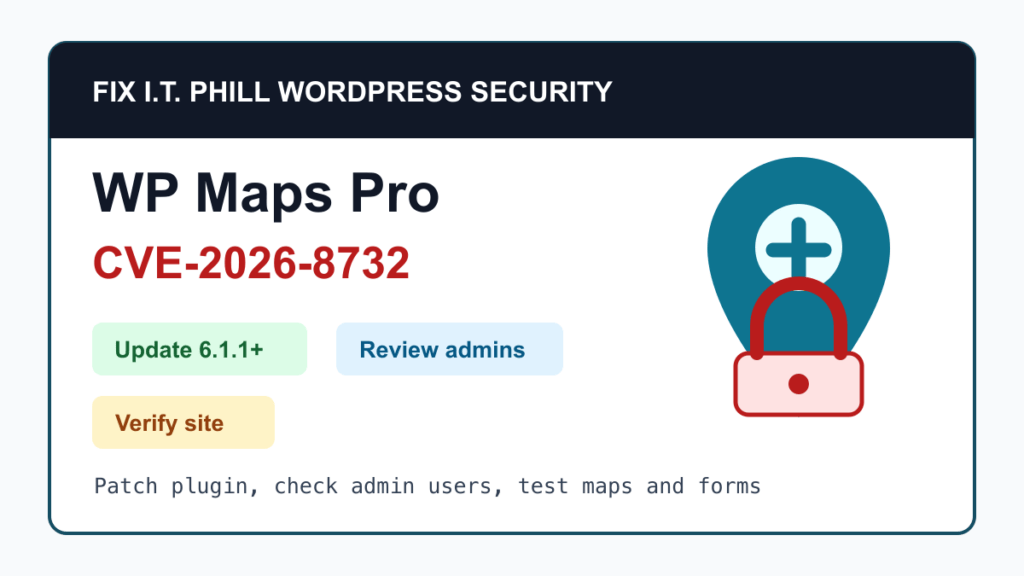
WP Maps Pro CVE-2026-8732 is a critical WordPress plugin vulnerability that site owners should patch right away. Wordfence reported on May 28, 2026 that WP Maps Pro could let unauthenticated attackers create administrator accounts on affected sites, which can lead to full site takeover. Wordfence lists the issue as critical with a 9.8 CVSS score and says version 6.1.1 is the patched release.
This matters because WP Maps Pro is used for business maps, store locators, directories, property listings, event locations, service areas, and other public-facing pages. If that kind of site also handles quotes, bookings, accounts, orders, donations, or contact forms, a plugin takeover risk becomes a business risk quickly.
This is a protect-only guide. It gives site owners, agencies, and hosting teams the safe patch and review path without publishing the low-level abuse details.
What Is Affected
- WP Maps Pro sites running vulnerable releases should be treated as urgent patch candidates.
- Wordfence says the vulnerability affects versions up to and including 6.1.0 and that WP Maps Pro 6.1.1 fully addresses the issue.
- The risky behavior is administrator account creation by someone who should not be logged in.
- The plugin is commonly used for maps, store locators, directories, listings, and location search features, so agencies should check more than the obvious ecommerce sites.
What To Update
Update WP Maps Pro to 6.1.1 or newer. If your update channel offers a later release, install the current trusted release instead of stopping at the first fixed build. Use the site owner’s licensed vendor channel, Envato/CodeCanyon account, managed WordPress tooling, or the maintenance platform that normally handles paid plugin updates for the site.
Safe Patch Plan
- Take a fresh backup before updating the plugin, especially on sites with location directories, custom markers, imported location lists, booking flows, or page-builder templates.
- Confirm the currently installed WP Maps Pro version from the WordPress plugin screen or your maintenance dashboard.
- Update WP Maps Pro to 6.1.1 or newer from a trusted source.
- Clear WordPress cache, host cache, object cache, and CDN cache after the update.
- Test the pages that show maps, store locator search, filters, directions, category views, contact forms, quote forms, checkout, and account login.
- If the update changes map behavior, roll forward with vendor guidance when possible. Restore only if the site is protected from the vulnerable plugin during the rollback window.
If You Cannot Patch Today
If you cannot update immediately, disable WP Maps Pro until the site can be patched, or restrict the affected site behind a maintenance window if the maps are not mission critical. A firewall or managed security rule can reduce exposure, but it should be treated as a bridge to the plugin update, not as the final fix.
If a license, vendor account, or bundled theme package prevents the update, treat that as an operational problem to solve now. Paid plugins that cannot be updated cleanly become long-term maintenance risk.
What To Review After Patching
- Look for unknown administrator accounts, recently created users, unexpected role changes, and unfamiliar profile email addresses.
- Check for new plugins, new themes, changed theme files, unexpected snippets, unfamiliar redirects, and strange scheduled tasks.
- Review recent page, post, menu, widget, map, marker, and location-directory changes.
- Check contact forms, quote forms, checkout, membership pages, donation forms, booking tools, and lead routing for unauthorized changes.
- Review security plugin alerts, hosting logs, CDN events, and WordPress activity logs at a high level around the suspected exposure window.
- If you find unknown admin access, rotate WordPress admin passwords, hosting panel passwords, SFTP/SSH credentials, API keys, payment-related keys, and any secrets that were reachable from WordPress.
Agency And Hosting Checklist
- Inventory client sites for WP Maps Pro, especially directories, franchises, real estate sites, event sites, service-area businesses, stores, and local business landing pages.
- Prioritize sites that collect personal information, take payments, accept bookings, or publish lead forms.
- Patch first, then verify maps and forms, then review admin users and recent site changes.
- For cPanel, Plesk, DirectAdmin, Softaculous, Installatron, and managed WordPress customers, check both WordPress and panel-side plugin inventories where available.
- Tell affected site owners what was updated, what was tested, whether any unknown admin access was found, and whether a deeper cleanup is needed.
Wordfence Firewall Timing
Wordfence says Premium, Care, and Response users received firewall protection for this vulnerability on May 18, 2026. Wordfence Free users are scheduled to receive the same protection on June 17, 2026. That timeline is useful, but the best fix is still the plugin update to 6.1.1 or newer.
Exploitation Status
During this pass, CISA KEV catalog version 2026.05.28 did not list CVE-2026-8732. That does not make the issue safe to ignore. A critical unauthenticated admin-account creation flaw in a WordPress plugin deserves fast patching, account review, and site-change verification.
Fix I.T. Phill Recommendation
If WP Maps Pro is installed, patch to 6.1.1 or newer today. After the update, check administrator accounts and recent site changes before calling the job done. For business sites, the point is not only whether the map still loads. The point is whether the site stayed under your control.
Related Fix I.T. Phill Guides
- How to Maintain a WordPress Website: Complete Business Checklist
- How to Plan a WordPress Update Window Without Breaking the Site
- How to Check WordPress Backups and Restore Points
- How to Add Business Features to WordPress: Complete Plugin Setup Guide
- How to Check WordPress SSL, DNS, and Domain Renewal
- Help4 Network hosting and website support