
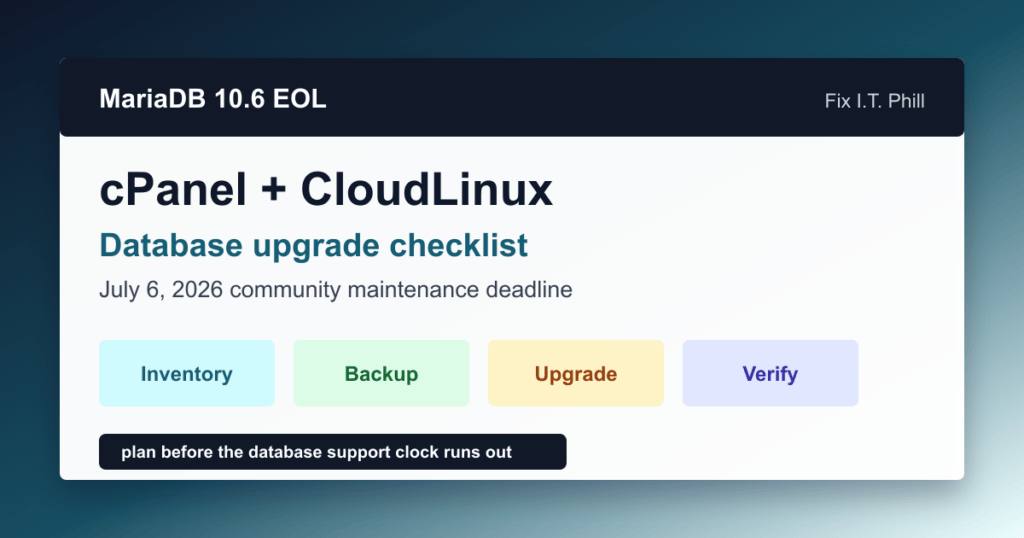
MariaDB Community Server 10.6 reached end of life on July 6, 2026. A server on 10.6 will not stop working because the date passed, but the Community release line no longer receives new security fixes or bug fixes. For cPanel, CloudLinux, agency, and shared-hosting administrators, the useful next step is an owned upgrade or supported-maintenance plan, not an emergency change made without application testing.
This checklist helps a hosting team turn that deadline into a controlled maintenance decision. It is written for administrators who support WordPress, WooCommerce, WHMCS, Joomla, Drupal, Laravel, and custom PHP applications sharing the same database service.
Start with an inventory, not a version change
Identify every production server that still uses MariaDB 10.6 and record the operating system, control-panel version, database owner, customer applications, maintenance contact, and planned support path. In cPanel and WHM, use the supported database-upgrade interface to confirm what the installed panel build and operating system can move to. On CloudLinux servers, also record whether the provider manages the database stack or any database-governance layer, because that can change who owns the upgrade.
Do not infer the database version from a PHP application banner, a customer report, or a package list copied from another host. Confirm the running service through the approved inventory or panel workflow, then keep a small change record that names the person responsible for application acceptance.
Choose a supported path deliberately
There are three reasonable outcomes for an affected server:
- Move to a maintained Community LTS release when the cPanel build, operating system, and application compatibility review support it.
- Use a vendor-supported extended-maintenance or enterprise path when a major-version move cannot be safely completed in the available window.
- Move the workload to a managed database service only when the application, network, cost, and ownership model have been evaluated together.
MariaDB identifies the 11.8 LTS line as its current long-term Community destination. That does not make it an automatic target for every server. Select the version that the installed control panel and operating system explicitly support, and test the applications that depend on it before approving production work.
Prepare the maintenance window
Keep this change narrow. Confirm the existing approved recovery and restore procedure, choose a quiet window, identify the database and application owners, and state the acceptance checks in advance. Do not create a new full-account archive, webroot snapshot, uploads archive, or database export merely for article publishing or inventory work. For an actual production database upgrade, follow the established backup, recovery-point, and change-control policy for that server.
For shared hosting, communicate that the database service is being maintained and name the customer workflows that will be checked afterward. A useful sample includes a WordPress administrator sign-in, normal public page, contact form, WooCommerce cart or checkout where applicable, scheduled work, mail-triggered application activity, and the most business-critical custom application path.
Test applications before production
Major database changes can expose removed configuration options, altered query plans, old connectors, or application assumptions that were never documented. Use a staging or other approved non-production validation path for representative sites. Review the application error view and slow-query monitoring used by the team, then decide whether the planned target needs configuration adjustments or an alternate upgrade sequence.
WordPress and WooCommerce owners should make sure core, plugins, themes, and PHP compatibility are current before treating the database change as the only variable. The WordPress security-update checklist and the WordPress Support hub provide the adjacent update and troubleshooting workflow.
Use the supported control-panel or vendor process
Perform the production change through the control panel, hosting-provider procedure, or vendor documentation that owns the installed database packages. Do not combine the database move with an unrelated PHP upgrade, plugin bulk update, migration, firewall change, or web-server tuning project. One controlled change makes customer impact, rollback discussion, and acceptance testing much easier to understand.
For a cPanel host, also confirm that the panel itself is current enough to support the selected database target. The cPanel and WHM security update checklist is a useful companion for that panel-maintenance review.
Verify the services customers actually use
- Confirm the database service is healthy and the approved target version is reported by the normal administration interface.
- Check representative application pages, administrator access, forms, scheduled work, and ecommerce paths.
- Review the normal service and application monitoring for connection failures, slow queries, or repeated worker errors.
- Confirm customer accounts still see expected database-backed site behavior before closing the window.
- Record the final version, completed checks, exceptions, and next review date in the team change record.
Watch capacity while you plan
Database maintenance competes with normal traffic, scheduled work, logs, and temporary working space. Use the Help4 Disk Usage reporting guide to review disk and inode headroom before a maintenance window. Capacity visibility helps the team avoid discovering a storage problem after the change has started.
If the server cannot move immediately
Document the reason, the accountable owner, the temporary support path, and a dated next decision point. An EOL database should not become invisible simply because it continues to serve requests. MariaDB documents continued support options for Enterprise Server 10.6, and CloudLinux documents an extended-lifecycle option for eligible hosting environments. Treat either choice as a time-bounded operational decision with its own vendor terms and validation work.
Bottom line
MariaDB Community Server 10.6 is now outside Community support. Inventory affected servers, choose a supported target or maintenance path, test the applications that share the database service, make one controlled change, and verify the customer workflows before declaring the work complete.
