JetBackup 5.4.1 is now in the Release Tier, and hosting admins should treat it as a practical backup maintenance update. This is not a CISA KEV emergency, but it matters for providers and site owners who rely on JetBackup for account restores, disaster recovery, cross-panel moves, and remote backup destinations.
JetBackup says version 5.4.1 includes security dependency updates, internal security hardening, restore reliability fixes, destination performance testing improvements, dashboard filtering, and platform-specific fixes for Linux and Plesk. The “Base” fixes apply across JetBackup versions, so cPanel, DirectAdmin, InterWorx, Linux, and Plesk environments should review the update even if their panel is not named in every item.
Who Should Review This Update
- Web hosts using JetBackup 5 for cPanel, Plesk, DirectAdmin, InterWorx, or panel-less Linux servers.
- Agencies managing WooCommerce, membership, LMS, or business-critical WordPress sites where restore confidence matters.
- Managed service providers that depend on remote destinations, deduplicated backups, on-demand backups, or clone jobs.
- Admins preparing for server moves, ownership changes, Plesk migrations, or cross-panel recovery testing.
Plain-English Impact
The main value in this release is reliability around the work that hurts most when it fails: restoring customer data, selecting files from deduplicated backups, handling read-only destinations, cleaning up backup tasks safely, and keeping backup jobs from becoming confusing or stuck. JetBackup also updated security-sensitive dependencies and added Linux login hardening items, including authentication throttling and lockout alerts.
For a host, this is a maintenance-window item. It is not a reason to panic-patch every server without preparation, but it is worth scheduling because backup software should be boring, current, and tested before the day you actually need it.
Affected Versions And Scope
The update is for JetBackup 5.4.1. JetBackup’s release notes describe Base fixes that apply to all JetBackup versions, plus Linux and Plesk-specific fixes. If your server is on JetBackup 5 before 5.4.1, check your update tier and maintenance schedule.
If you are still on JetBackup 4, do not assume this is a simple direct update. JetBackup’s migration documentation explains that JetBackup 5 uses a different core and backup structure, so JetBackup 4 to JetBackup 5 requires planning, compatibility checks, and a migration path rather than a routine point update.
Exploitation And Urgency
During this pass, I did not find a JetBackup item in CISA KEV, and JetBackup’s public notes did not describe active exploitation. The release should still be prioritized because it includes dependency maintenance, internal security hardening, Linux login hardening, and restore-path fixes. Backup systems are part of your recovery control plane; stale or unreliable backup software can turn a small outage into a business incident.
Backup-First Update Plan
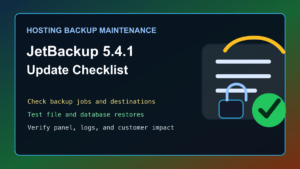
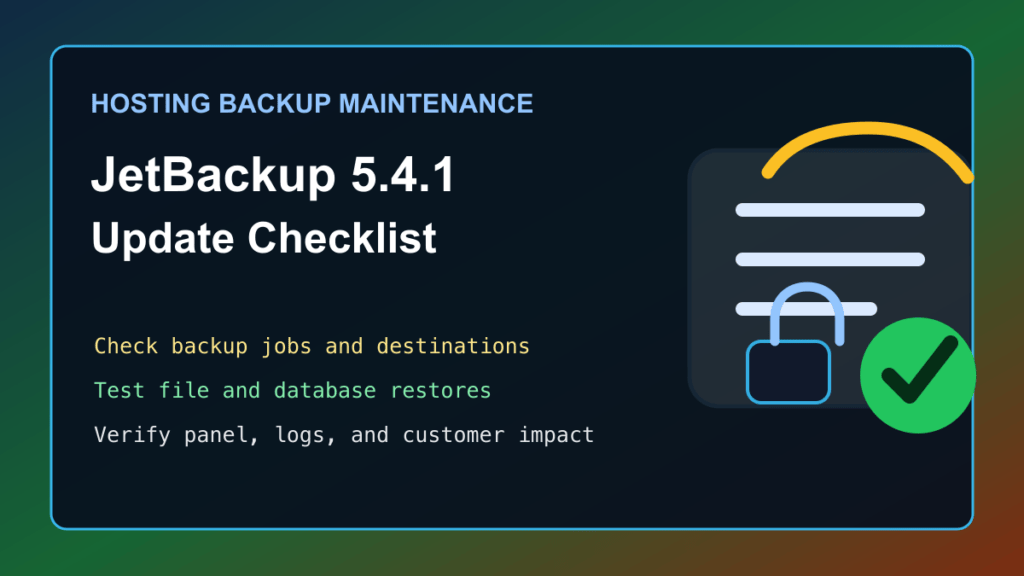
- Confirm the server has a recent system-level fallback outside the JetBackup instance you are about to update.
- Record the current JetBackup version, update tier, panel type, license state, and configured backup destinations.
- Check available disk space and inode pressure before starting any update. Backup tools often fail in messy ways when temporary storage is tight.
- Review running backup, restore, clone, integrity-check, and cleanup tasks. Let active restores finish before changing the backup stack.
- Schedule the update when customer restore requests, migration work, and nightly backup jobs are not colliding.
If your current problem is disk or inode pressure on a cPanel server, review our Help4 Disk Usage cPanel and WHM report guide before pushing backup software through a low-space maintenance window.
What To Check After Updating
- Verify JetBackup reports version 5.4.1 in the admin interface.
- Review dashboard alerts, failed tasks, and queued jobs.
- Run a small file restore test from a recent backup and confirm ownership, permissions, and customer visibility.
- Test at least one database restore path in a safe target environment, especially for PostgreSQL-backed workloads.
- Confirm remote destinations still authenticate, list restore points, and pass performance checks.
- Review deduplicated backup browsing and file selection if customers use self-service restores.
- For Plesk, test account restore behavior when contact email data is missing and check ownership-sensitive paths after restore.
- For Linux-only installs, review login alerts, authentication throttling behavior, and admin access logs.
cPanel, Plesk, And Provider Notes
For cPanel and WHM environments, treat this as part of your normal hosting stack maintenance next to EasyApache, PHP, MariaDB, Imunify, CloudLinux, and panel updates. Confirm your cPanel-supported operating system and JetBackup support matrix before making larger migrations. If you are also managing older database stacks, our MariaDB 10.6 EOL checklist for cPanel and CloudLinux servers is a useful companion check.
For Plesk environments, the 5.4.1 release notes call out cross-panel restoration handling, legacy destination ownership handling, bandwidth type handling, email-account edge cases, and PostgreSQL backup fixes. That makes restore testing more important than simply confirming the package updated.
For hosting providers, tell support staff what changed before customers ask. A short internal note should explain the update window, what restore paths were tested, where to check logs, and what symptoms should be escalated.
Rollback And Risk Notes
Do not rely on the same backup product as the only rollback for its own update. Keep an independent server snapshot, VM backup, or provider-level recovery path when the server is important enough that a failed backup update would create business pain.
If the update exposes a platform-specific issue, pause the rollout on the rest of the fleet, collect version and panel details, preserve logs, and open a vendor support case. Do not run broad cleanup or database repair steps until you have captured the failed state.
Recommended Admin Decision
Update JetBackup 5.4.1 during a controlled maintenance window, then prove restore paths still work. The important part is not just being on the current version. The important part is knowing that customer files, databases, remote destinations, and ownership-sensitive restores still behave correctly after the update.