How to Back Up WooCommerce Without Losing Orders
Back up WooCommerce without losing orders by planning HPOS, payment callbacks, subscriptions, forms, freeze timing, and restore checks.
Learn More
Back up WooCommerce without losing orders by planning HPOS, payment callbacks, subscriptions, forms, freeze timing, and restore checks.
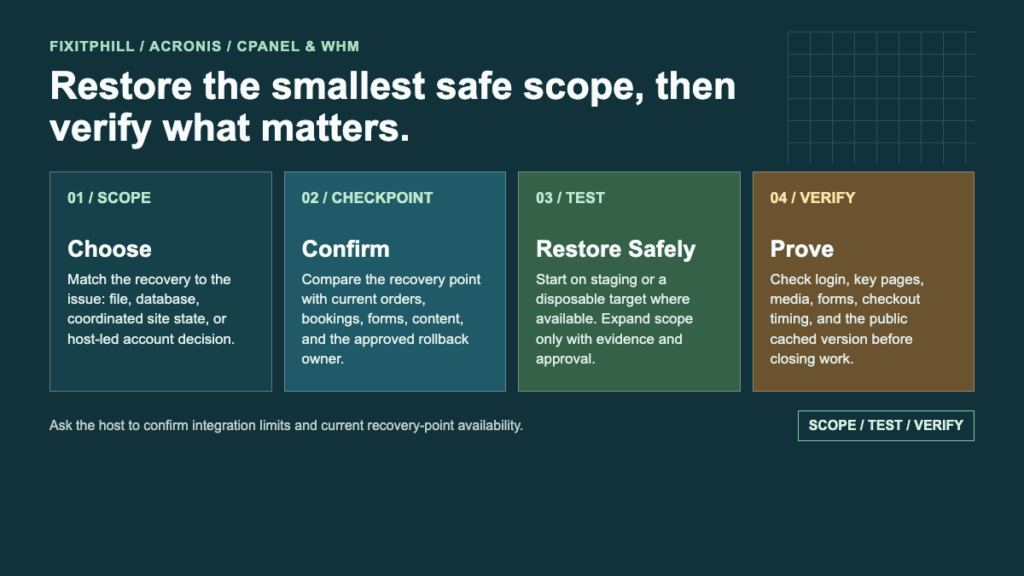
Learn MoreUse this Acronis cPanel and WHM checklist to choose the right WordPress recovery scope, confirm limits, test safely, and verify files, data, and store timing.
Learn MoreUse Hostinger hPanel backups to restore WordPress files and databases, download backups, and avoid confusing host restores with plugin backups.
Learn MoreUse GoDaddy Managed WordPress backups and restore points before updates, theme changes, migrations, and business-site maintenance.
Learn MoreUse Cloudways backups for WordPress applications, server-level backup schedules, local backups, point-in-time restore, and deleted-app recovery planning.
Learn MoreUse Kinsta backups in MyKinsta for managed WordPress restore points, downloadable backups, hourly add-ons, and staging-safe recovery.
Learn MoreUse WP Engine backup points for WordPress production, staging, and development environments with restore planning and order-safe checks.
Learn MoreUse SiteGround Site Tools backups for WordPress restore points, on-demand backups, downloadable backups, and provider-level recovery planning.
Learn MoreUse InfiniteWP to back up and restore WordPress sites from a self-hosted management panel, including repository/offsite backup planning.
Learn MoreUse MainWP backup integrations and API backups as part of an agency WordPress maintenance workflow with provider backups and restore checks.
Learn More