Stripe for WooCommerce Adaptive Pricing Update: Payment Validation Checklist
Update Stripe for WooCommerce if Adaptive Pricing is enabled, then verify normal order and payment totals after WooCommerce's payment-validation fix.
Learn More
Update Stripe for WooCommerce if Adaptive Pricing is enabled, then verify normal order and payment totals after WooCommerce's payment-validation fix.
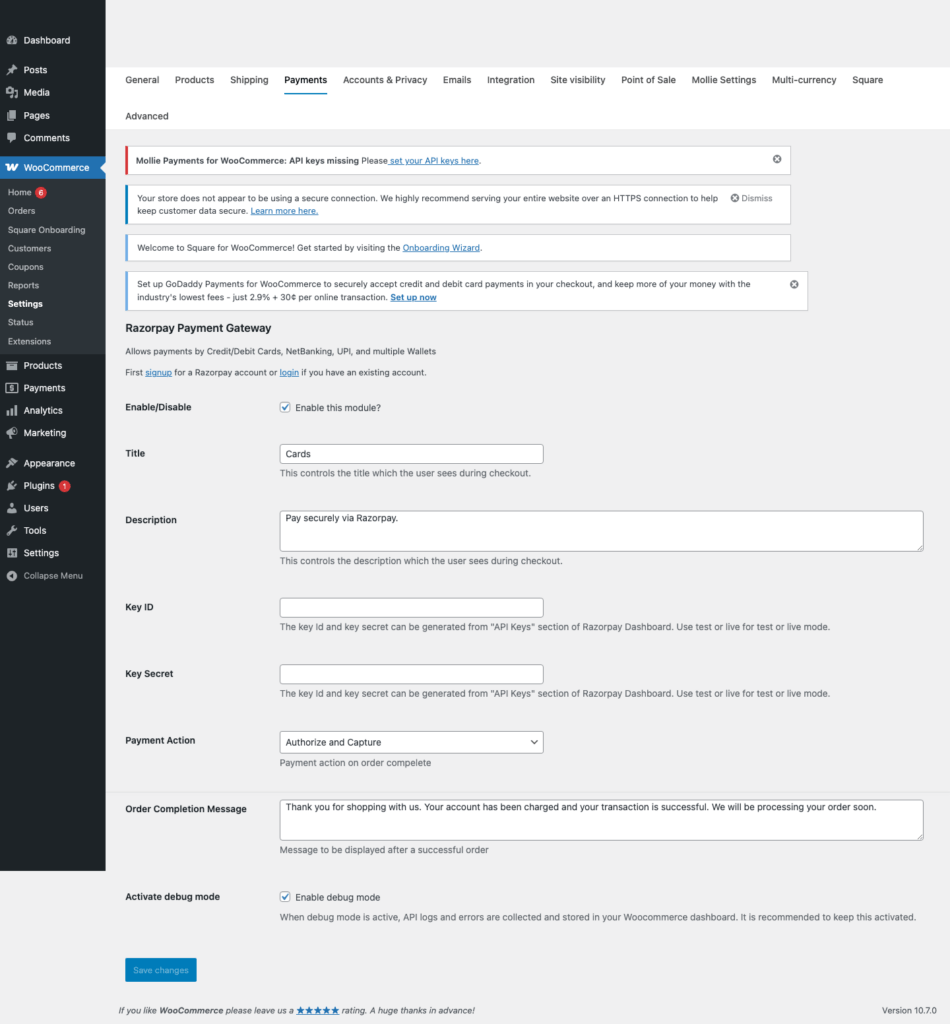
Learn MoreHow to generate Razorpay test and live keys, configure WooCommerce, use demo cards and UPI IDs, and go live safely.
Learn MoreHow to find Mollie test and live API keys, configure Mollie for WooCommerce, test statuses, and go live safely.
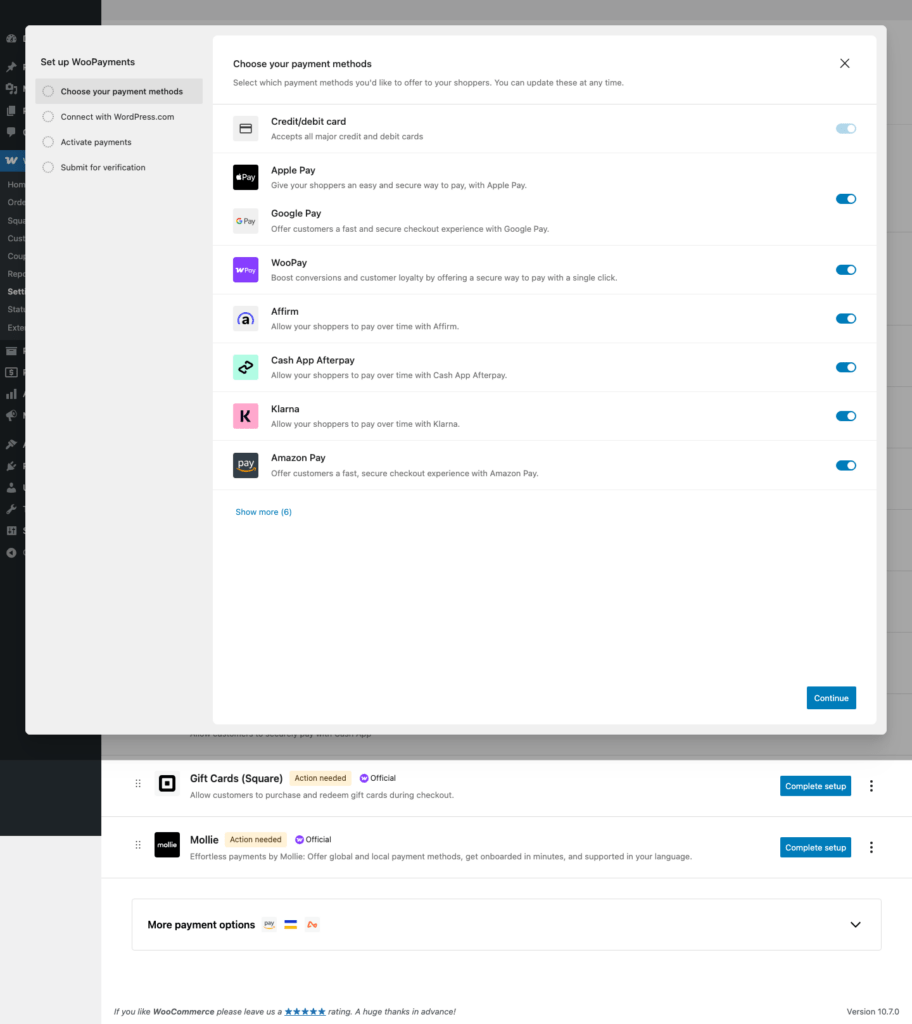
Learn MoreHow to enable WooPayments test mode, use demo cards, verify WooCommerce orders, and switch to live payments.
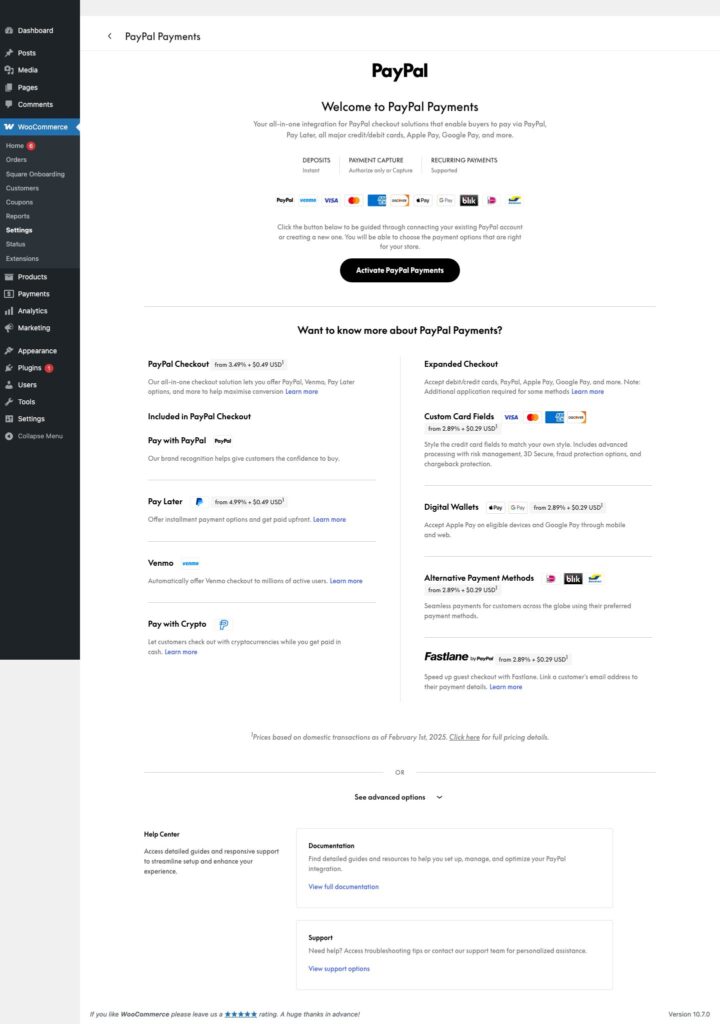
Learn MoreSet up WooCommerce PayPal Payments, test checkout safely, and plan a controlled PayPal Standard migration without exposing credentials or customer payment data.
Learn MoreHow to find Hosted Payments Application ID and Private Key values, add them to WooCommerce, test safely, and go live.
Learn MoreHow to connect WooCommerce Square in sandbox mode, use Square demo cards, verify orders, and switch to production safely.
Learn MoreHow to create Stripe test and live keys, add them to WooCommerce, test with demo cards, verify orders, and safely go live.
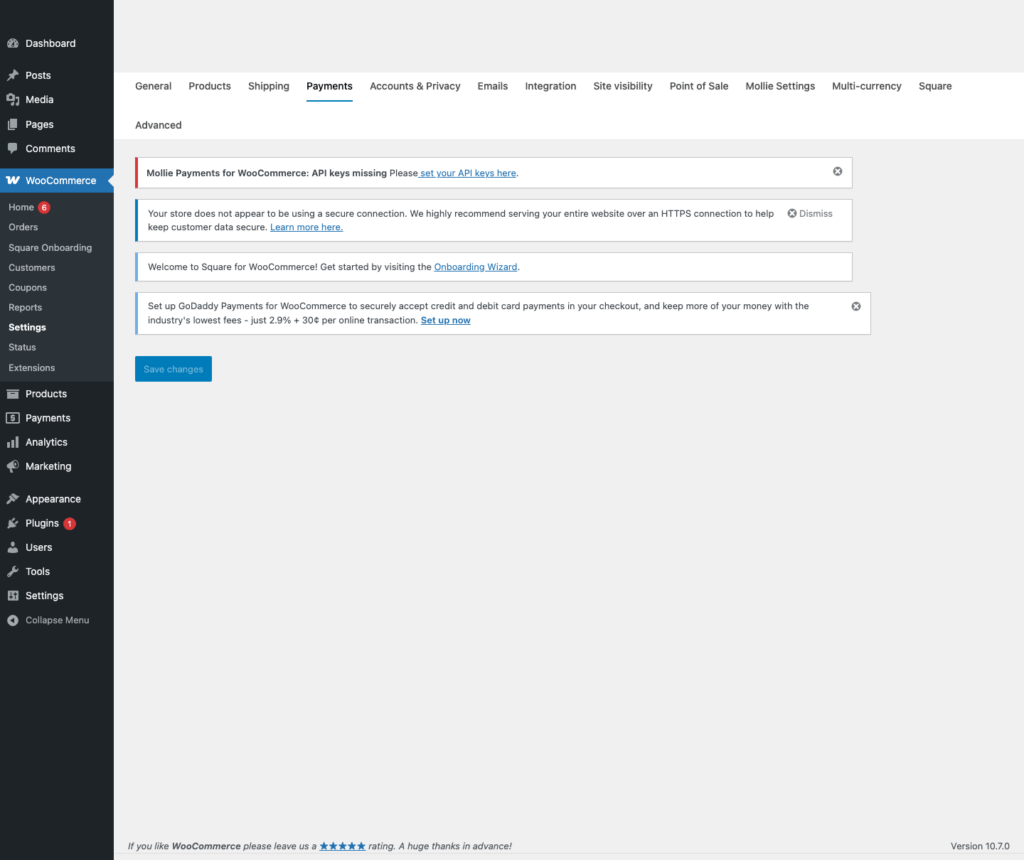
Learn MoreBeginner-friendly WooCommerce payment gateway hub covering test keys, live keys, demo cards, screenshots, and safe launch checks for major processors.
Learn More