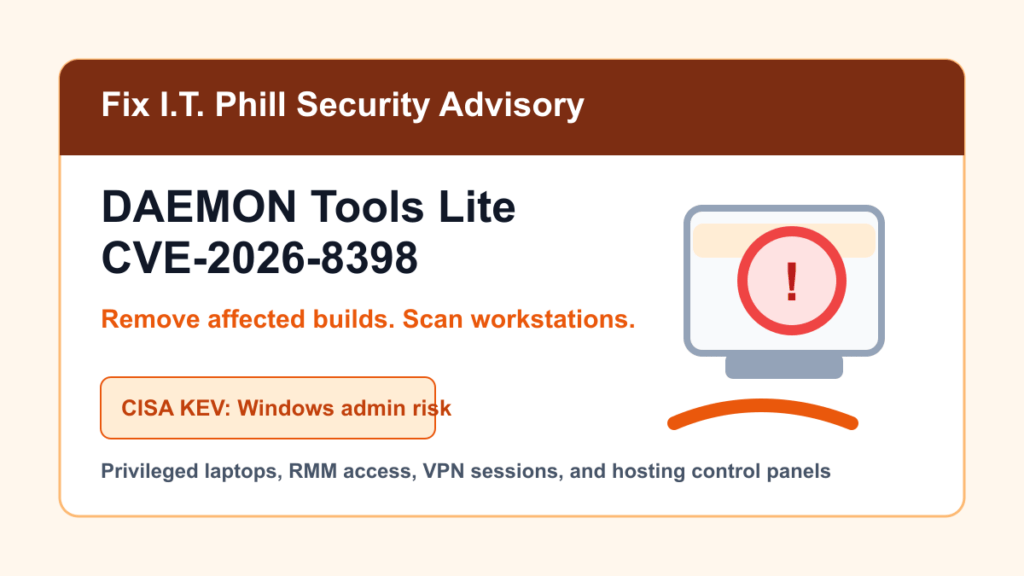
May 27, 2026 update: CISA added CVE-2026-8398 to the Known Exploited Vulnerabilities catalog. This is a Windows software supply-chain issue involving DAEMON Tools Lite, and CISA set a short remediation due date of May 30, 2026 for covered federal systems.
This matters beyond home desktops. The wrong free utility on an admin workstation can put hosting panels, RMM tools, VPN access, cloud dashboards, source-control accounts, and customer systems at risk.
Plain-English Impact
DAEMON Tools says an unauthorized interference in its infrastructure affected certain DAEMON Tools Lite installation packages. The company says compromised files were removed, affected systems were isolated, and validated packages were rebuilt. DAEMON Tools also says the affected 12.5.1 free build was removed and is no longer supported.
Kaspersky’s public analysis says affected DAEMON Tools Lite builds in the 12.5.0.2421 through 12.5.0.2434 range were observed, and that 12.6.0.2445 no longer showed the malicious behavior they reviewed. Use the vendor source as the update authority and use security software inventory to find older installs.
Who Should Check
- Windows users who downloaded DAEMON Tools Lite free in April or early May 2026.
- IT shops that allow staff to install disk-image tools on workstations.
- Web hosts, MSPs, agencies, and SaaS teams where admin workstations hold customer or production access.
- RMM-managed fleets where old installers may be stored in software shares or deployment portals.
What To Do First
- Uninstall affected DAEMON Tools Lite free builds, especially 12.5.1 free and the affected 12.5.0 build range reported by Kaspersky.
- Run a full scan with trusted endpoint security or antivirus tooling.
- If the machine handled hosting panels, RMM, VPN, SSH, cloud, source control, or billing access, rotate relevant credentials.
- Install 12.6.0.2445 or newer from the official DAEMON Tools site only if the software is still needed.
- Remove old DAEMON Tools Lite installers from shared folders, RMM software libraries, USB kits, and technician tool bundles.
Admin Workstation Guidance
For businesses, the workstation role matters. A lightly used personal PC and a technician laptop with RMM, WHM, Plesk, registrar, VPN, and cloud access do not carry the same risk. Prioritize machines that can change DNS, log into customer hosting, access backups, deploy code, issue certificates, or manage billing.
After removal and scanning, review endpoint alerts, login activity, browser-saved accounts, VPN sessions, cloud audit logs, and RMM history for the affected machines. If the workstation cannot be trusted, rebuild it from a known-good image before restoring administrator access.
Fix I.T. Phill Recommendation
Free utilities are still software supply-chain risk. Keep admin workstations boring: approved software list, current endpoint protection, no casual tools on privileged machines, separate daily-use accounts from customer-admin access, and rotate secrets quickly when a trusted software source reports a compromise.
Related Fix I.T. Phill Guides
- How to Maintain a WordPress Website: Complete Business Checklist
- How to Back Up WordPress: Complete Methods Guide
- Help4 Network hosting and website support