Radar window: July 10, 2026, 00:00-14:00 UTC. NVD published a fresh set of high and critical CVE records that are directly relevant to WordPress site owners, hosting teams, and admins running newer AI or automation tools.
The immediate WordPress takeaway is simple: check for vulnerable form, login, membership, booking, import/export, chat, Telegram, location, and reporting plugins before the weekend maintenance window. Several records involve unauthenticated or low-privilege risk classes where waiting for a normal monthly patch cycle is not a good bet.
CISA KEV did not add new entries during this pass. The active change came from NVD/Wordfence-published records and current WordPress plugin directory metadata.
Highest Priority Checks
| Product | CVE | Severity | What admins should do |
|---|---|---|---|
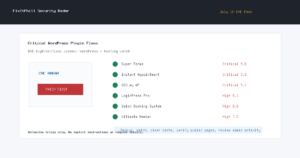
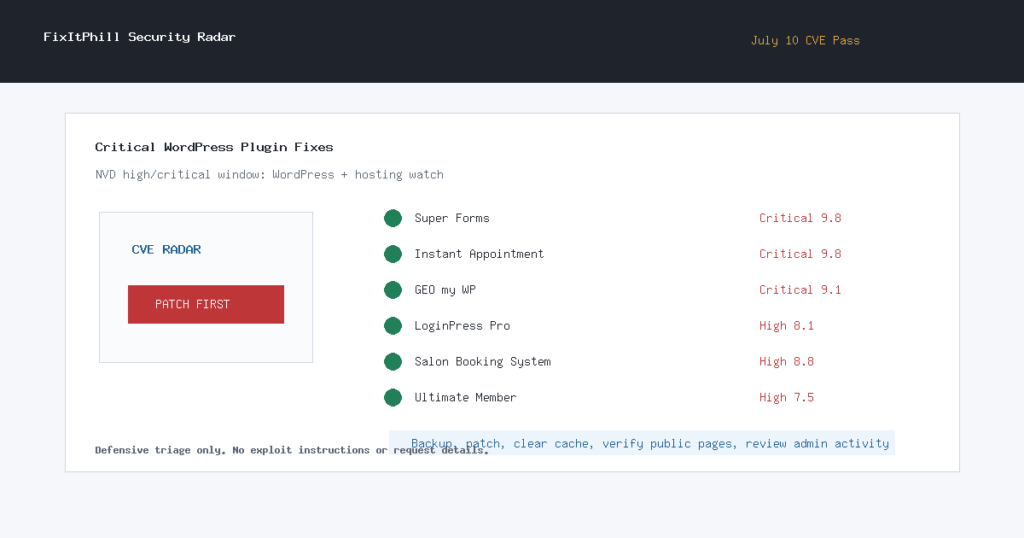
| Super Forms | CVE-2026-14894 | Critical, 9.8 | Check for the plugin immediately. If it is present and not clearly patched by the vendor, disable it or move it behind an emergency maintenance rule until updated. |
| Instant Appointment | CVE-2026-15282 | Critical, 9.8 | Treat exposed installs as urgent. If no current patched package is available in your plugin inventory, disable it and review recent uploads and administrator activity. |
| GEO my WP | CVE-2026-15300 | Critical, 9.1 | Update to the current WordPress.org release, 4.5.5.1 or newer. Review logs for suspicious search activity after patching. |
| LoginPress Pro social login add-ons | CVE-2026-12595, CVE-2026-12597, CVE-2026-12598 | High, 8.1 | Patch from the vendor account portal. Until confirmed fixed, disable affected social-login providers and audit administrator sessions. |
| Salon Booking System | CVE-2026-15070 | High, 8.8 | Update to 10.30.33 or newer. Review plugin settings after updating, especially custom text or template areas that were recently changed. |
| Ultimate Member | CVE-2026-15290 | High, 7.5 | Update to the current WordPress.org release, 2.12.1 or newer. Sites with public member search should prioritize this patch. |
Additional WordPress Items
- Post Export Import with Media, CVE-2026-13430: update to 1.13.2 or newer. Because the issue involves file handling, review recent import jobs and media additions.
- SureForms, CVE-2026-15288: update to the current release and review recent Stripe-backed form submissions for unexpected payment amounts.
- ChatHelp, CVE-2026-15291: update to 3.4.2 or newer and review whether lead or contact data may have been exposed before patching.
- WP Business Intelligence Lite, CVE-2026-15293: if the plugin is active, update or disable it until the vendor-patched status is clear. Review saved reports and query-like dashboard objects for unexpected changes.
- TelSender, CVE-2026-15298: update to 1.14.15 or newer and review admin-facing Telegram integration settings.
- Hide My WP Lite, CVE-2026-13347: if present, disable the affected hiding feature or the plugin until a patched version is confirmed. This one is especially relevant on Elementor-heavy sites.
Hosting And AI Tool Watch
NVD also published a critical Red Hat guardrails-detectors record, CVE-2026-15378, involving server-side request forgery and local data exposure risk in AI guardrail tooling. If you run AI safety, prompt-filtering, or model gateway components on hosting infrastructure, review Red Hat’s advisory, patch where applicable, and make sure internal metadata services and Kubernetes service accounts are not reachable from application workloads by default.
Two additional high CVEs, CVE-2026-15319 for Sipeed PicoClaw and CVE-2026-15330 for CowAgent, were also visible in the NVD window. They are not broad WordPress items, but admins running AI-agent or device launcher tools should treat them as inventory checks.
Backup-First Response
Before changing a production WordPress site, take a fresh backup through your host, cPanel, or managed backup system. Then patch the plugins above, clear page/object caches, verify the public site still renders, and review admin users, recent file changes, and recent orders or form entries where the plugin handles payments or sensitive data.
For sites already showing odd admin users, unfamiliar files, unexpected redirects, or changed plugin settings, do not just update and move on. Take a copy for evidence, restore from a known-good backup if needed, rotate WordPress, SFTP/SSH, database, and control-panel credentials, then re-check the site from a clean browser session.
How FixItPhill Is Tracking This Pass
This post is based on the July 10 NVD high/critical publication window, Wordfence-sourced CVE records, current WordPress.org plugin directory metadata where available, and the FixItPhill radar comparison against the previous pass. No new CISA KEV entry was added between the prior pass and this one.
Related defensive reading: WP-SHELLSTORM cleanup checklist, WordPress AI write access safety checklist, and how to back up WordPress in cPanel and WHM.
Sources
- NVD: CVE-2026-14894
- NVD: CVE-2026-15282
- NVD: CVE-2026-15300
- NVD: CVE-2026-12595, CVE-2026-12597, and CVE-2026-12598
- NVD: CVE-2026-15070
- NVD: CVE-2026-15290
- Red Hat: CVE-2026-15378
- WordPress.org: GEO my WP, Salon Booking System, Ultimate Member, Post Export Import with Media, SureForms, ChatHelp, and TelSender