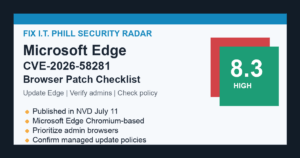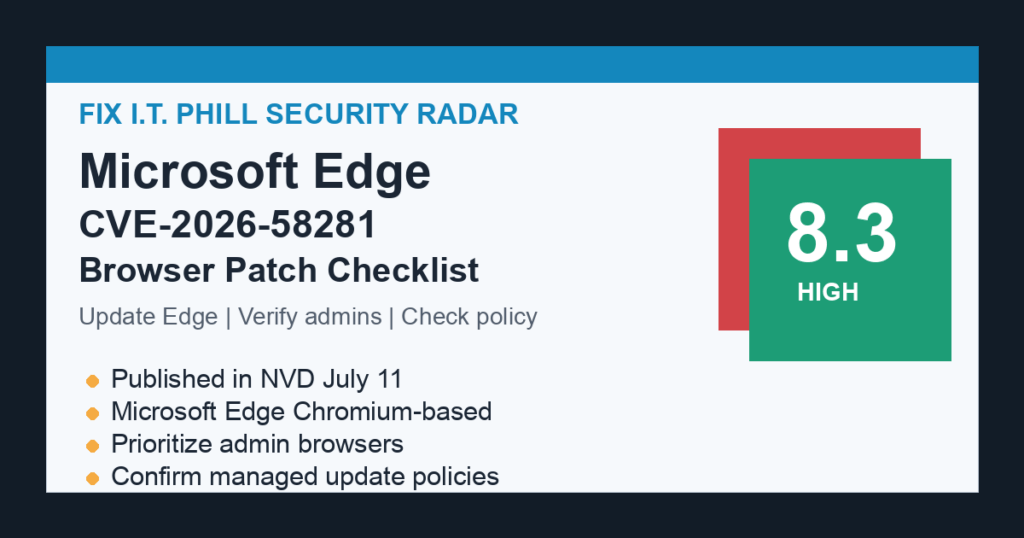
Microsoft Edge users and administrators should verify the July 2026 Edge security update after NVD published CVE-2026-58281, a high-severity Microsoft Edge Chromium-based vulnerability. NVD describes the issue as deserialization of untrusted data that can let an unauthorized attacker execute code over a network.
This is a browser patch item, not a server-side web application issue. As of this FixItPhill pass, CISA KEV did not add the CVE. The safe action is still straightforward: update Edge, confirm the installed version, and make sure managed workstations and hosted desktops are receiving browser updates.
Who should patch first
- Windows workstations used for WordPress, cPanel, WHM, Plesk, domain registrar, DNS, billing, and email administration.
- Remote Desktop, jump-box, helpdesk, and technician machines where browser compromise would expose customer systems.
- Shared office computers and managed laptops that use Microsoft Edge as the default browser.
- Windows Server desktops where admins still browse vendor dashboards, webmail, billing panels, or control panels.
- Environments that rely on Microsoft Edge Update policies or Microsoft Edge WebView2 Runtime updates.
Patch checklist for standalone computers
- Open Microsoft Edge settings and check the About Microsoft Edge screen.
- Let Edge download and apply the current Stable channel security update.
- Restart the browser after the update, then reopen the About screen to confirm it stayed current.
- Close old browser sessions on admin workstations and helpdesk machines instead of leaving stale tabs open for days.
- Recheck any machine used to access hosting panels, customer WordPress dashboards, registrar accounts, DNS providers, or payment systems.
Managed environment checklist
- Confirm Microsoft Edge Update is allowed to install security updates automatically.
- Review Edge update policy settings for Stable channel devices, shared machines, and WebView2 Runtime coverage.
- Use endpoint management, RMM, or inventory tooling to report current Edge versions across workstations and servers with desktop use.
- Prioritize machines that access privileged dashboards: WordPress admin, WHM/cPanel, Plesk, billing portals, DNS, cloud consoles, password vaults, and support tools.
- Document any browser update failures and schedule a second pass for machines that were offline during the first sweep.
What admins should not do
Do not wait for a website-specific alert. Browser CVEs often matter because the browser is the bridge into admin dashboards, webmail, SaaS consoles, and customer systems. Do not turn this into a live testing exercise against random websites. Keep the response focused on update verification, inventory, and user communication.
Customer communication note
For businesses, the message can stay simple: Microsoft Edge received a high-severity security record, so staff should restart Edge and verify updates before using sensitive admin accounts. Teams that manage WordPress, hosting, email, or billing should check every technician workstation, not only servers.
Related FixItPhill guides
- Chrome 150 Security Update: Patch 27 Browser Vulnerabilities
- How to Check WordPress Security Plugin Alerts
- WordPress Support Guide: Fix, Maintain, Migrate, and Secure Your Site