Impact statement: Three new high-severity Zephyr RTOS vulnerabilities were published on July 12, 2026: CVE-2026-10665, CVE-2026-10666, and CVE-2026-10667. These matter most for teams building embedded devices, gateways, appliances, industrial systems, network-connected products, and internal platforms that include Zephyr networking or userspace features.
The practical fix is to move affected Zephyr-based builds to the fixed upstream code path, rebuild firmware or product images, and retest the features that are enabled in your product. This is not a website malware issue or a WordPress plugin issue, but it is relevant to IT teams that maintain connected devices, VPN-capable appliances, field hardware, or custom embedded builds.
What changed
- CVE-2026-10665 affects Zephyr 4.4.0 builds before 4.5.0 when the affected WireGuard receive-side feature is present. NVD scores it 7.4 High.
- CVE-2026-10666 affects Zephyr versions from 1.9.0 before 4.5.0 in an IPv4 address parsing path. NVD scores it 8.1 High.
- CVE-2026-10667 affects Zephyr versions from 1.14.0 before 4.5.0 when userspace dynamic object tracking is in scope. NVD scores it 7.8 High.
Fix I.T. Phill confirmed the advisory set against NVD, CVE Program records, Zephyr project advisory references, and Zephyr security documentation. No CISA KEV addition was present in this pass.
Who should prioritize this
- Device makers shipping Zephyr 4.4.0 or older code in production firmware.
- Teams using Zephyr networking features in gateways, field devices, lab hardware, or managed appliances.
- Products that expose VPN-style embedded networking, IPv4 parsing, or userspace isolation features.
- Vendors that maintain long-lived firmware branches, downstream SDKs, or custom board support packages based on older Zephyr trees.
- IT and MSP teams that inventory customer devices and need to ask vendors whether affected Zephyr builds are present.
Patch checklist
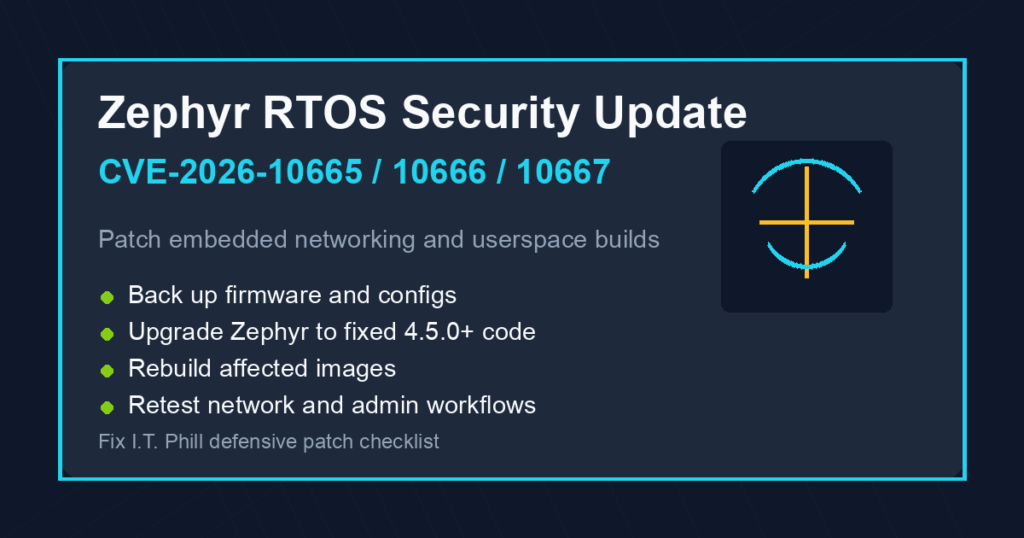
- Identify Zephyr usage. Confirm whether your product, firmware build, SDK, vendor board support package, or connected-device platform includes Zephyr.
- Map the affected features. Determine whether the product enables WireGuard, IPv4 address parsing through Zephyr networking helpers, SMP userspace, or dynamic kernel-object tracking.
- Back up build inputs first. Preserve the current source tree, board configuration, signing keys, release notes, firmware artifacts, and deployment records before changing production build pipelines.
- Move to fixed Zephyr code. The affected ranges are listed as fixed before Zephyr 4.5.0 in the primary CVE records. Use the newest supported vendor branch or upstream release your product can safely adopt.
- Rebuild and retest firmware. Validate boot, networking, remote management, device pairing, update delivery, rollback, and any customer-facing management workflow.
- Plan deployment carefully. For field devices, stage rollout groups, keep rollback images available, and confirm that devices reconnect after update.
- Document customer exposure. If you ship devices to customers, note the affected product family, fixed firmware version, update method, and support contact path.
Hosting and support note
Most WordPress, cPanel, Plesk, and typical web-hosting customers do not need to patch a website for this specific Zephyr cluster. The action item is device and firmware inventory. If your business uses managed firewalls, IoT gateways, smart building hardware, industrial controllers, or vendor appliances, ask the vendor whether Zephyr is used and whether the July 2026 Zephyr fixes are included in their next firmware release.
For normal site-owner maintenance, keep following backup-first workflows: WordPress support, WordPress backup checks, and browser patch verification.
Safe verification
- Check product release notes for Zephyr version and fixed firmware build numbers.
- Confirm whether Zephyr networking and userspace features are enabled in your build configuration.
- Verify the fixed firmware version after update from the device management interface or vendor inventory tool.
- Retest connectivity, management access, logging, time sync, and rollback behavior after deployment.
- Do not run untrusted security testing tools against production devices. Use vendor advisories, fixed versions, and controlled lab hardware for validation.
Source links
- Zephyr security vulnerabilities documentation
- Zephyr GHSA for CVE-2026-10665
- Zephyr GHSA for CVE-2026-10666
- Zephyr GHSA for CVE-2026-10667
- CVE Program record for CVE-2026-10665
- CVE Program record for CVE-2026-10666
- CVE Program record for CVE-2026-10667
- NVD entry for CVE-2026-10665
- NVD entry for CVE-2026-10666
- NVD entry for CVE-2026-10667
Bottom line
If you build or operate Zephyr-based products, treat this as a firmware maintenance item now. Inventory affected builds, upgrade to fixed Zephyr code, rebuild images, verify versions, and communicate the corrected firmware path to customers or internal device owners.