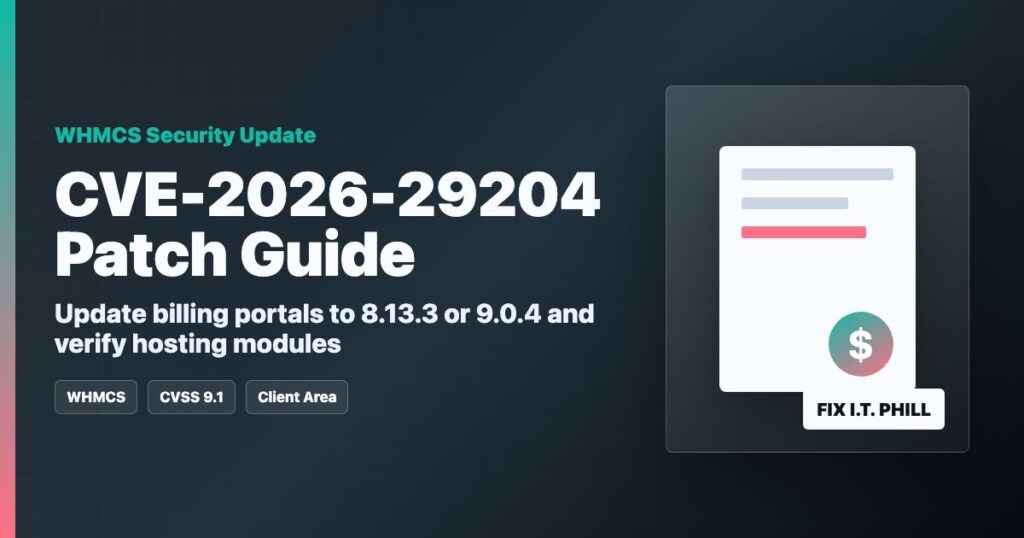
Impact statement: CVE-2026-29204 is a critical WHMCS client-area authorization vulnerability disclosed in May 2026. NVD lists the CNA score as CVSS 9.1 Critical. WHMCS says the issue affects WHMCS 7.4 and later, and the safe path is to update supported installations to WHMCS 8.13.3 or WHMCS 9.0.4.
For hosting providers, this is not just a billing-panel update. WHMCS often connects customers, invoices, support tickets, product ownership, domain records, and provisioning modules for cPanel, Plesk, DirectAdmin, VPS, dedicated servers, and domains. A client-area authorization issue can become a customer-trust problem fast if it is ignored.
Who Should Care
- Hosting companies using WHMCS for client billing or support.
- Resellers who provision cPanel, Plesk, DirectAdmin, VPS, dedicated servers, domains, or email products through WHMCS.
- Agencies using WHMCS as a client portal.
- Server providers that expose customer service management through WHMCS.
- Managed service providers with custom WHMCS hooks, modules, templates, or order flows.
Affected Versions And Fixed Releases
WHMCS describes CVE-2026-29204 as affecting WHMCS 7.4 and later. The current fixed release path is:
- WHMCS 8.13 LTS: update to 8.13.3.
- WHMCS 9.0: update to 9.0.4.
- Older unsupported WHMCS branches: plan an emergency upgrade, because normal security maintenance is not a long-term option there.
Before You Patch
- Put the WHMCS admin team on a short change window.
- Back up the WHMCS files and database.
- Document custom modules, hooks, order forms, payment gateways, templates, and provisioning integrations.
- Pause non-essential automation if your provisioning flow is fragile.
- Confirm you can log in to the admin area and have file access before starting.
# Example backup pattern from the server that hosts WHMCS.
# Replace paths and database names with your actual WHMCS install.
tar -czf whmcs-files-before-cve-2026-29204.tgz /path/to/whmcs
mysqldump --single-transaction --routines --triggers whmcs_database > whmcs-db-before-cve-2026-29204.sql
Patch Walkthrough
- Log in to WHMCS as an administrator.
- Confirm the current version from the admin dashboard or system health area.
- Update to WHMCS 8.13.3 if you are on the 8.13 LTS branch, or WHMCS 9.0.4 if you are already on 9.0.
- Use the official WHMCS updater or the official release package. Do not mix random file sets from different branches.
- After files are updated, complete any database upgrade prompts from the WHMCS admin area.
- Clear template cache if your theme or order form behaves oddly after the update.
Post-Patch Verification
- Confirm WHMCS reports 8.13.3 or 9.0.4.
- Log in as a test client and confirm the client area loads normally.
- Open a test invoice, support ticket, service page, domain page, and order form.
- Run a safe provisioning test in a non-production product group if your workflow allows it.
- Confirm cPanel/Plesk/DirectAdmin/VPS modules still authenticate to their servers.
- Confirm cron tasks continue to run after the update.
- Test payment gateway notifications and webhooks using each provider’s safe test tools.
What To Review
- WHMCS Activity Log for unusual client-area actions before the patch.
- Admin Log for unexpected staff activity.
- Module Log for unusual provisioning calls.
- Support tickets, service ownership, addon ownership, domain contacts, and cancellation requests for unexpected changes.
- Payment gateway settings and API credentials if suspicious account activity is found.
Hosting Provider Notes
If WHMCS can provision hosting services, treat the billing portal as part of the hosting security boundary. Patch it before customer confusion starts. For customers, keep the message calm: WHMCS released a security update for a client-area authorization issue; you applied or are applying the fixed release; passwords and payment details should only be rotated if your review finds suspicious activity or your normal policy requires it.
CDN And WAF Note
A WAF can help with rate limiting, bot filtering, and admin-area access policy, but the fix is the WHMCS update. The CDN side should review exposed WHMCS client-area and admin traffic, ensure the admin area is restricted where possible, and avoid publishing request-level signatures outside the protected WAF workspace.
Sources
Need help updating WHMCS, checking provisioning modules, or separating billing-panel access from hosting administration? Open a ticket through Help4Network.com.