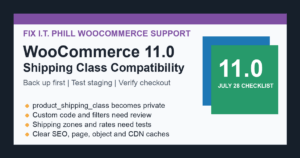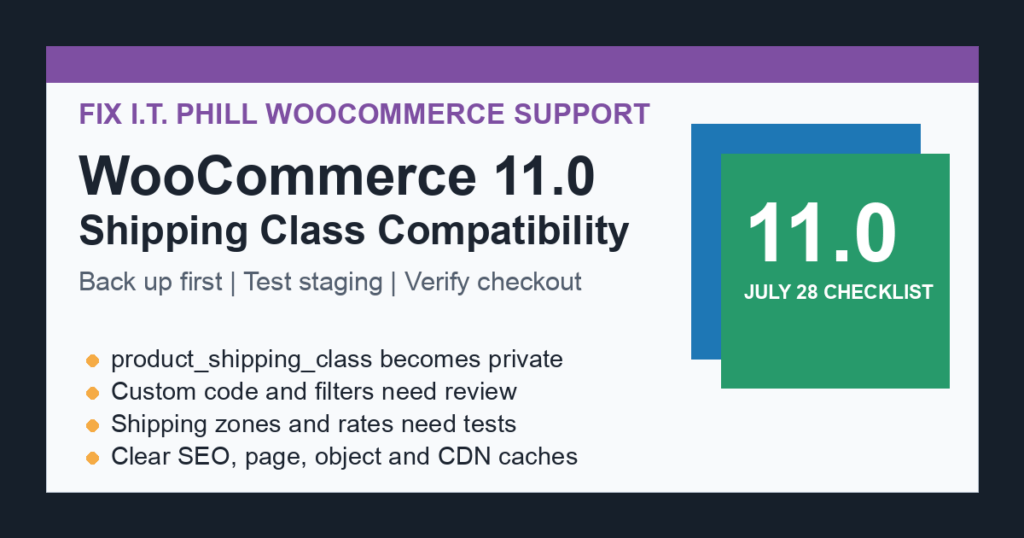
WooCommerce 11.0 has a small-looking shipping-class change that can still break custom store code if nobody checks it before the update window. WooCommerce says version 11.0, scheduled for July 28, 2026, will make the product_shipping_class taxonomy private instead of public.
For most stores, this is not a data migration. Existing shipping classes, product assignments, shipping zones, and shipping-rate rules should keep working. The risk is for themes, snippets, plugins, SEO tools, custom filters, reporting jobs, or integrations that treated shipping classes like public catalog taxonomy data.
What is changing
Product shipping classes are meant to group products for shipping calculations. WooCommerce is tightening the taxonomy registration so shipping classes no longer behave like public-facing taxonomy archives. That lines the feature up with how store owners normally use it: operational shipping logic, not customer browsing.
The practical result is simple: code that assumes product shipping classes are public may need review. Code that only assigns shipping classes to products, reads assigned shipping classes, or calculates shipping rules should usually keep working.
Who should review this before WooCommerce 11.0
- Stores with custom themes, child themes, or snippets that build public shipping-class archive links.
- SEO, sitemap, navigation, product-filter, or search integrations that list public product taxonomies.
- Custom store dashboards, import/export jobs, reporting scripts, or API integrations that treat shipping classes as public product grouping data.
- Agencies maintaining older WooCommerce builds where shipping-class behavior was copied into theme templates or custom plugins.
- Stores that used shipping classes as a front-end merchandising tool instead of using product categories, product tags, attributes, or a purpose-built public taxonomy.
Backup-first upgrade checklist
- Take a full backup first. Back up the database, uploads, theme files, custom plugins, and WooCommerce configuration before testing WooCommerce 11.0.
- Test on staging. Clone the store, update WooCommerce there first, and keep the production store unchanged until shipping, checkout, and integrations pass.
- Audit custom code. Search custom themes, snippets, mu-plugins, and private plugins for
product_shipping_classand for logic that lists public taxonomies. - Check product editing. Confirm product shipping classes can still be created, assigned, changed, and saved in the admin workflow.
- Check cart and checkout. Test products across every shipping class, shipping zone, shipping method, free-shipping rule, and rate table that matters to the store.
- Check SEO and sitemap output. Make sure old shipping-class archive URLs are not being advertised as customer-facing landing pages.
- Check integrations. Review imports, exports, product feeds, search/filter tools, reporting jobs, and custom API clients that touch shipping-class data.
- Clear caches after testing. Clear page cache, object cache, CDN cache, and any SEO sitemap cache after the update so stale public URLs do not linger.
What to change if your store is affected
If shipping classes were being used for customer-facing navigation or product discovery, move that behavior to a public structure designed for shoppers. Product categories, tags, attributes, or a custom public taxonomy are cleaner long-term choices.
If a private integration only needs to manage shipping classes, use WooCommerce’s documented product shipping classes API or the normal WooCommerce admin workflows. Do not depend on the taxonomy being publicly viewable as a shortcut.
Only force shipping classes back into public behavior if there is a clear site-specific reason and you understand the maintenance cost. For most stores, the safer fix is to separate shipping logic from public catalog navigation.
Store-owner validation path
For non-developers, the right test is not abstract. Pick real products from each shipping class, add them to the cart, check the shipping choices, complete a test checkout, confirm tax and shipping totals, and then inspect the order record. If the store relies on product feeds or marketplace exports, regenerate one feed on staging and compare it before production changes.
For agencies and hosts, this is also a customer communication item. Tell WooCommerce store owners that WooCommerce 11.0 includes a shipping-class visibility change, that ordinary shipping-class use should keep working, and that custom code or public-facing filters should be tested before the production update.
Related FixItPhill guides
- WordPress support and maintenance help
- WooCommerce 11.0 product object caching and Action Scheduler checklist
- How to check WordPress backups and restore points
- How to migrate WooCommerce without losing orders