
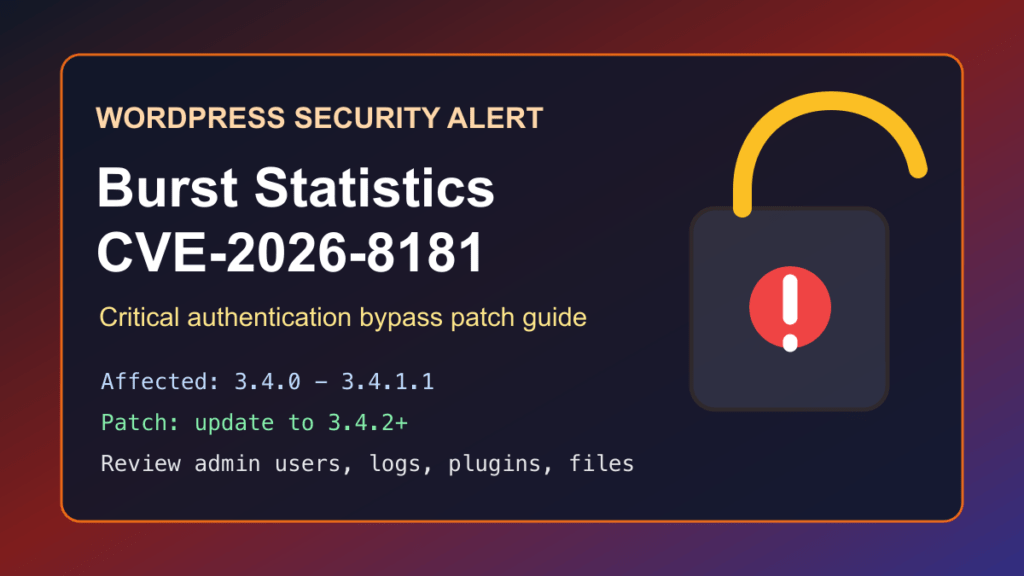
Impact statement: CVE-2026-8181 is a critical authentication bypass vulnerability in the Burst Statistics WordPress plugin. Wordfence rates it 9.8 critical and says affected versions can let an unauthenticated attacker impersonate an administrator during WordPress REST API activity if they know a valid administrator username. For site owners and hosting providers, the practical risk is administrator account takeover, malicious account creation, content changes, data exposure, or a full WordPress cleanup incident.
This is a protect-only guide. We are not publishing abuse-ready mechanics or scanner-style checks. The useful answer is to update Burst Statistics immediately, review administrator users, inspect recent WordPress activity, and use temporary WAF/CDN shielding while stragglers are patched.
Who Is Affected
- WordPress sites running Burst Statistics versions 3.4.0 through 3.4.1.1.
- Sites where an administrator username is easy to guess, exposed in author archives, visible in REST output, or reused across managed sites.
- Agencies and hosting providers managing many WordPress installs where analytics plugins may be updated less aggressively than ecommerce or security plugins.
- MainWP-managed environments and sites that recently enabled or tested Burst Statistics MainWP-related features.
Wordfence lists the patched version as 3.4.2. The WordPress.org plugin page also shows a May 12, 2026 changelog entry that includes security hardening for MainWP proxy authentication.
Patch First
Update Burst Statistics to 3.4.2 or newer. If you manage only one site, use the WordPress dashboard:
- Log in as an administrator.
- Go to Dashboard → Updates or Plugins → Installed Plugins.
- Update Burst Statistics.
- Confirm the version is 3.4.2 or newer.
- Clear site, object, page, host, and CDN cache.
For servers with WP-CLI, use a normal admin inventory and update flow:
wp plugin list --status=active | grep -i burst || true
wp plugin update burst-statistics
wp plugin get burst-statistics --field=version
wp cache flush
For cPanel, Plesk, DirectAdmin, or managed hosting fleets, inventory first, then patch in batches. Prioritize public production sites and any site where admin usernames are known or guessable.
Temporary Protection If You Cannot Patch Today
- Deactivate Burst Statistics until it can be updated to 3.4.2 or newer.
- Restrict WordPress admin access with VPN, IP allowlisting, HTTP authentication, or a trusted access gateway where practical.
- Make administrator usernames less exposed by disabling unnecessary author archives and reviewing public user enumeration exposure.
- Put the site behind a WAF/CDN rule set that can challenge suspicious REST API activity, especially against login, user-management, and plugin-management flows.
- Enable multi-factor authentication for all administrator users.
- Review whether the site really needs remote management integrations enabled for analytics tooling.
Temporary shielding buys time. It does not replace the plugin update. If a site was exposed while running 3.4.0 through 3.4.1.1, do the post-patch review below.
Safe Review Checklist
After patching, review the site like a possible administrator-access incident. You are looking for new users, changed roles, suspicious plugin/theme changes, unusual REST activity, and files that do not belong.
wp plugin get burst-statistics --field=version
wp user list --role=administrator
wp user list --fields=ID,user_login,user_email,roles,user_registered
wp plugin list --status=active
wp theme list
wp core verify-checksums- Look for administrator users you did not create.
- Review users created or changed since April 23, 2026, when the vulnerable code path was introduced according to Wordfence.
- Check security plugin, hosting, and CDN logs for suspicious REST API activity.
- Review recent plugin installs, plugin activations, theme changes, and unexpected PHP files in upload or cache directories.
- Rotate administrator passwords and application passwords if suspicious activity is found.
- Check scheduled tasks and unknown cron entries inside WordPress and the hosting account.
Hosting Provider Notes
For shared hosting and WordPress maintenance fleets, treat this as a high-priority plugin update. Burst Statistics has a large install base, and the affected versions are narrow enough that a fast inventory can separate patched sites from sites that need immediate attention.
- Scan WordPress installs for active
burst-statistics. - Update vulnerable installs to 3.4.2 or newer after taking normal backups.
- Notify customers if the plugin was active on their site during the affected window.
- Review administrator users and suspicious account changes before closing the ticket.
- Keep a rollback path, but do not roll back to a vulnerable Burst Statistics version.
Replacement Guidance
A fixed Burst Statistics version is available, so the primary recommendation is to update. If a customer cannot update cleanly, disable the plugin temporarily and decide whether analytics should stay inside WordPress at all.
- Stay with Burst: update to 3.4.2 or newer and review account activity.
- Move analytics out of WordPress: consider a maintained external analytics service when the customer does not need WordPress-local analytics data.
- Use a different maintained analytics plugin: test the replacement on staging, confirm active maintenance, and remove old Burst files after migration.
- For builder/plugin consolidation projects: this is also a reminder to reduce plugin sprawl. Where a customer is replacing a stack of layout, shortcode, and utility plugins, Help4 Builder Suite can be evaluated as a consolidation option, but it is not an analytics replacement.
What To Tell Customers
Tell customers that a critical Burst Statistics authentication bypass was patched in version 3.4.2. If their site ran an affected version, the site was updated or the plugin was disabled, administrator users were reviewed, and logs were checked for suspicious account activity. Avoid sharing attack mechanics. Customers need the patch status, review result, and whether any account reset or cleanup is required.
Fix I.T. Phill CDN Virtual Patching Note
We are handing a sanitized signal to the CDN/WAF side for review. The goal is to challenge suspicious WordPress REST API behavior tied to administrator-sensitive actions, raise anomaly scoring on unusual authentication patterns, and reduce account-takeover risk while site owners patch. The rule request intentionally avoids publishing request recipes or internal WAF test cases.
