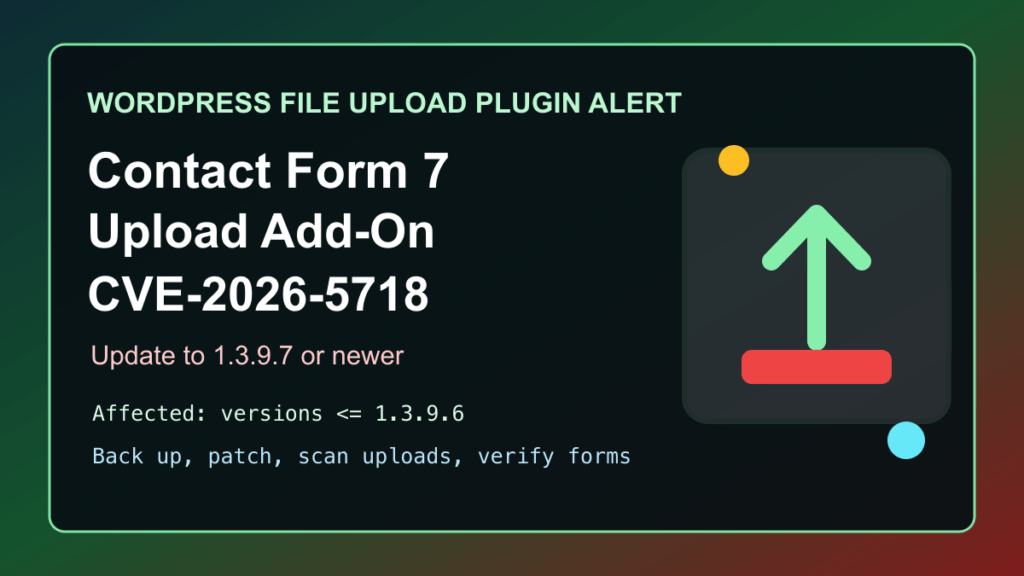
Impact statement: CVE-2026-5718 affects the Drag and Drop Multiple File Upload for Contact Form 7 WordPress plugin. NVD rates it CVSS 8.1 high severity, and WordPress.org lists 1.3.9.7 as the security-fix release for sites that were running 1.3.9.6 or older.
This is a protect-only guide. We are not publishing request details, attack steps, scanner checks, or upload handling internals. The useful answer for site owners is direct: update the plugin, temporarily disable it if you cannot update, review uploaded files and logs, and verify every public form that accepts attachments.
Who Is Affected
- WordPress sites running Drag and Drop Multiple File Upload for Contact Form 7.
- Any site running version 1.3.9.6 or older.
- Sites that use Contact Form 7 forms for resumes, support attachments, quote requests, client uploads, or other public file submissions.
- Agencies and hosting providers managing customer sites where upload plugins may be active on old forms that are no longer reviewed often.
WordPress.org shows version 1.3.9.7 as the current release during this pass, with a changelog entry calling out the security fix. The plugin page also lists about 60,000 active installations, so this is worth checking across managed WordPress fleets instead of waiting for a single customer report.
Exploitation And Attack Status
Patchstack lists CVE-2026-5718 in its recently exploited WordPress vulnerability data, and the individual Patchstack record marks it as high priority. CISA’s Known Exploited Vulnerabilities catalog version 2026.05.22 did not include CVE-2026-5718 during this pass, so treat this as a WordPress ecosystem exploitation signal, not a CISA KEV entry.
The operational risk is that a public file-upload component can become a malware entry point when it accepts files it should reject. That can lead to cleanup work, outbound spam, defaced pages, stolen data, or a full WordPress restore if the site is not caught quickly.
Immediate Admin Checklist
- Check whether Drag and Drop Multiple File Upload for Contact Form 7 is installed and active.
- If the installed version is 1.3.9.6 or older, take a full file and database backup before changing production.
- Update the plugin to 1.3.9.7 or newer from a trusted WordPress update source.
- If you cannot update immediately, temporarily disable the plugin or the affected public upload forms.
- Review administrator users, form settings, recently modified theme/plugin files, and recent file uploads.
- Review uploads, cache, temporary, and form-storage directories for unexpected executable files.
- Run a trusted malware scan or ask the host/security provider to scan the account.
- Clear page cache, object cache, browser cache, and CDN cache after mitigation.
- Retest every Contact Form 7 form that accepts attachments before sending customers back through it.
cPanel, Plesk, And Hosting Notes
For cPanel sites, use WordPress Toolkit or the WordPress dashboard to inventory plugins, then update Drag and Drop Multiple File Upload for Contact Form 7 to 1.3.9.7 or newer. If the dashboard is not reachable, use a controlled hosting-panel method to disable the plugin first, then investigate. Fix I.T. Phill has a separate guide for disabling WordPress plugins with phpMyAdmin.
For Plesk sites, use WordPress Toolkit to check plugin status across subscriptions, apply the update, and then review web server, PHP, and mail logs for unusual activity around form submissions. If the site handles customer documents, preserve evidence before deleting suspicious files.
For agencies and managed hosting providers, search for the plugin by both its display name and its WordPress.org slug. Also check staging copies and dormant customer sites, because older forms often remain reachable long after the business process behind them changed.
Temporary Mitigation If You Cannot Patch
The best fix is the vendor update. If you need time to test, disable file uploads on public forms, remove the form from public pages, or deactivate the plugin until the maintenance window is complete. A WAF or CDN rule can reduce exposure while you patch, but it is not a replacement for updating the vulnerable plugin.
If the site depends on uploaded files, route submissions through a safer temporary workflow such as a helpdesk portal, a protected upload location, or manual intake. Tell staff which forms are paused so they do not assume customer attachments are still arriving normally.
Post-Update Verification
- Confirm the plugin reports version 1.3.9.7 or newer.
- Confirm Contact Form 7 itself is also current.
- Confirm upload forms accept only the file types the business actually needs.
- Confirm uploaded files are not executable from public web paths.
- Confirm form emails, attachment delivery, spam filtering, and notification routing still work.
- Confirm no unknown administrator users, unexpected plugins, or suspicious recently modified files remain.
- Confirm CDN and page cache purges completed and the public page shows the updated form behavior.
If you need help triaging a WordPress site after a file-upload plugin issue, start with the Fix I.T. Phill Help4 WordPress support checklist so you know what logs, backups, and access details to collect before asking for help.