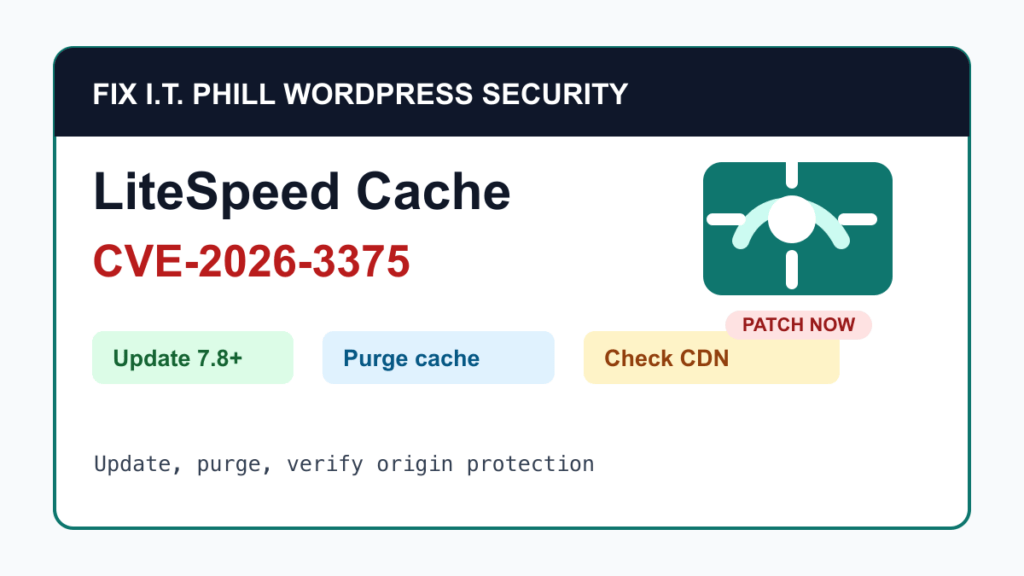
LiteSpeed Cache CVE-2026-3375 is a WordPress plugin security update that site owners should not ignore. LiteSpeed disclosed the issue on May 27, 2026, says the flaw was patched in LiteSpeed Cache for WordPress 7.8, and recommends updating to the latest plugin release immediately. WordPress.org showed LiteSpeed Cache 7.8.1 as the current public plugin version during this pass.
The practical answer is simple: update LiteSpeed Cache, check whether the affected CSS optimization features were enabled, make sure the origin server is not exposed behind QUIC.cloud or Cloudflare, purge cache, and verify the site like a normal WordPress maintenance window.
This is a protect-only guide. It gives site owners, agencies, and hosting teams the safe maintenance path without publishing low-level abuse details.
What Is Affected
- WordPress sites running LiteSpeed Cache versions older than 7.8 should be treated as needing attention.
- LiteSpeed says the issue only affects sites using one or both CSS optimization settings named Generate UCSS and Load CSS Asynchronously.
- LiteSpeed also says the risk depends on an exposed server IP plus a QUIC.cloud- or Cloudflare-related misconfiguration in the site code.
- The plugin is widely used. WordPress.org listed more than 7 million active installations during this pass, so agencies and hosts should inventory fleets instead of assuming this is a small-site-only issue.
What To Update
Update LiteSpeed Cache to 7.8 or newer. If WordPress offers a newer release, use the current release rather than stopping at the first fixed build. At scan time, WordPress.org listed 7.8.1 as the current LiteSpeed Cache version, tested up to WordPress 6.9.4 and requiring PHP 7.2 or newer.
Safe Patch Plan
- Take a fresh backup before changing cache, optimization, CDN, or plugin settings.
- Update LiteSpeed Cache from the WordPress dashboard, WP-CLI, Plesk WordPress Toolkit, cPanel WordPress Toolkit, DirectAdmin tooling, Softaculous, Installatron, or the maintenance platform used for the site.
- Confirm the installed version is 7.8 or newer after the update. The better target is the latest version available from WordPress.org or the site owner’s trusted update channel.
- Purge LiteSpeed Cache, object cache, host cache, and CDN cache after the plugin update.
- Test the public homepage, important landing pages, forms, checkout, account pages, logged-in views, and mobile views.
- Review the LiteSpeed Cache dashboard for warnings, failed optimization jobs, or unexpected CDN connection state.
If You Cannot Update Right Away
If a site cannot be updated immediately, temporarily disable the two affected CSS optimization features, purge cache, and schedule a real update window. Treat this as a short bridge, not a permanent fix. Cache and page optimization plugins sit directly in the visitor experience, so long-term deferral is not a good plan.
CDN And Origin Checks
- If the site uses QUIC.cloud, Cloudflare, another CDN, or a reverse proxy, confirm the origin server is not reachable directly from the public internet unless that access is intentionally controlled.
- Use firewall rules, hosting access controls, and CDN origin-locking options where available so visitors reach the site through the expected edge path.
- Check that DNS records do not expose old origin hostnames or forgotten direct-to-server records.
- Review Cloudflare and QUIC.cloud configuration changes made around the same time as cache or page optimization changes.
- After the update, purge edge cache and verify the site still serves the expected CSS, layout, forms, and ecommerce pages.
Hosting Provider And Agency Checklist
- Search managed WordPress inventories for LiteSpeed Cache and record the installed version.
- Prioritize ecommerce, membership, booking, lead-generation, school, medical, legal, nonprofit, and high-traffic business sites.
- Patch the plugin, clear caches, and verify at least one logged-out page and one sensitive workflow such as checkout, login, form submission, or account access.
- For cPanel, Plesk, DirectAdmin, and managed WordPress customers, check plugin update status from both WordPress and the hosting control panel when possible.
- Tell site owners what changed, what was tested, and whether any CDN or origin exposure cleanup is still needed.
What To Review After Patching
- Look for unexpected WordPress admin users, editor accounts, plugin changes, theme changes, and unusual content edits.
- Review recent security plugin alerts, web application firewall alerts, hosting access logs, and CDN security events at a high level.
- Check pages that use custom CSS, generated critical CSS, landing-page builders, ecommerce templates, or aggressive page optimization.
- If forms or checkout pages collect personal information, confirm they still bypass inappropriate page caching and are protected by normal TLS, privacy, and retention controls.
Exploitation Status
During this pass, CISA KEV did not list CVE-2026-3375, and LiteSpeed said it does not expect frequent abuse because the issue depends on specific settings and misconfiguration. That lowers the panic level, but it does not remove the maintenance duty. A popular WordPress cache plugin with a fixed cross-site scripting vulnerability deserves a same-day update and verification pass.
Fix I.T. Phill Recommendation
If LiteSpeed Cache is installed, check the version today. Update to 7.8.1 or newer when available, purge cache, verify the site, and review CDN origin exposure. If the site handles orders, accounts, quotes, appointments, registrations, donations, or other personal information, treat the post-update verification as part of the security work, not as optional polish.
Related Fix I.T. Phill Guides
- How to Set Up LiteSpeed Cache for WordPress
- How to Clear and Test WordPress Cache and CDN
- How to Plan a WordPress Update Window Without Breaking the Site
- How to Check WordPress Backups and Restore Points
- How to Add Business Features to WordPress: Complete Plugin Setup Guide
- Help4 Network hosting and website support