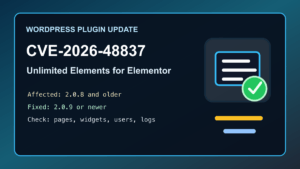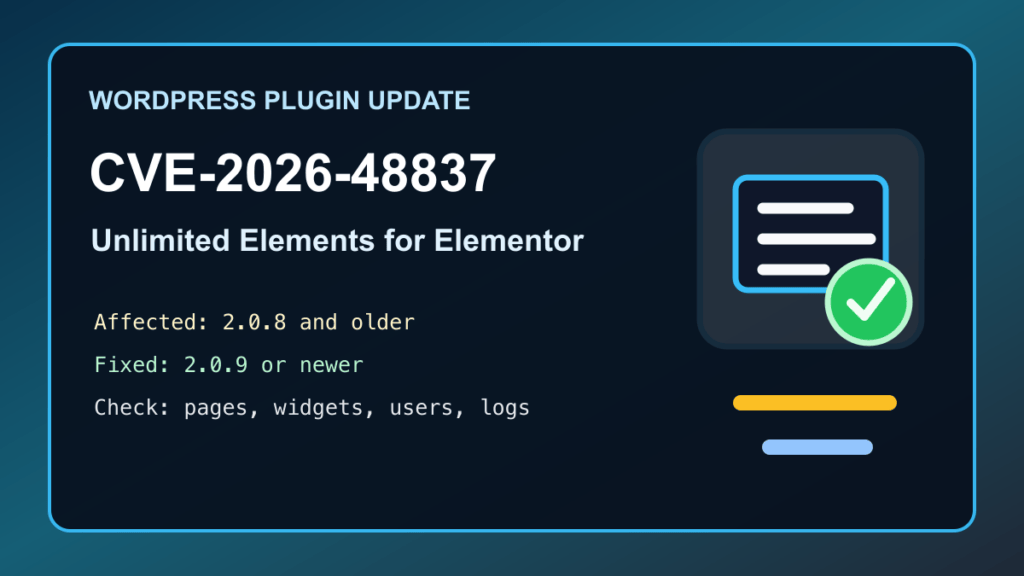
June 4, 2026 update: Patchstack published CVE-2026-48837 for Unlimited Elements for Elementor, a popular WordPress add-on pack for Elementor sites. If the plugin is active on your site, update it before handing editor access back to clients, staff, or outside contributors.
Plain-English impact: Patchstack lists affected versions as Unlimited Elements for Elementor 2.0.8 and older, with the issue fixed in 2.0.9. Patchstack scores the issue at CVSS 8.5 and lists the required privilege as Contributor, while also assigning a Low Patchstack priority. That means this is not the same emergency profile as an unauthenticated remote takeover, but it still matters on business sites where client, author, contractor, or agency accounts exist.
WordPress.org currently shows Unlimited Elements for Elementor 2.0.10, 300,000+ active installations, and compatibility tested up to WordPress 7.0. The clean admin answer is simple: do not leave production sites on 2.0.8 or older.
Who should check this
- WordPress sites running Elementor plus Unlimited Elements for Elementor.
- Agency-managed sites where clients, authors, marketers, or contractors can create or edit content.
- WooCommerce stores using Elementor widgets, filters, product layouts, landing pages, or custom templates.
- Managed WordPress, cPanel, Plesk, and WHM hosting accounts where plugin updates may be delayed by a staging or approval workflow.
- Older sites where the plugin is installed but the actual Elementor widgets are no longer used.
Safe update path
- Back up the site first. Include files, database, uploads, plugin settings, and a restore point from your host or backup system.
- Check the current plugin version. In WordPress, review the installed version for Unlimited Elements for Elementor before making changes.
- Update to 2.0.9 or newer. Since WordPress.org currently lists 2.0.10, most public-directory installs should update to that current release.
- Update Elementor-related plugins together when practical. Stale Elementor, theme builder, and add-on combinations are where visual breakage usually starts.
- Clear caches after the update. Purge page cache, object cache, CDN cache, and managed-host cache layers so visitors are not seeing old generated output.
- Review editor-level accounts. If a site has many Contributor, Author, Editor, agency, or contractor users, confirm each account still belongs there.
- Remove unused add-ons. If Unlimited Elements was installed for one widget that is no longer used, retiring the plugin may be cleaner than carrying another moving part.
What to verify after updating
- Elementor pages still open in the editor and render on the public site.
- Menus, accordions, sliders, galleries, filters, forms, WooCommerce widgets, and landing pages still behave normally.
- Important customer pages return public 200 OK responses after cache purge.
- Checkout, forms, search, account pages, and lead funnels still work if those pages use Elementor widgets.
- No unexpected admin users, unfamiliar editor accounts, suspicious plugin changes, or unexplained database changes appear during review.
- Error logs are clean enough to show normal post-update behavior rather than new PHP fatals or JavaScript breakage.
Hosting and agency notes
Hosts and agencies should inventory sites for Unlimited Elements for Elementor, especially where Elementor add-ons are bundled into starter templates, inherited client builds, or white-label maintenance plans. A WAF or virtual patch can reduce risk while a site waits for a maintenance window, but it is not the final fix. The final fix is updating, disabling, or removing the vulnerable plugin version.
If a client site has accumulated several Elementor add-on packs, this is also a good moment to simplify. Keep the add-ons that are actually used, remove the ones that are not, and document which pages depend on which builder features. For simple business-site layouts, a smaller maintained builder stack, including Help4 Builder Suite where it fits the job, can be easier to govern than a pile of overlapping widget packs.
Sources
- Patchstack advisory for CVE-2026-48837
- Unlimited Elements for Elementor on WordPress.org
- Patchstack vulnerability history for Unlimited Elements for Elementor
Need help updating a WordPress or Elementor site safely? Fix I.T. Phill can help back it up, patch it, check the public pages, and clean up old builder/plugin clutter.