


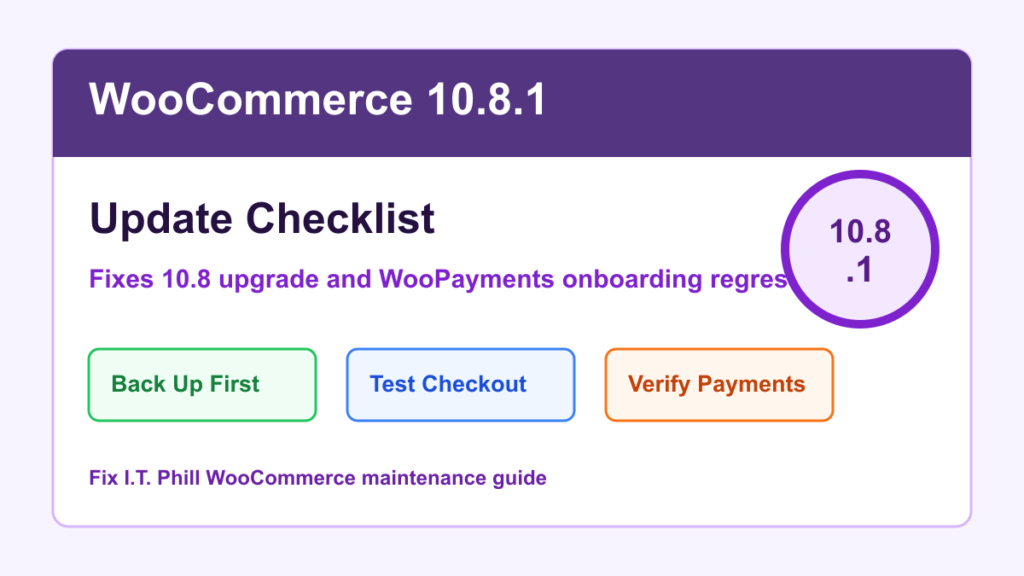
WooCommerce 10.8.1 is a small update with a practical store-owner reason to move. WooCommerce released 10.8.1 on May 28, 2026, after two issues showed up in 10.8.0: a WooPayments onboarding crash for new merchants and a fatal PHP error that could appear during in-place upgrades from WooCommerce 10.7 to 10.8.
This is not a security emergency. It is an operations update. If your store already moved to WooCommerce 10.8.0, or you were about to update from 10.7, plan a normal maintenance window and go straight to 10.8.1.
What WooCommerce 10.8.1 Fixes
- WooPayments onboarding: WooCommerce says 10.8.1 restores the legal entity type dropdown in the WooPayments onboarding flow for new merchants.
- In-place upgrade cleanup: WooCommerce says 10.8.1 fixes a fatal PHP error that could appear during an update from 10.7 to 10.8 because a new class was referenced before the in-process autoloader refreshed.
- Upgrade result: WooCommerce notes the upgrade itself still completed, but the fatal error was visible and logged. The point release makes the update path cleaner.
- Version target: WordPress.org lists WooCommerce 10.8.1 as the current stable tag, with WordPress 6.9 or newer and PHP 7.4 or newer required.
Who Should Update First
Prioritize stores that are on WooCommerce 10.8.0, stores that need to onboard WooPayments, and stores preparing to update from WooCommerce 10.7. Agencies and hosting teams should also check client sites where an update window was paused because the 10.8.0 upgrade showed a fatal error message or logged a confusing upgrade issue.
If the store is busy, has custom checkout code, uses subscriptions, memberships, bookings, tax plugins, shipping-rate plugins, or payment gateway extensions, treat this like any other WooCommerce maintenance window. Back up first, test staging if available, and verify checkout after the update.
Before You Update
- Confirm the current WooCommerce version under Plugins or WooCommerce System Status.
- Confirm the site is on WordPress 6.9 or newer and PHP 7.4 or newer before expecting WooCommerce 10.8.1 to be a clean target.
- Back up both files and database. For active stores, make sure the database backup timing makes sense for recent orders.
- Check payment, tax, shipping, subscription, membership, booking, and cache plugin updates before changing WooCommerce.
- Pause broad plugin updates if WooCommerce is the only change you need to make. Smaller change windows are easier to troubleshoot.
- If you use staging, update staging first and run a complete checkout test.
Safe Update Path
- Put the store in a low-risk window. Avoid campaign sends, major product launches, and high-order periods.
- Take or confirm a backup. Include database, uploads, plugins, themes, and any custom checkout or integration code.
- Update WooCommerce to 10.8.1. Use the normal WordPress update screen, WP Toolkit, a managed host updater, or another approved maintenance workflow.
- Clear cache carefully. Purge page cache, object cache, and CDN cache while keeping cart, checkout, account, and payment callback exclusions intact.
- Review the WooCommerce database update prompt. If WooCommerce asks to run a database update, do it during the maintenance window and watch for completion.
- Test the store before calling it done. Check product pages, cart, checkout, payment method display, coupon behavior, shipping and tax display, order emails, account pages, and admin order screens.
WooPayments Checks
If the store uses WooPayments or is onboarding WooPayments for the first time, test that onboarding can move past business and legal entity selection. Existing stores should also confirm the WooPayments dashboard loads, payment methods display at checkout, and test-mode payment flows behave as expected.
For stores not using WooPayments, this part of the release may not matter. The in-place upgrade fix still matters if the site is moving through the 10.7 to 10.8 path.
What To Watch After Updating
- New fatal errors in the WordPress debug log, hosting error log, or WooCommerce status logs.
- Checkout pages showing stale assets after cache purge.
- Payment methods missing at checkout.
- Order emails failing after the update window.
- Cart fragments, mini-cart, or checkout blocks behaving differently with the active theme.
- Unexpected issues in subscription renewals, booking checkout, membership access, or shipping/tax calculations.
Rollback Notes
If the store breaks after the update, do not guess through multiple plugin changes at once. Check the logs, disable only the conflicting extension if you can prove the conflict, and restore from the pre-update backup if checkout, payment, or order management is not reliable. For active ecommerce sites, preserve any orders created after the backup before rolling back.
Fix I.T. Phill Recommendation
For most WooCommerce stores, the practical target is simple: skip 10.8.0 and update to 10.8.1 during a controlled maintenance window. The release is small, but it touches update confidence and payment onboarding. That is enough to justify a clean backup, a checkout test, and a short maintenance note for whoever owns the store.
Related Fix I.T. Phill Guides
- How to Plan a WordPress Update Window Without Breaking the Site
- How to Check WooCommerce Orders After Maintenance
- How to Check WordPress Backups and Restore Points
- How to Test a WordPress Staging Site Before Launch
- How to Clear and Test WordPress Cache and CDN
- Help4 Network hosting and website support
Sources Checked
- WooCommerce Developer Blog: WooCommerce 10.8.1 Dot Release
- WooCommerce Developer Blog: WooCommerce 10.8.0 Release Notes
- WordPress.org Plugin Directory: WooCommerce
- WooCommerce Documentation: How to update WooCommerce
- WooCommerce Documentation: System Status Report
- WooCommerce Documentation: Testing payments

