WordPress 7.1 is planned for August 19, 2026. That is not a reason to update a production site early. It is a reason to use the next few weeks to make the eventual update boring: verify backups, test the editor and critical workflows in staging, and set expectations for anyone who publishes or supports the site.
What WordPress 7.1 is planning
The official roadmap describes continued work in the Site Editor, collaboration, media handling, revisions, responsive styling, and the admin experience. Planned items can change before final release, so treat the roadmap as a testing checklist rather than a promise that every feature will arrive unchanged.
Prepare before the release
- Confirm a restorable backup of both files and database, then test recovery away from production.
- Record active plugins, theme version, PHP version, custom code, caching layers, and any WooCommerce, membership, form, or booking workflow.
- Update staging so it represents production. Test the editor, login, contact forms, checkout, transactional email, search, media upload, scheduled tasks, and mobile layout.
- For block themes, review key templates, global styles, template parts, and any custom Site Editor workflow. Test the brand identity controls and media paths your editors actually use.
- Ask plugin and theme vendors about 7.1 compatibility only where there is a real custom dependency. Avoid installing prerelease software on a revenue site just to chase a roadmap feature.
Plan the maintenance window
Choose a low-risk window after the final release and after essential extensions confirm compatibility. Keep a rollback owner, a customer notice, and a short acceptance checklist. If the site uses a CDN or host cache, plan an origin-first test followed by cache purge and logged-out public verification.
What to verify after updating
- Homepage, a representative page and post, search, login, forms, checkout, and account pages.
- Site Editor templates, responsive styling, navigation, logo, favicon, and media uploads.
- Analytics, SEO titles and canonicals, robots rules, XML sitemap, cache behavior, and an external browser session.
- Email delivery, scheduled jobs, and any integration that connects WordPress to a CRM, payment provider, booking system, or fulfillment tool.
Related WordPress support
- WordPress Support: Fix, Maintain, Migrate, and Secure Your Site
- Plan a WordPress Update Window
- Test a WordPress Backup Restore
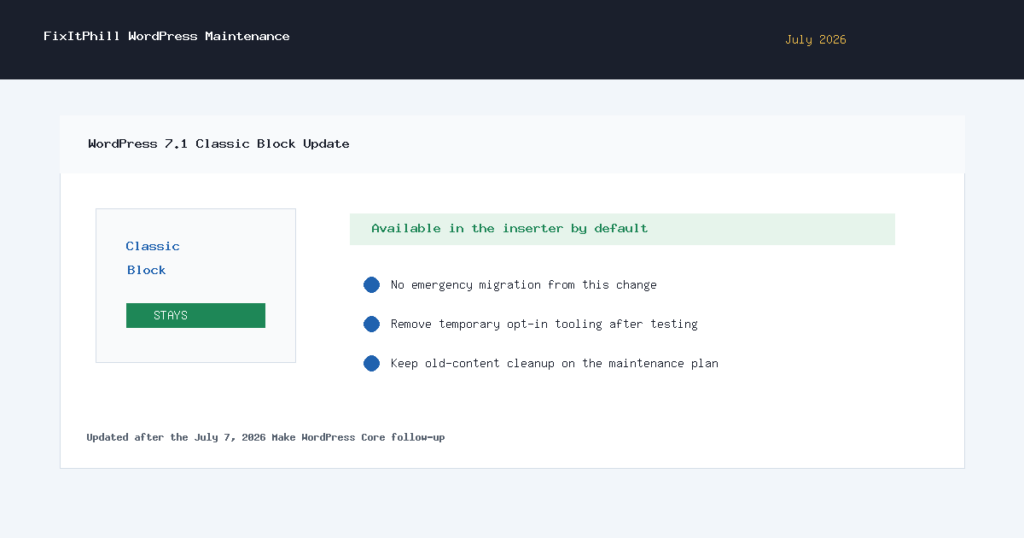
- WordPress 7.1 Classic Block Update