Ubuntu USN-8533-1: Patch OpenSSH on Ubuntu Servers
Ubuntu USN-8533-1 updates OpenSSH for eight CVEs. Protect the workload, apply Canonical packages through the approved process, and verify normal server access.
Learn More
Ubuntu USN-8533-1 updates OpenSSH for eight CVEs. Protect the workload, apply Canonical packages through the approved process, and verify normal server access.
Learn MoreUbuntu USN-8532-1 fixes high-severity libssh2 CVE-2026-58050. Inventory client-library copies, back up the workload, apply Canonical updates, and verify dependent services.
Learn MoreRabbitMQ CVE-2026-57219 affects certain OAuth-enabled management deployments. Back up, update to the fixed branch release, rotate the related credential, and validate broker health.
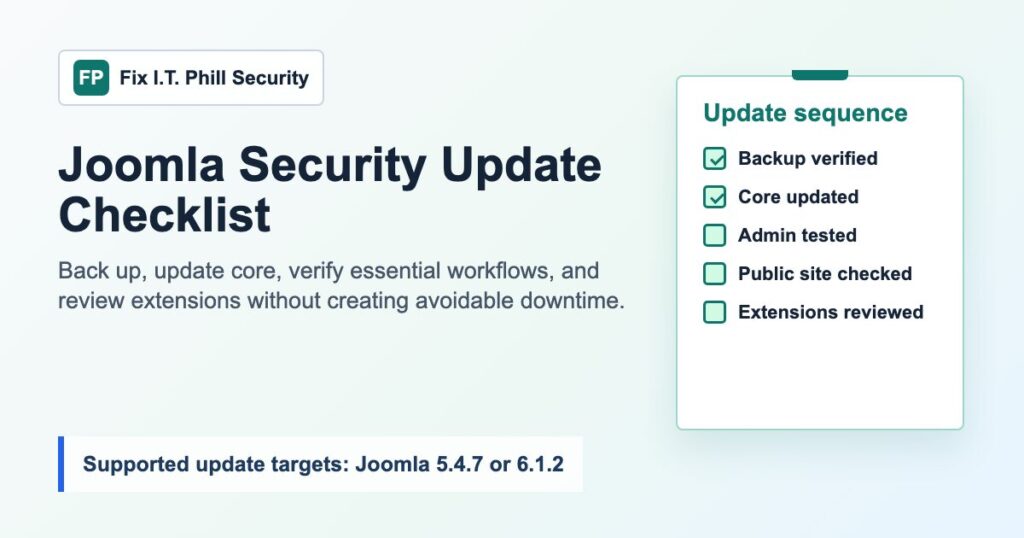
Learn MoreUse this backup-first Joomla security update checklist to move supported sites to 5.4.7 or 6.1.2, test core workflows, and review extensions separately.
Learn MoreReview Twill CMS CVE-2026-15518 with a backup-first Laravel CMS checklist for package versions, media uploads, storage review, and staged updates.
Learn MoreReview Coolify CVE-2026-15507 with a backup-first self-hosted server checklist for versions 4.1.1 and older, access controls, tokens, deployments, logs, and hosted apps.
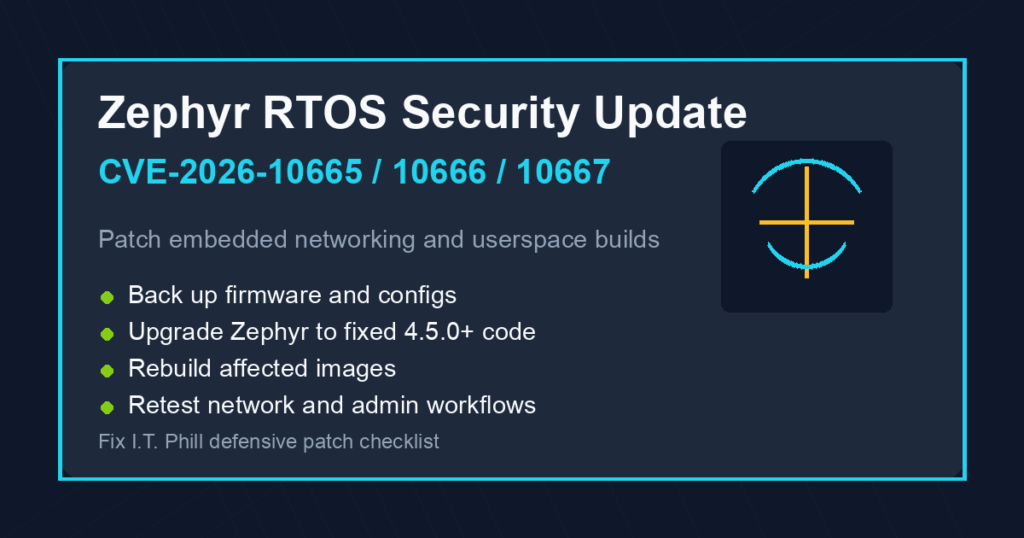
Learn MorePatch Zephyr RTOS CVE-2026-10665, CVE-2026-10666, and CVE-2026-10667 with backup-first firmware inventory, rebuilds, rollout planning, and safe verification.
Learn MorePatch TYPO3 CVE-2026-49741 and CVE-2026-49740 with backup-first updates, Form Framework checks, cache purge, and backend-permission review.
Learn MorePatch Zimbra 10.1.19 for the Classic Web Client security fix, then verify backups, webmail, mail flow, proxy cache, and mailbox activity.
Learn MoreBefore EasyApache, PHP, Apache, curl, or cPanel security updates, verify WHM backups, retention, destinations, and restore paths.
Learn More